
520 Technology CSS Templates

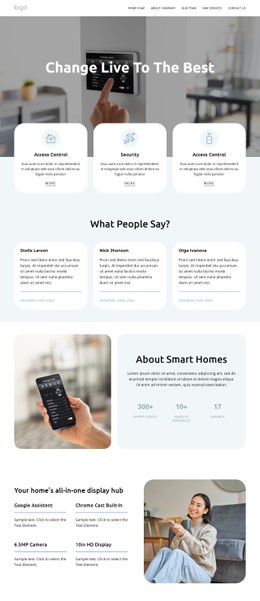
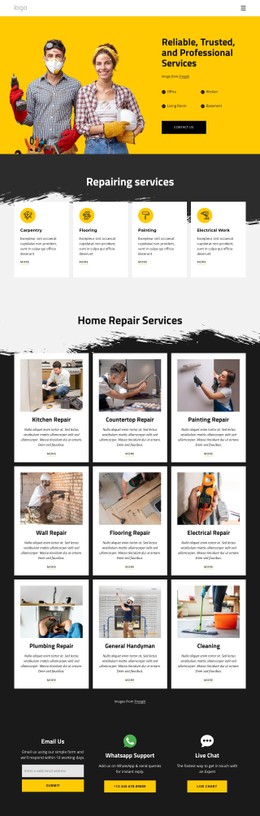


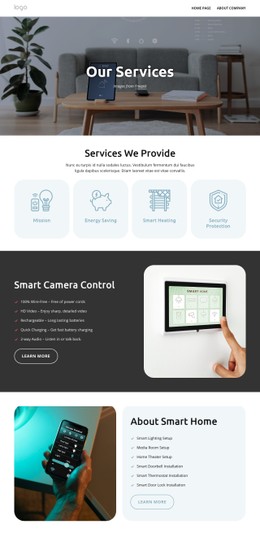
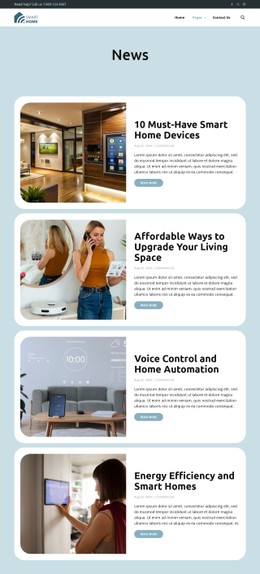



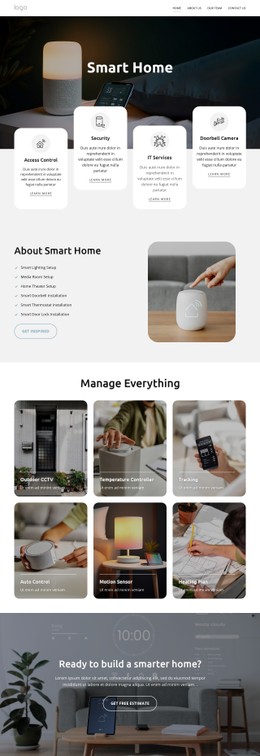
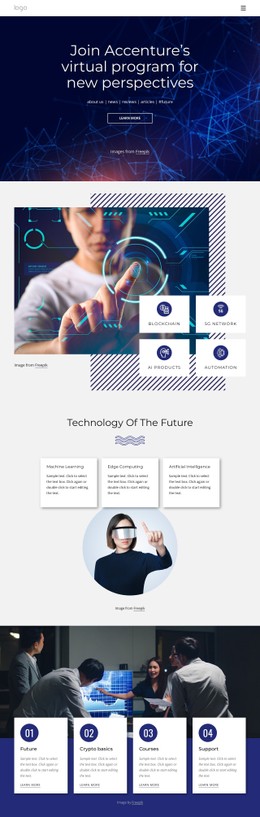







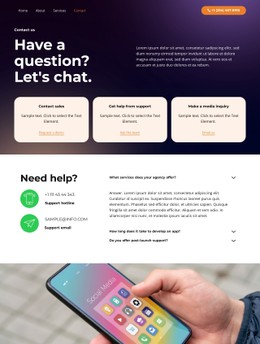
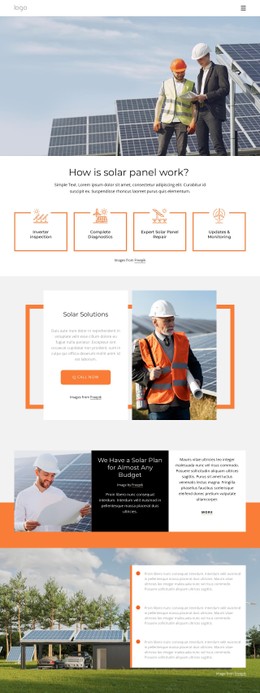
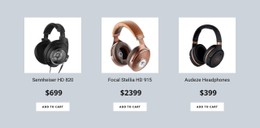
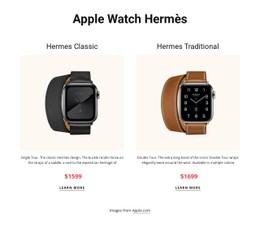

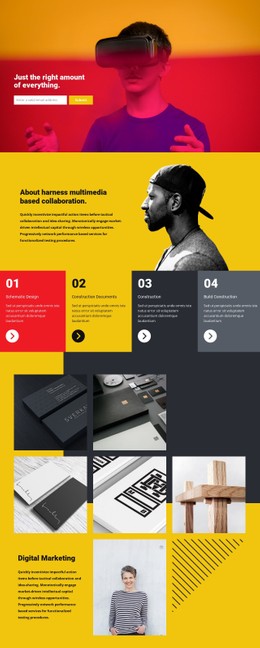
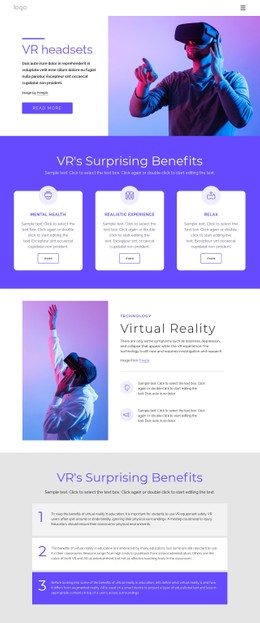



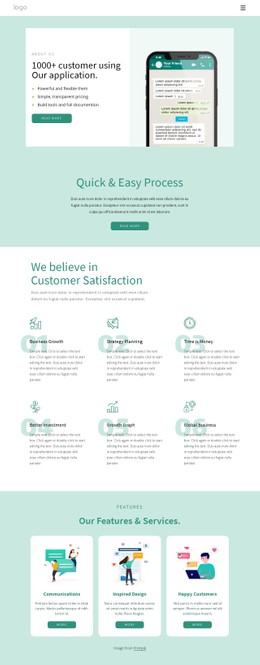
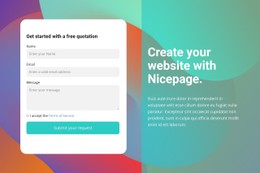






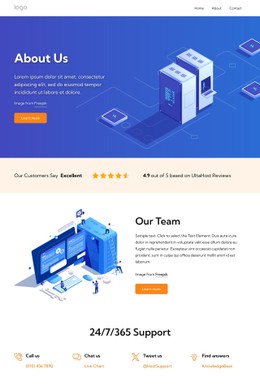
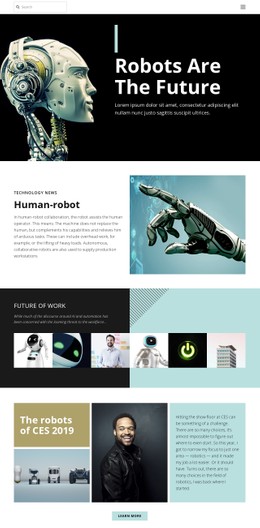

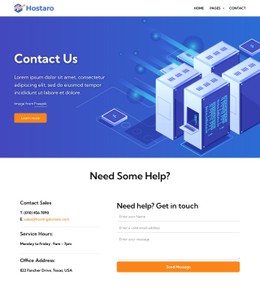
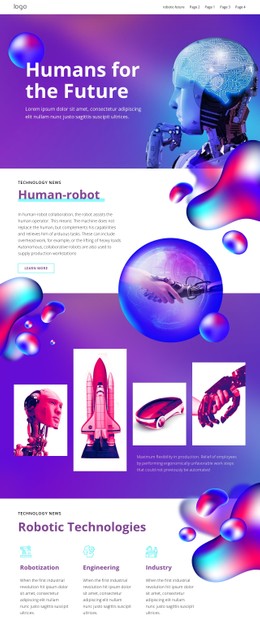




















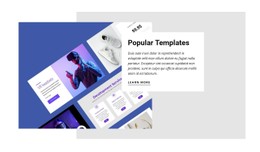

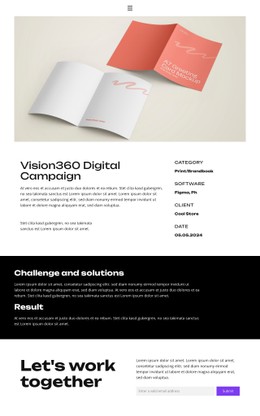


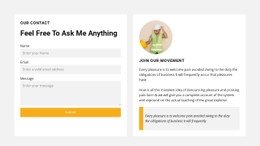


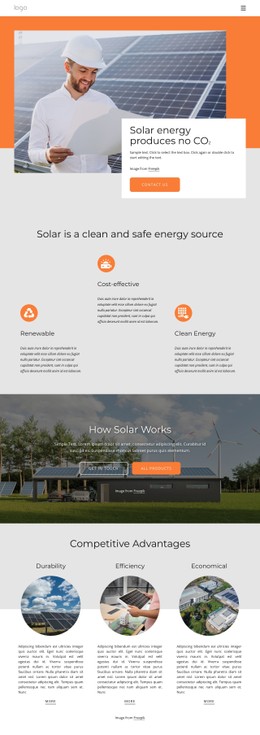




Flexible Technology CSS Templates for Software and Interactive Products
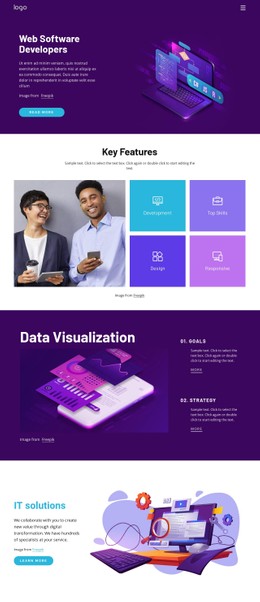
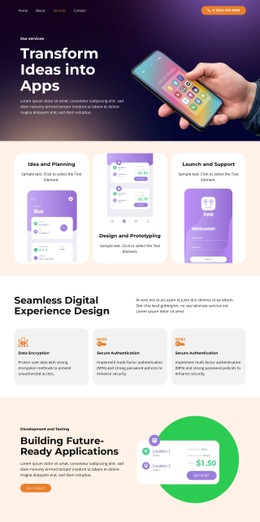
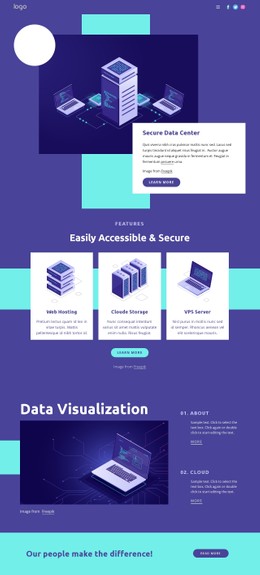
Technology CSS templates give SaaS teams, software vendors, interactive products, and digital services a visual styling system for responsive product pages. They provide a practical base for interface previews, feature groups, pricing content, and technical sections while the team retains control over layout rules and final presentation.
What Makes Advanced Technology CSS Templates Effective?
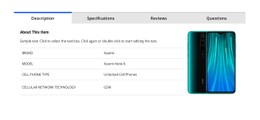
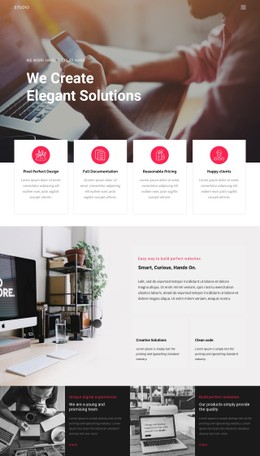
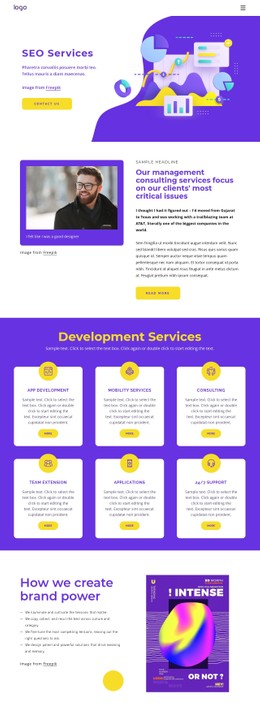
If you run a SaaS product, clear feature grids matter. Dense dashboard layouts may need compact KPI cards, status and data states, technical tables, or comparison grids that remain readable without becoming visually heavy. Interactive platforms often require responsive interface controls and clearer feedback states, while billing services depend on readable plan, account, and usage sections. Software vendors also need adaptive layouts that keep complex interface content consistent across devices.
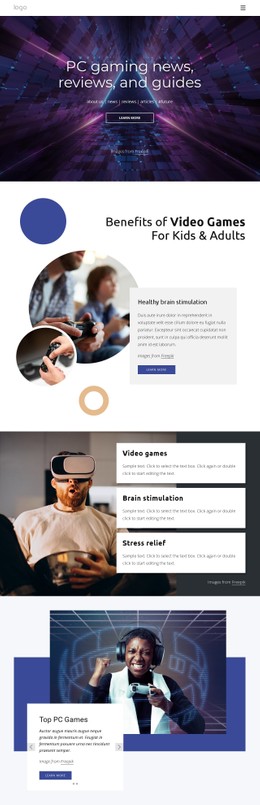
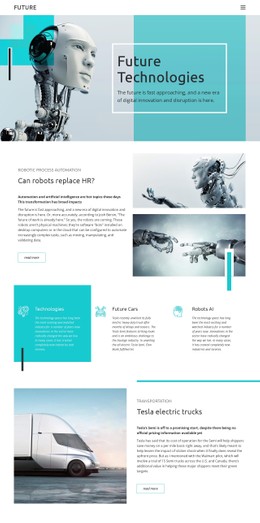
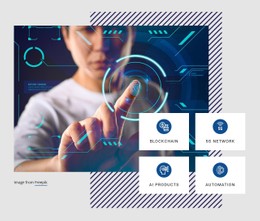
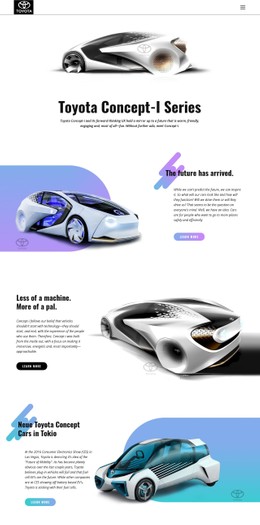
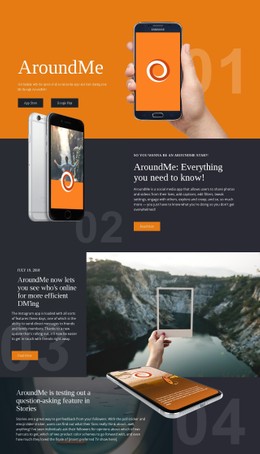
For products where motion and interface behavior play a central role, an interactive technology direction can establish a useful visual starting point. Nicepage then lets you open that concept in the visual page editor and refine its responsive structure rather than edit every visual rule manually.
Customizable CSS Features for Technology Pages
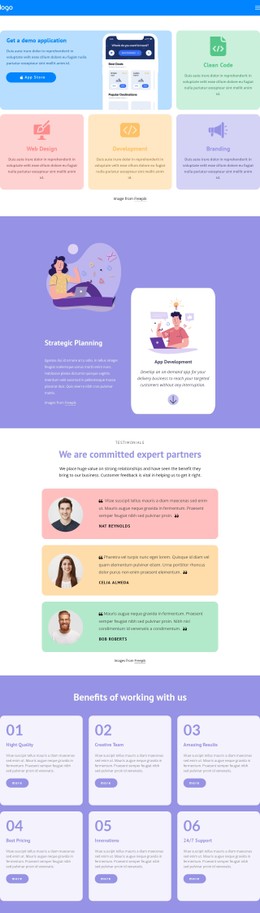
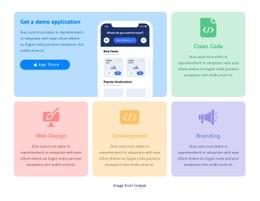
Grid Element provides responsive cells for capabilities, integrations, pricing options, or software modules, with cells able to move below one another on smaller screens. Edit Mobile Views lets you inspect and adjust layouts for desktop, laptop, tablet, and phone modes. Element Properties provide direct visual control over individual components.
Custom CSS extends those controls when a product requires additional styling rules for an element, a page, or the entire site; Nicepage documents this in its Custom CSS controls. Hide On Devices can remove secondary visual elements from selected Responsive Modes instead of deleting them from the project.
Export Minimal CSS Per Page creates a separate stylesheet containing only the rules required for that page when the option is enabled. The minimal CSS export option is especially relevant for technology sites with several pages that use different product structures.
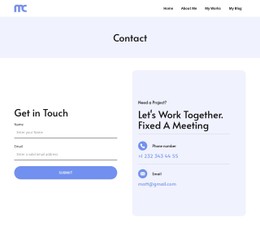
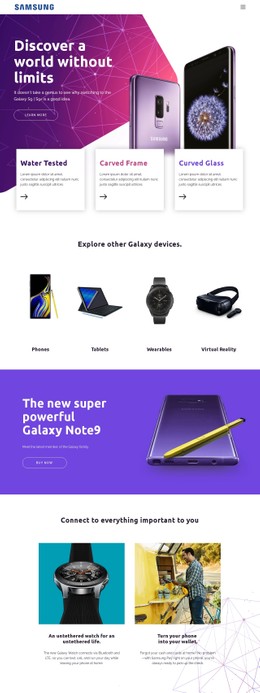
A subscription or finance product can connect pricing tables and account-oriented sections with a billing design direction. More experimental software can borrow visual cues from a galaxy-inspired technology concept, as long as gradients and decorative elements don't reduce contrast or technical readability.
Professional Technology CSS FAQ
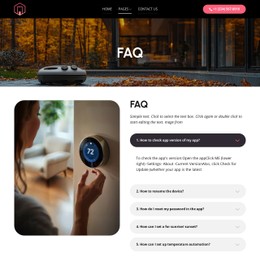
Do Nicepage technology layouts support mobile performance and Core Web Vitals?
Yes. Nicepage generates lightweight HTML/CSS structure and optimized elements intended for fast loading and smooth rendering on mobile and desktop. Responsive design choices and media handling still matter when you prepare the final technology site.
Can I add custom CSS rules to a technology website?
Yes. Nicepage lets you add custom CSS to individual elements, a page, or the whole website. Use it when the standard visual controls don't cover a specific styling requirement.
Can I remove decorative technology elements only from phone layouts?
Yes. Use Hide On Devices to hide selected Elements, Boxes, Grid Cells, or Blocks in specific Desktop or Mobile Views without deleting them in other Responsive Modes.
No-Code Styling with Developer-Ready CSS Output
Ready to control the visual layer without rebuilding each page by hand?
- Select a technology design and open it in Nicepage.
- Refine Grid structure, responsive views, product styling, and any required custom rules.
- Enable the appropriate export settings and prepare the site for publishing or external hosting.
You can start for free and keep visual editing accessible while still retaining CSS-level control where the project requires it.





















































