
330 Layered Images CSS Templates














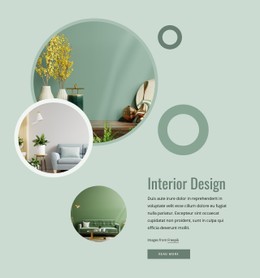




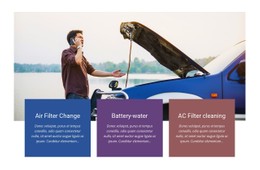






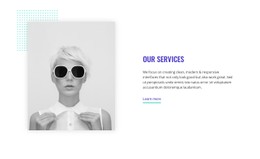
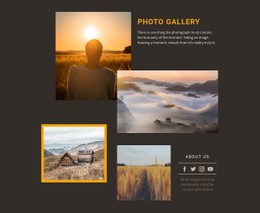

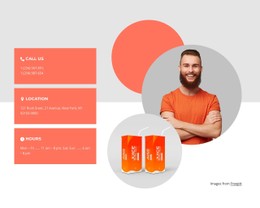




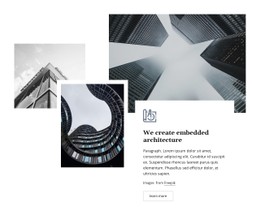






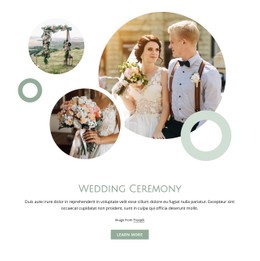

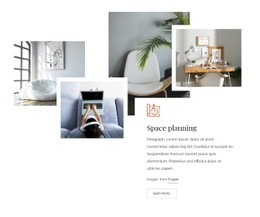


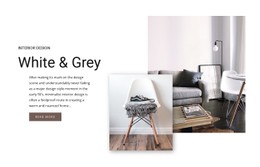




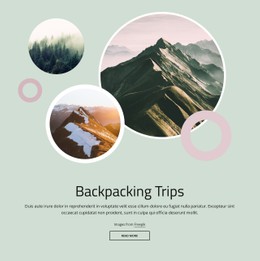





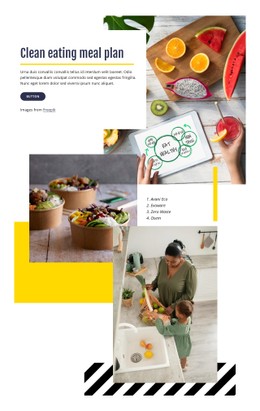






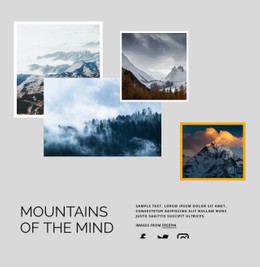






































Customizable Layered Images CSS Templates for Ready-Made Visual Layouts
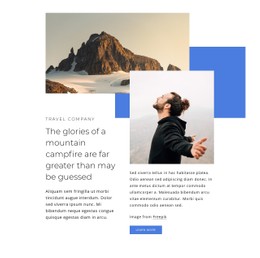
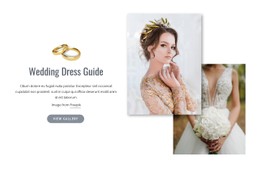
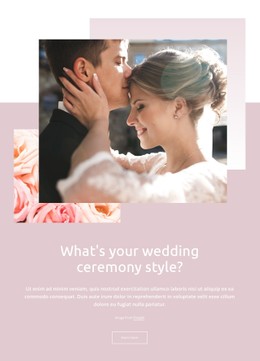
Layered Images CSS Templates provide ready-made layered compositions with visual relationships already established between the main and supporting images. Start from the prepared layout, replace the visuals, refine spacing and styling with the available design controls, and use Custom CSS only when a specific detail needs extra adjustment.
Choose a Ready-Made Layered Composition
Different CSS templates create depth through different combinations of dominant images, supporting visuals, overlap, spacing, and contrast.
When comparing options, look at:
- Main and supporting image balance.
- Amount of overlap between visuals.
- Spacing around layered edges.
- Background contrast behind the composition.
- Responsive behavior at narrower widths.
Customize the Composition With Visual Controls
After choosing a ready-made layout, use the Nicepage editor to refine how the layered section looks. Background color, whitespace, image treatment, borders, corner styling, and text placement can all change the visual balance without rebuilding the composition.
The Image Element supplies the individual visuals used in this type of section. Replace the placeholder images first, then adjust the surrounding styling if the new content changes the balance.
Useful refinements may include:
- increasing or reducing overlap;
- changing space around the focal image;
- adjusting background contrast;
- refining borders or corner treatment;
- improving text clearance near the image group.
Use Custom CSS Only for Extra Refinement
Nicepage supports Custom CSS when the visual controls do not cover a specific project requirement. It works best as a secondary refinement layer rather than the main way to build the section.
Custom CSS can help with a targeted detail such as extra spacing, a project-specific image offset, or a responsive adjustment that goes beyond the standard controls. The ready-made layered composition should remain the foundation.
Keep the Layout Responsive
At smaller widths, the composition may need different spacing or image placement. Adjust the section so the main visual remains clear, supporting images stay secondary, and text remains readable rather than trying to preserve every desktop detail.
Layered Images CSS Template FAQ
Can I add Custom CSS to a Layered Images template in Nicepage?
Yes. Nicepage supports Custom CSS when additional styling or project-specific positioning is needed.
What styling details matter most in a Layered Images CSS Template?
Focus on overlap, spacing, background contrast, image treatment, borders or corners, and responsive behavior. These visual details most directly affect how the layered composition reads.
Can I replace the images before adjusting the styling?
Yes. Replacing the visuals first is often useful because different image proportions and crops can change how much spacing or overlap the final composition needs.
How is a Layered Images CSS Template different from a general CSS example?
It starts from a ready-made visual composition that you can customize in the editor. CSS is an optional addition for project-specific refinements, not the main focus of the section.
Start With a Prepared CSS-Oriented Composition
Choose a ready-made layered composition that already fits the intended visual relationship. Replace the images, refine spacing and styling in the Nicepage editor, and use Custom CSS only when the project needs an additional targeted adjustment.






















































