
370 Cars & Transportation CSS Templates



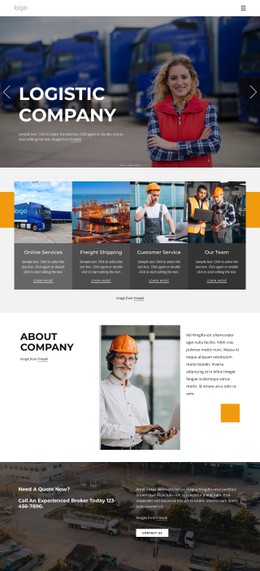
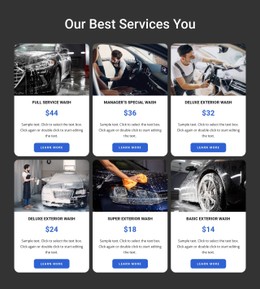
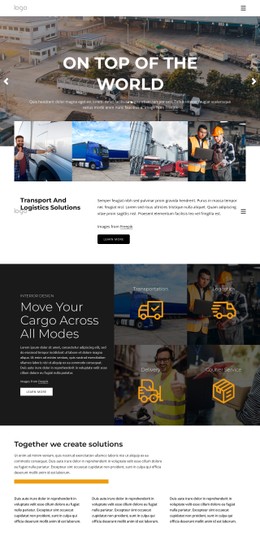

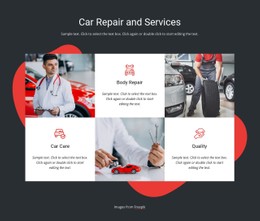


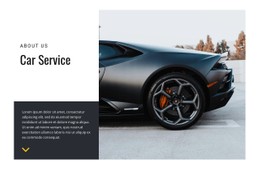
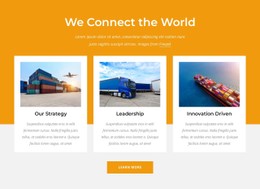
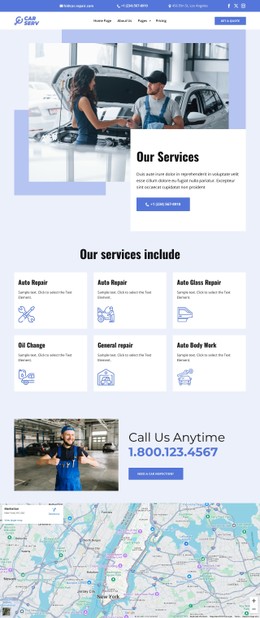
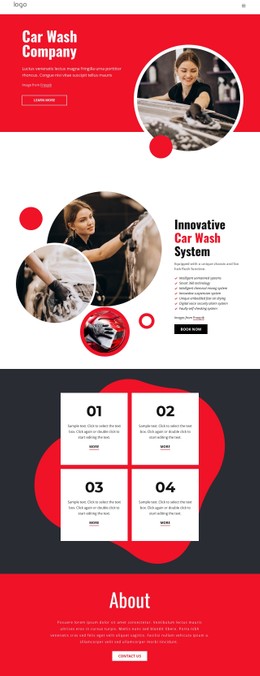
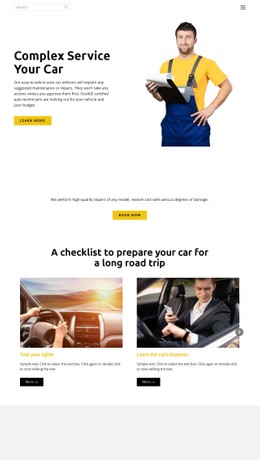
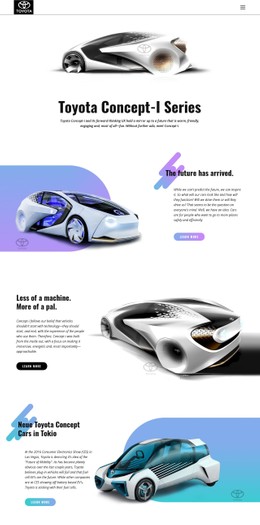

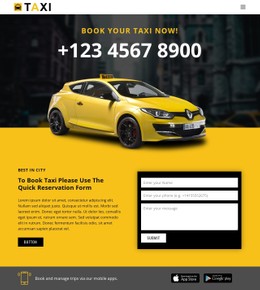
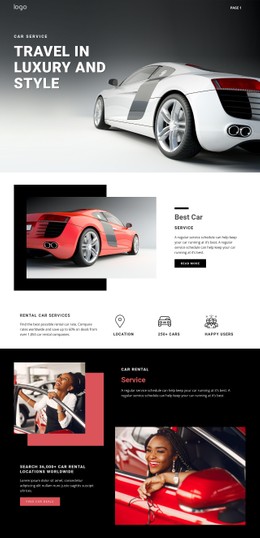



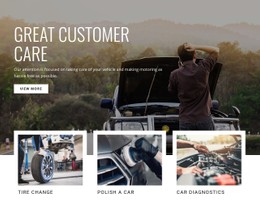


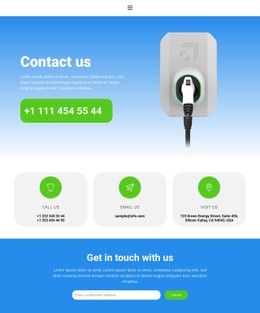
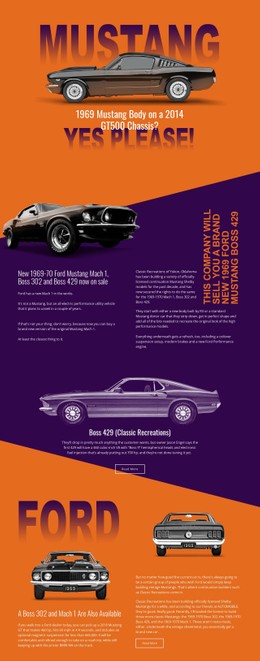
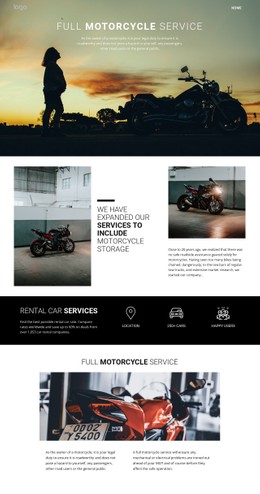

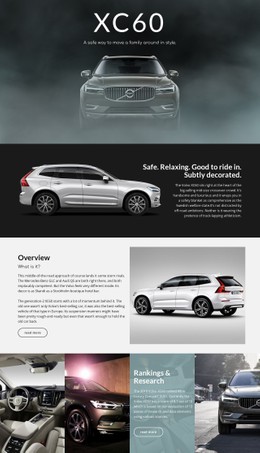
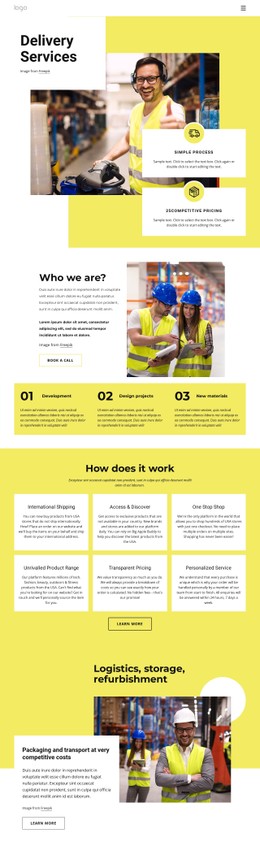

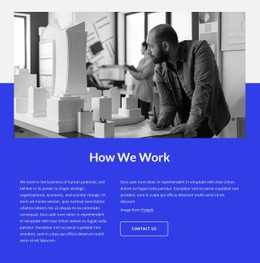
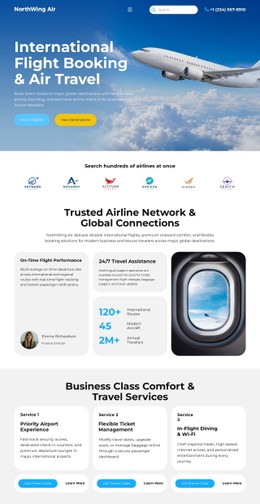
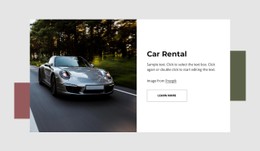

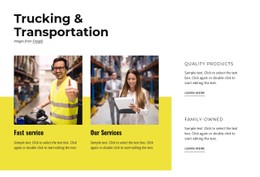


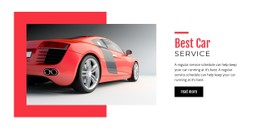
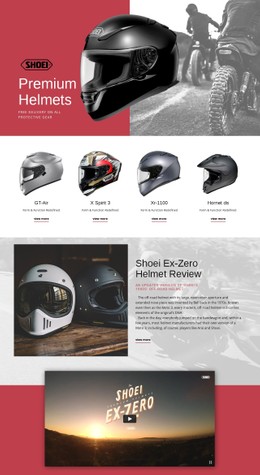














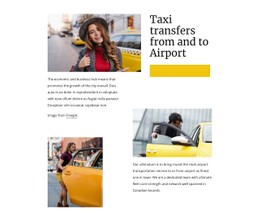

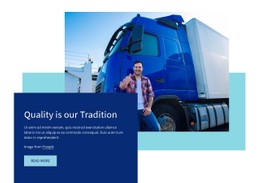
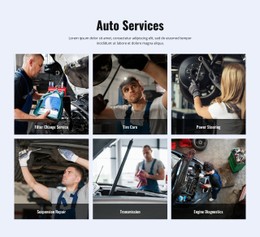
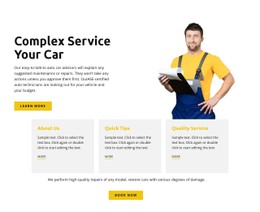

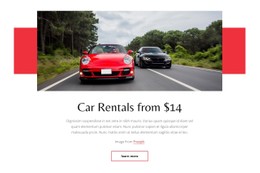
Customizable Cars & Transportation CSS Templates
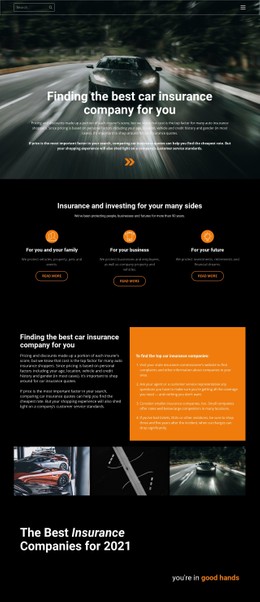
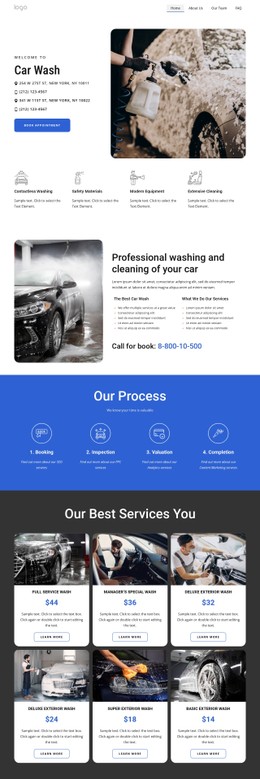
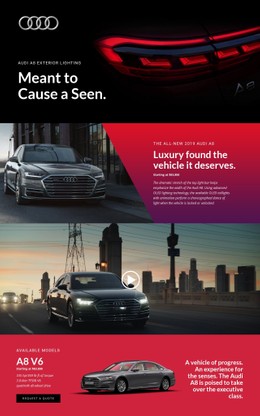
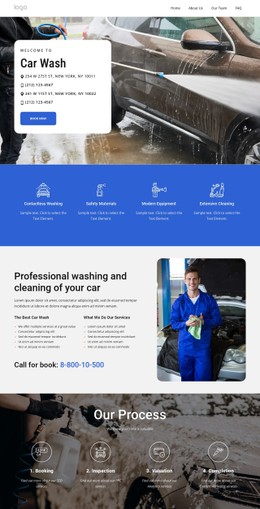
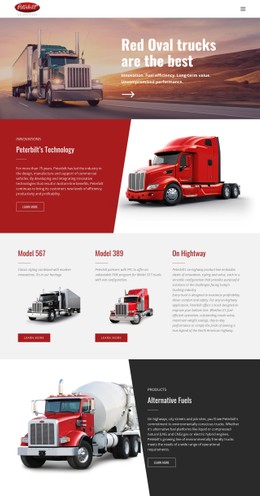
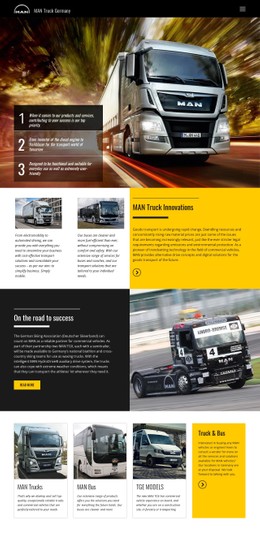
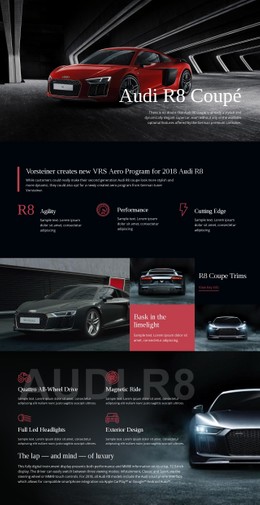
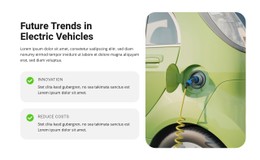
Cars and transportation CSS templates give automotive businesses a ready-made visual foundation for vehicle, service, route, and contact pages. Dealers, motor services, roadside businesses, and transport operators can begin with an established layout, then adapt its presentation layer to match real content and brand requirements, rather than styling every component from scratch.
Choose the Layout Before You Customize the Styling
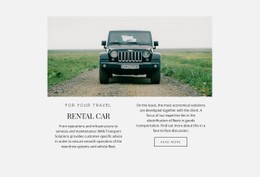
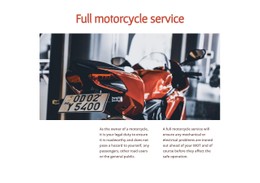
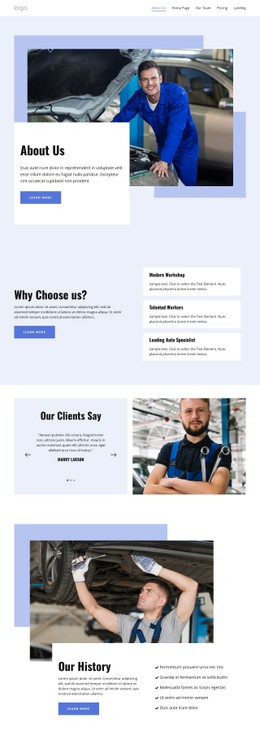
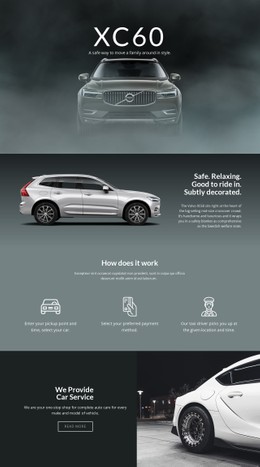
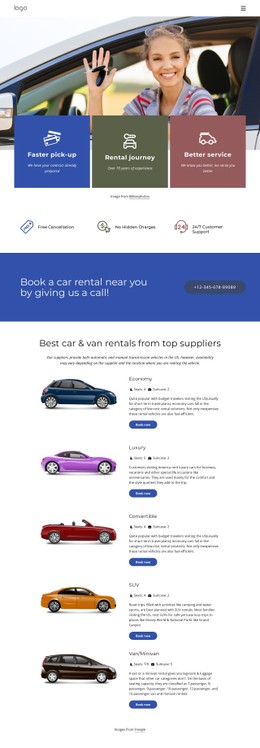
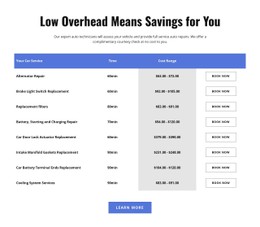
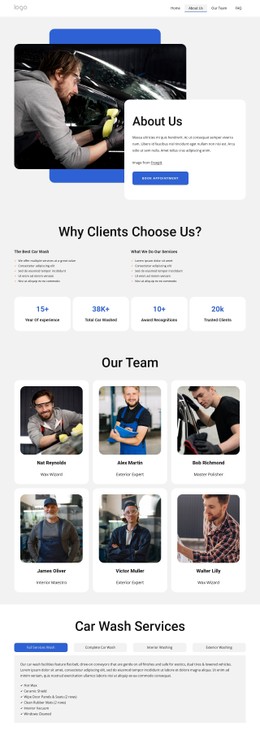
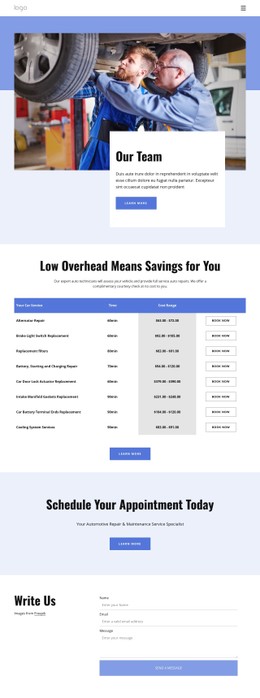
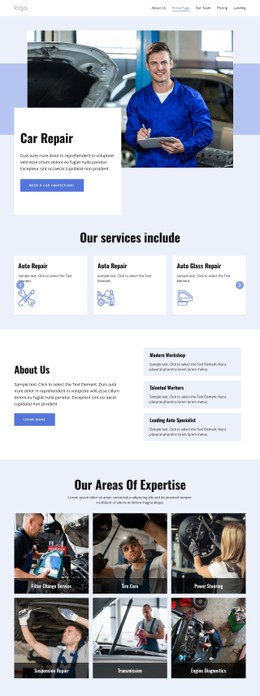
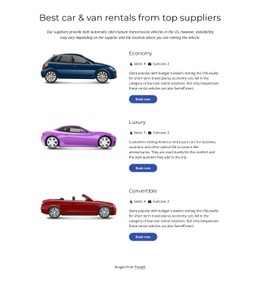
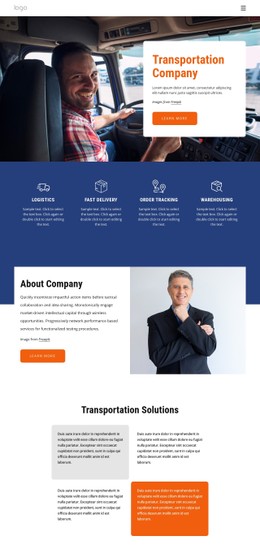
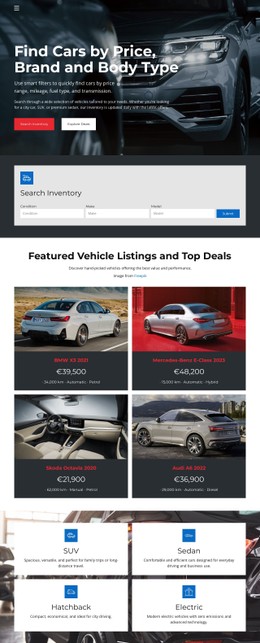
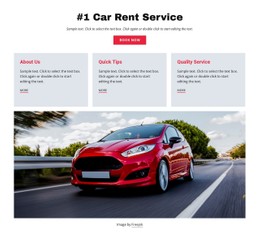
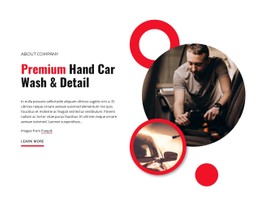
The starting template should already fit the automotive use case. A dealer may need vehicle cards, model filters, price or inquiry actions, and a strong image hierarchy. A motor-service business may need repair categories, workshop information, service packages, and booking paths. Roadside or transport businesses may prioritize routes, support information, locations, and customer contacts.
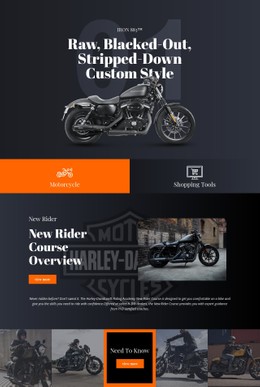
A motor website direction can narrow the collection toward parts, services, motorcycles, or performance-focused presentation. Road website ideas can guide route information, roadside assistance, and transport-oriented sections.
Once the content structure is in place, CSS-oriented customization can refine how the ready-made design looks and behaves across devices.
Styling Options in a Ready-Made Automotive Template
Useful CSS controls are properties of the selected layout rather than the page's purpose.
- Vehicle-card styling: keep image ratios, typography, badges, buttons, and specification labels consistent across repeated items.
- Typography and spacing: adjust type scale, gaps, padding, and section rhythm so dense inventory or service content stays readable.
- States and classes: reuse visual rules for hover, active, selected, or highlighted actions without rebuilding each element separately.
- Responsive styling: breakpoints and grids can adapt multi-column content to smaller screens. The Responsive Websites Fast With Grid documentation explains the responsive grid workflow.
Nicepage lets you refine standard elements visually and add custom CSS rules when you need extra control. The documented Custom CSS workflow allows you to add CSS to individual elements, a page, or the whole website.
Adapt the Design Without Turning It into a CSS Exercise
Custom CSS Code can add classes to an Element through Page Settings and the Property Panel. 80+ Grid Layouts provide varied responsive structures, while Export Minimal CSS Per Page can create a page-specific stylesheet containing only the rules required for that page.
For a dealer project, dealer website ideas can help you choose a suitable starting layout for inventory cards, premium vehicle presentation, used-car offers, finance information, or inquiry actions before adjusting the styling.
The goal is to keep the template recognizable as a complete automotive design while giving the team enough control over its presentation layer to fit the brand.
Automotive CSS Template Questions
What should I look for in an automotive CSS template?
Choose a ready-made layout that already fits the main business scenario, such as vehicle inventory, repair services, roadside support, or transport information. Then check whether its visual rules and responsive behavior are flexible enough for your content.
How can vehicle cards stay consistent in a CSS template?
Use repeated styling for image proportions, typography, specification labels, badges, spacing, and buttons. Individual vehicle information can change while the shared presentation remains consistent.
Can I assign custom CSS classes to vehicle or dealer elements?
Yes. Custom CSS Code lets you add CSS classes to an Element, write CSS in Page Settings, and assign the class in the Property Panel.
Can an automotive CSS layout adapt to mobile screens?
Yes. Responsive grids and styling controls can adapt multi-column vehicle or service sections for smaller screens while keeping key information readable and in order.
Should visual polish or usability come first on an automotive CSS site?
Usability comes first. Styling should make vehicle, route, or service information easier to scan and support clear customer actions, not compete with them.
Start with the Template, Then Refine the Presentation
Choose a ready-made automotive CSS template that matches the site's purpose, then adapt its colors, typography, spacing, states, grids, and responsive styling to your real content. You can start for free, customize the project in the Online Builder or Desktop App, and publish or export through a supported workflow when the site is ready.


















































