110 Slider CSS Templates































































































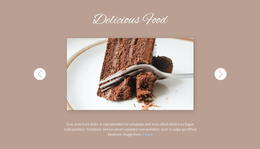





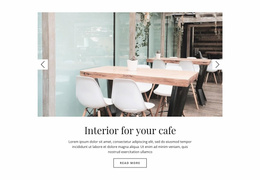

Slider CSS Templates With Ready-Made Visual Styles
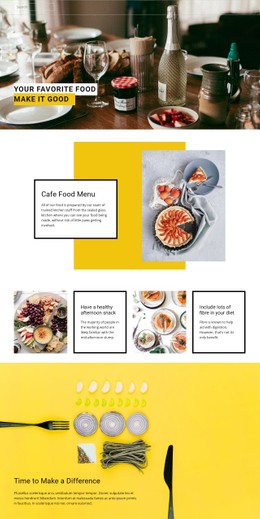
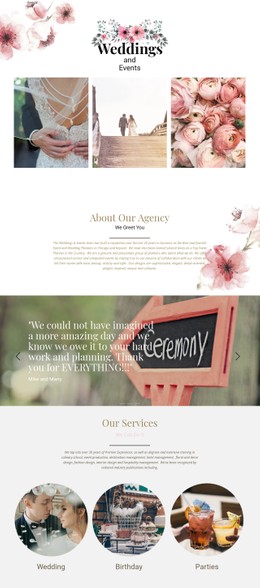
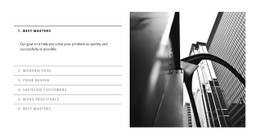
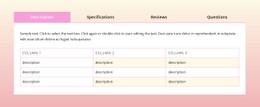
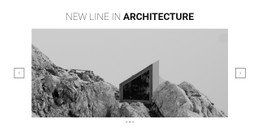
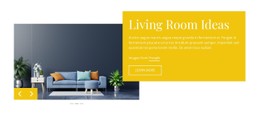
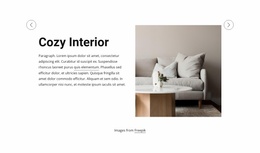
Slider CSS Templates offer ready-made Slider compositions distinguished by their visual styling. Compare restrained and expressive treatments through their color palettes, typography, backgrounds, contrast, and appearance of navigation controls. CSS here describes the presentation of existing designs rather than a promise of separate CSS-only slider components.
CSS influences the typography, spacing, background treatment, arrows, indicators, and visual transitions of a Slider. These presentation choices can change the look of otherwise similar slide sequences. The controls’ switching behavior is a separate functional matter; styling alone should not be presented as the full interaction logic.
Compare Slider Styling and Control States
- Restrained controls use subtle arrows and indicators without obscuring slide content.
- High-contrast navigation remains visible against both light and dark backgrounds.
- Image overlays support readable text over changing photographs.
- Typography-led treatments organize longer headings through type scale and spacing.
- Minimal slide framing uses simple borders and deliberate whitespace.
Review the same Slider style across several states: an arrow over a dark photograph, an indicator showing the active slide, and a longer headline wrapped over a background. Those state-specific details are central to CSS-oriented template selection.
Evaluate Controls and Slide Appearance
The Slider Element includes settings for arrow appearance, indicators, and slide presentation. Look at their colors, sizes, spacing, and visible states in the existing design. CSS-related appearance can support the interaction without replacing the Slider Element’s functional navigation.
Responsive styling can alter text scale, padding, arrow positions, and indicator spacing as the viewing area narrows. Inspect these details in the ready-made composition. Visual transitions may be styled, but CSS appearance is not the complete logic that switches slides.
Personalize a Selected CSS-Oriented Design
Nicepage provides visual styling options, while Custom CSS can extend styling in supported contexts. That possibility is secondary to choosing the right design. Custom code is not required to evaluate the layout, and the category does not promise CSS-only interactivity or standalone CSS source files.
Compare whether the style remains coherent across dark and light slides, including navigation states and any visible transitions. CSS styling defines the presentation, while the Slider component manages the sequence of content.
Slider CSS Templates FAQ
How do I compare CSS Slider designs?
Compare their visible styling, slide proportions, background treatment, and navigation alongside your intended content.
Are these necessarily CSS-only sliders?
No. CSS describes styling, and a template in this category should not be assumed to provide CSS-only behavior.
Which style suits testimonials?
For text-heavy slides, prioritize quotation type scale, line spacing, and control contrast across active and inactive states.
Can I adapt the colors of a chosen design?
Nicepage supports visual appearance editing, and additional styling may be available through its supported Custom CSS feature.
Select the Visual Style That Fits
Use the ready-made Slider layout as the foundation. The strongest choice already has appropriate content space, navigation contrast, and overall visual tone for the page where it will appear.