
140 Sale CSS Templates






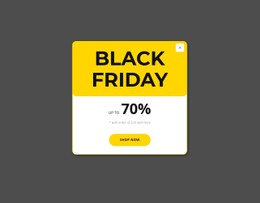
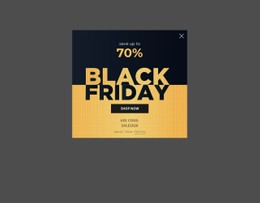
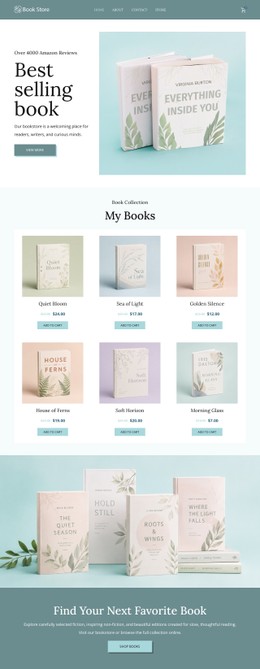






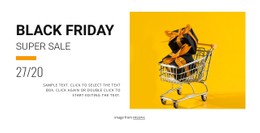
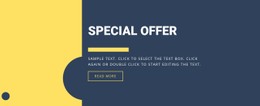





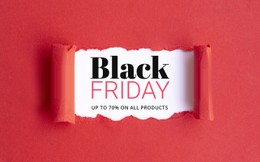


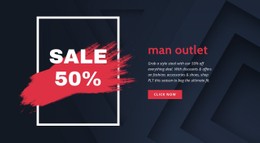




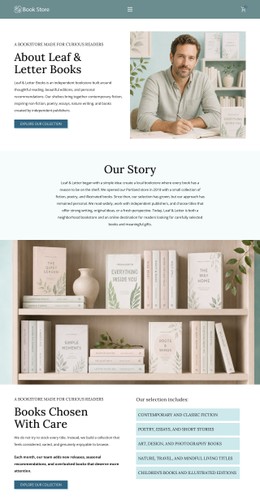
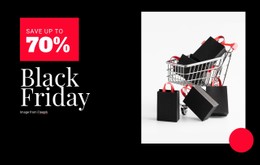





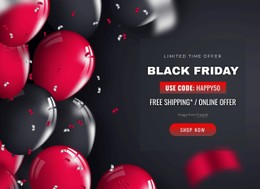


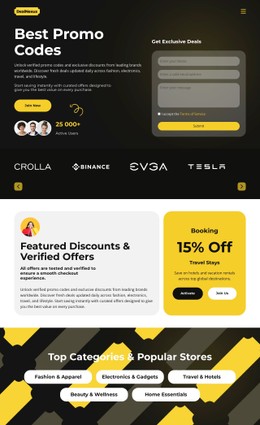


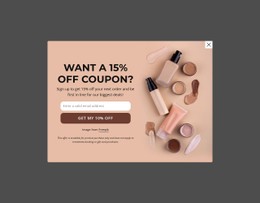







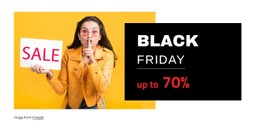



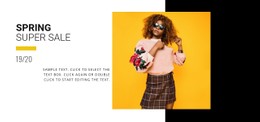

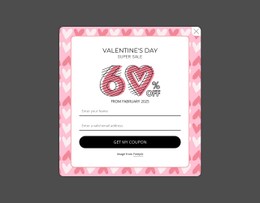


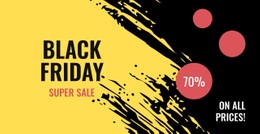




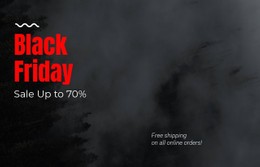










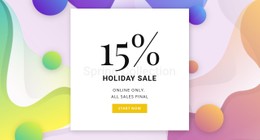

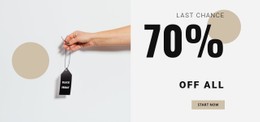






















Responsive Sale CSS Templates for Retail Campaign Styling
For retail marketers and ecommerce teams, sale CSS templates keep campaign visuals consistent across offer blocks, product cards, and CTA states. Teams can preserve brand rules across screens while developers retain page-level CSS control for custom adjustments.
What Makes a High-Performance Sale CSS Template Effective?
If you manage seasonal retail offers, the layout should emphasize clear pricing and use repeatable product cards. For an outlet campaign, discount labels should stay readable across devices. When a developer handles deployment, predictable style rules and a clear visual hierarchy make the handoff easier.
A strong retail promotion direction helps define where offer labels, product grids, and purchase cues need the most contrast. Flexbox/Grid layout logic, responsive design, and restrained style rules can support the campaign without letting decorative CSS overpower the offer. A sale CSS page should keep that hierarchy stable from the hero to the checkout cue.
Flexible CSS Controls for Sale Pages
Page-level output
- Export Minimal CSS Per Page creates a separate CSS file with only the styles required by that page. The Export Minimal CSS Per Page option can reduce unnecessary style output.
- Custom CSS Code lets you write CSS in Page Settings and assign classes to elements from the Property Panel.
Responsive retail controls
- Grid Element places campaign content in responsive cells that move one under another on smaller screens.
- Edit Mobile Views lets teams refine desktops, laptops, tablets, and phones separately.
- Button Element supports CTA states for purchase, coupon, or category actions.
For a selling-focused campaign, this sale CSS page workflow keeps the visual structure inside the design software while custom CSS rules remain available for campaign-specific refinements. Each retail CSS layout can preserve reusable offer styles without handcrafted code.
Ready-to-use Styling Practices for Retail Campaigns
Set hierarchy before extra style rules. Use CSS to reinforce price contrast, spacing, button states, and responsive behavior. Nicepage supports custom CSS for individual elements, pages, or the whole website, so scope can match the requirement.
For a customer-focused sale experience, prioritize readable typography and purchase cues over decorative effects.
Modern Sale CSS Questions
Do Nicepage sale layouts support mobile performance and Core Web Vitals?
Yes. Nicepage generates clean, lightweight HTML/CSS structure and optimized elements intended for fast loading and smooth rendering on mobile and desktop.
Should visual effects take priority over usability on a retail sale page?
No. Usability should come first. A sale page still needs clear offers, readable content, and an obvious path toward the intended action.
Can I reduce the amount of CSS exported for a single sale page?
Yes. Export Minimal CSS Per Page can generate a separate CSS file containing only the styles necessary to display that page. Enable the option in Site Settings.
SEO friendly Sale CSS Workflow for Faster Deployment
Keep the visual campaign and technical output in the same workflow: - Choose a sale design concept that fits the products and discount structure. - Open it in the Online Builder or Desktop App, refine the responsive layout, and add custom CSS only where the campaign needs it. - Export the supported output or publish online when the page is ready; start for free if you want to test the workflow first.





















































