
Musician HTML Templates
A demo without clear credits leaves booking managers unsure who played which part. These musician HTML templates pair track names, performance roles, and playable audio in reusable sections for singer-songwriters and session artists.
-
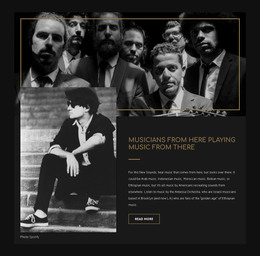
-

-
-
-
-
-
Free Website Builder SoftwareDownload
-
-
-
-
-
-
-
-
-
-
-
-
-
-
-
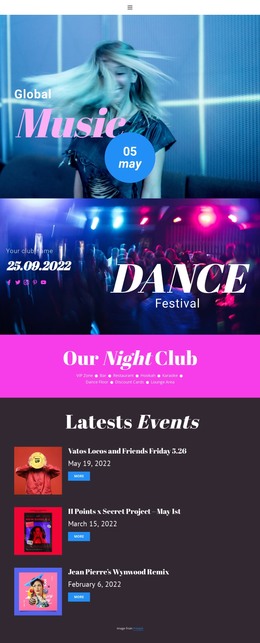

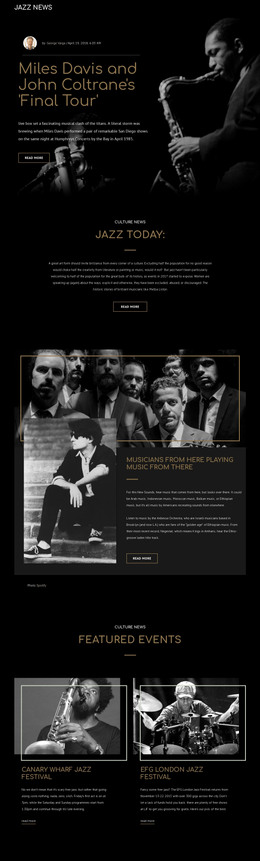
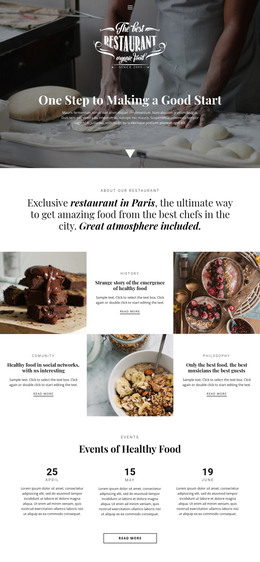





More HTML Templates from Music & Entertainment Category


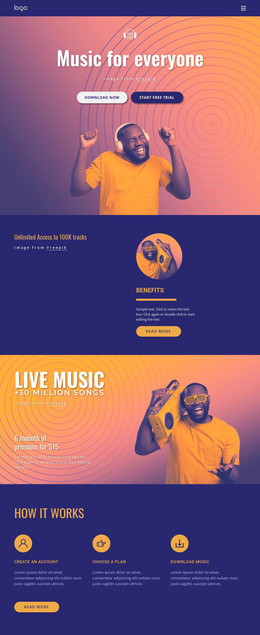



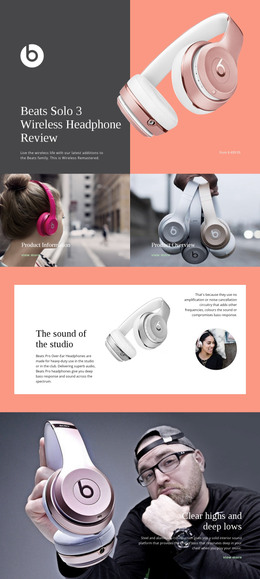

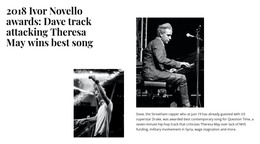
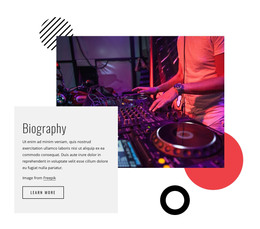




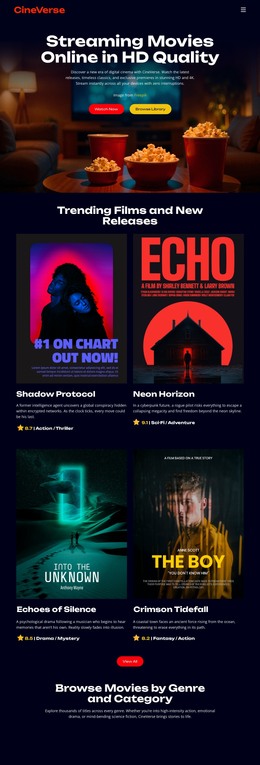

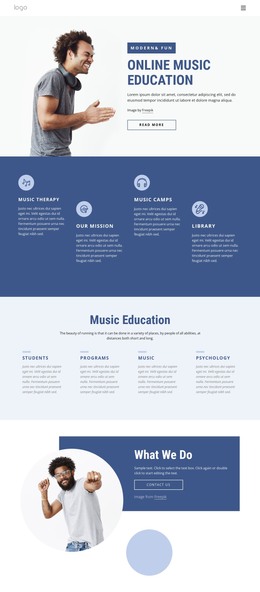
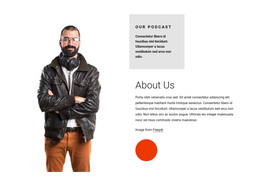
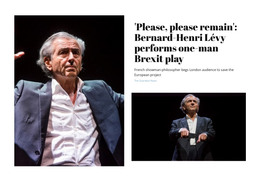
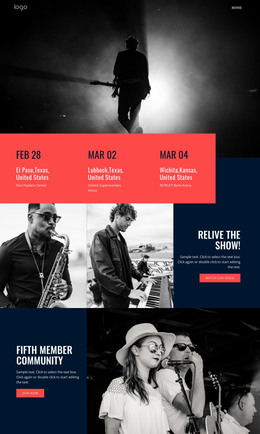
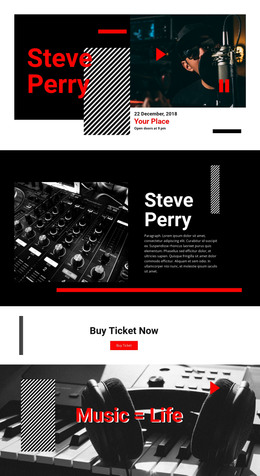
Other Music & Entertainment HTML Templates
Editable Musician HTML Templates
This collection of musician HTML templates covers everything from a jazz band's recordings to a single page for a saxophonist. Each design gives you a starting layout for your photos, credits, and audio samples in Nicepage. Replace the sample material, export the result as HTML with its supporting files, and place it on your own server. You do not need to write code to build the page, but you can still open the exported files for direct edits when a track, image, or link changes.
Select Sections Around the Recordings
A large stage photo can introduce an artist, but it should not bury the music. When choosing a design, check how a template positions its audio blocks, track titles, and performance credits. A session player may need several short examples, each naming the instrument and role, while a band can feature its latest single alongside a live recording. Use the existing sections where possible instead of building a new layout for every excerpt.
If you want to compare designs, test one solo track and one collaboration. Insert titles, cover art, featured performers, and brief listening notes. A suitable HTML layout keeps this information visible beside each player even with long titles. A template with decorative space but too little room for recording details may require more editing than it saves.
Audio Blocks and Exported Files
Where a layout includes sound, keep the player beside the track title and credits. Nicepage's Audio Element instructions explain how to add a file and display the track and artist names. Audio does not play in Quick Preview or Browser Preview in the desktop app, so test it in the online builder or after upload. Always keep descriptive text visible even when a clip cannot load.
Nicepage exports HTML alongside the images and other files the page needs. Before moving those files to a server, check that the audio sources and image paths still point to the right locations. Open the published page and play each excerpt, including on a phone. If you use an embedded player, check that it loads separately.
Check the HTML on Small Screens
On a narrow screen, side-by-side blocks usually stack, so check the order of artwork, player, and credits. Keep track names readable and listening links within easy reach. Then load the demo with your real material, such as press photos, last year's EP, and recordings from recent sessions. Choose the layout that presents the music clearly, needs the fewest additional blocks, and leaves you with files you can maintain yourself.