Best Headphones HTML Template


Edit Template Offline
2. Create new page and search for id 24145
Edit Template Online
Create Awesome Websites


Free Nicepage Builder
Keywords
The hero, comparison sections, and conclusion form a finished article page
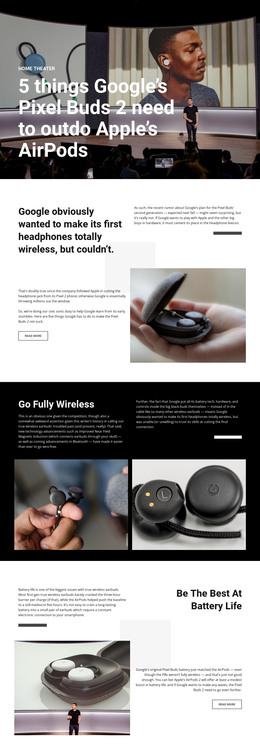
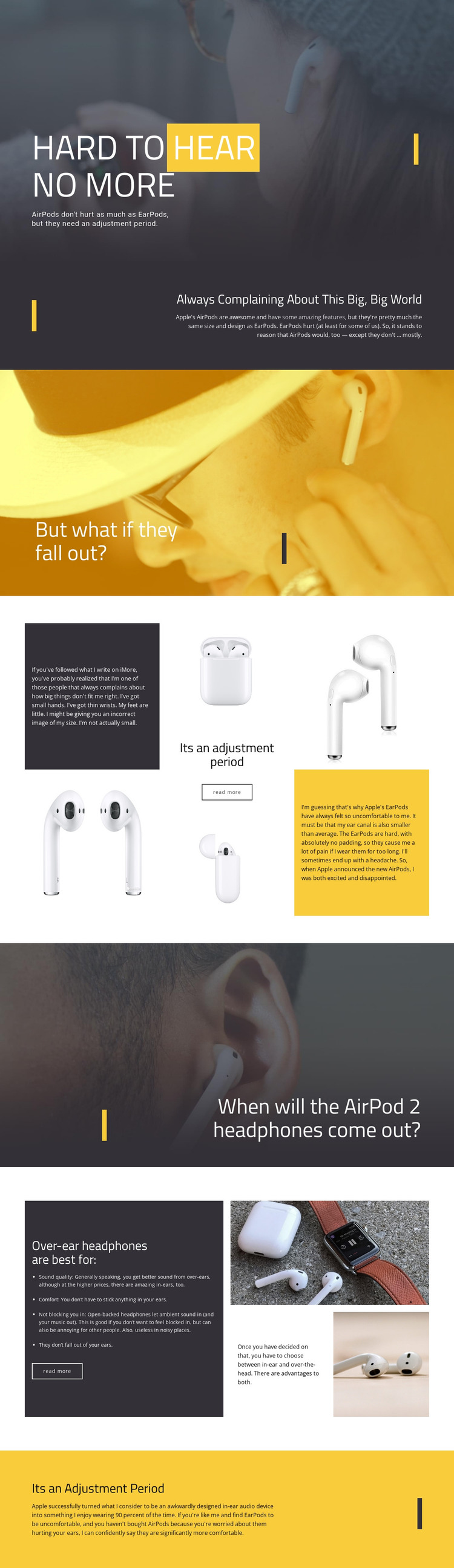
The page already carries a complete editorial progression for a standalone HTML implementation. It opens with “HARD TO HEAR NO MORE,” establishing AirPods comfort through a full-width photographic hero, then moves into contextual text about AirPods and EarPods fit. A second image-led question asks what happens if headphones fall out, creating a natural transition into the more detailed adjustment-period comparison.
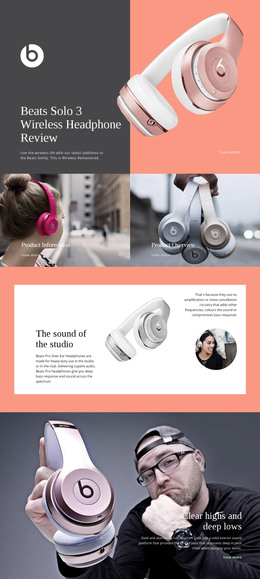
The middle of the design gives the article enough content coverage to function as more than a visual title page. Product imagery is placed beside explanatory copy, and the later split section presents over-ear headphones through sound quality, comfort, ambient sound, and fit. That sequence allows readers to move from the in-ear discussion toward an alternative without losing the article’s central comparison. The final yellow text area returns to the comfort topic and supplies a clear closing position.
Because navigation, article text, image panels, comparison content, and a conclusion are already coordinated, the layout can stand as a finished static page rather than an unfinished collection of decorative blocks. The dark, white, and yellow palette also keeps the sections visually connected when the content is implemented as a portable HTML website. The design’s value lies in its ready-made arrangement of the complete story.
Customize with Nicepage
Open this ready-made template in the HTML Builder and customize it visually in the Nicepage editor. Replace demo content, edit page sections, and adapt the design to your project without rebuilding the template from scratch.
Export and Use This Template as an HTML Website
Create a Portable HTML Website
When the template is ready, use the HTML Export option to create a static website with the files required for deployment. The exported website can be used independently of the Nicepage editor and deployed on your preferred hosting.
Nicepage also provides SEO settings and optimization features, including Page Titles and Descriptions, Canonical settings, headings, image Alt Text, and other page-level properties that help prepare the website for search engines.
Deploy Without a CMS
Upload the finished website to the hosting environment that fits your project. Because the exported site does not require WordPress, Joomla, or another CMS to deliver its pages, it can be placed on your own server, uploaded to a hosting provider, or deployed through an existing web infrastructure.
Hand Off the Website Files
The generated website files can also be provided to a client, developer, or hosting team. They remain available outside the Nicepage editor for deployment, technical review, or project-specific development when additional work is required.
This workflow makes the template a practical foundation for a portable static website that can be exported from the Nicepage editor and deployed independently.

More from Technology HTML Templates
-
Free Website Builder SoftwareDownload