
Fan HTML Templates
After an intimate club show, fans may share photographs, a tentative setlist, and short performance videos. Fan HTML templates give each item a labeled place, with clear dates and permissions instead of a confusing media dump.
More HTML Templates from Music & Entertainment Category


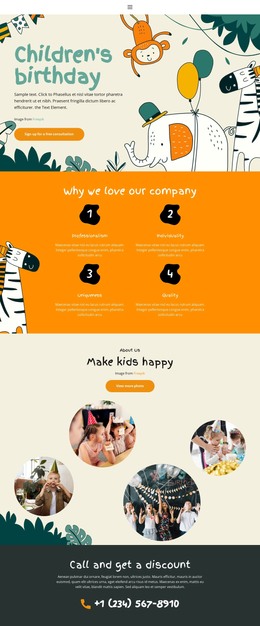

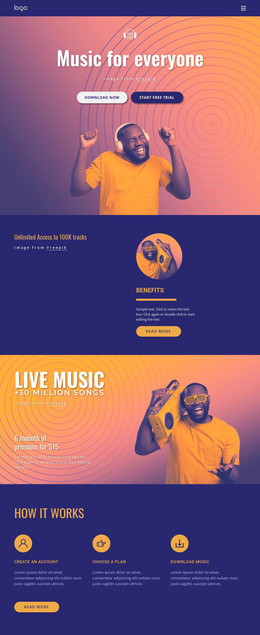


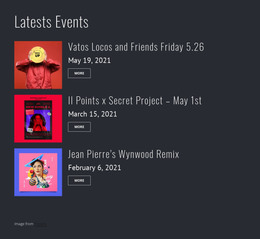

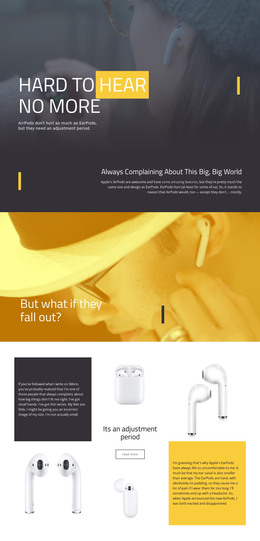

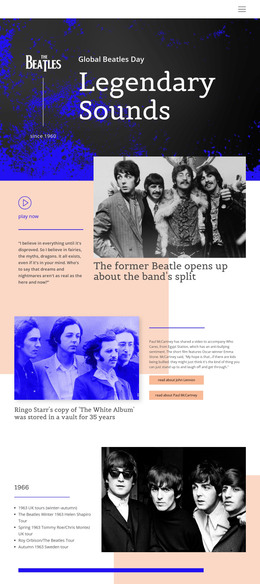

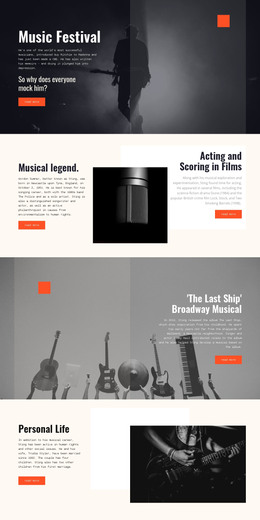
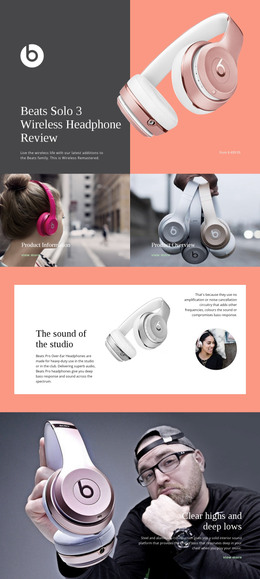


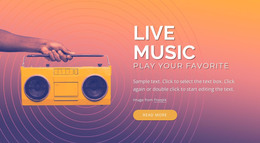
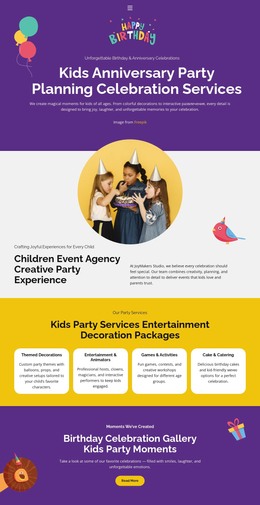
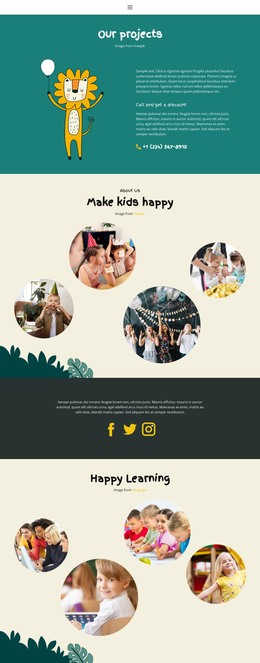
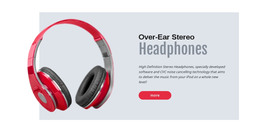


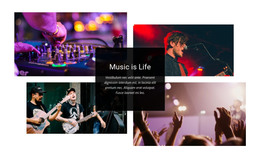


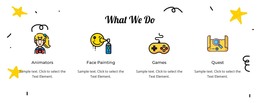
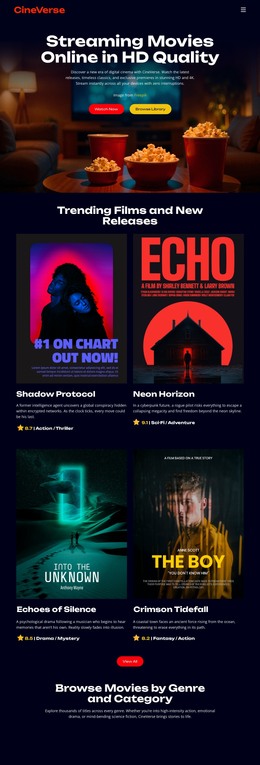

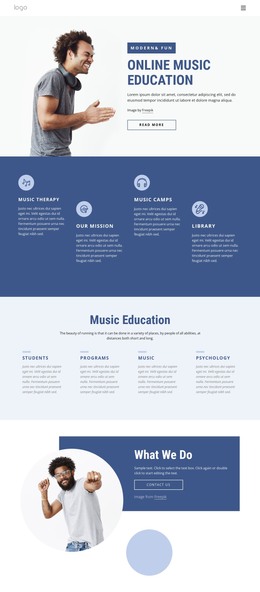

Other Music & Entertainment HTML Templates
Advanced Fan HTML Templates for Clubs, Fandoms and Supporter Sites
Most fan projects start in group chats, where good fan art sinks under months of reposts. Fan HTML templates come with sections, image blocks, and navigation already built, so a club or a lone fan only has to fill them in.
Which Layout Suits Your Fandom
A personal tribute is mostly a curated collection that one long page with a strong hero image can carry. Fan clubs post often, so members expect a visible menu and fresh news up top. Three common projects show how this plays out:
- A tribute to one artist fits a compact layout with album artwork, a short bio, and official links.
- A sports supporters' group needs event cards for match days under the latest news.
- A game or book fandom lives in its archive, so category links and post cards matter most.
Once events, media, and archives each need a section, linked pages are easier to browse than one endless scroll.
Building Out a Concert Archive
In a band's fan archive, the hero announces the latest show, and event cards lead to recaps that open with the venue, city, and date. Credit a disputed encore to the fan who remembers it. Below the setlist, Nicepage's Image Gallery Element can hold captioned photos, so check how a template treats mixed portrait and landscape shots. With the Video Element, you can add a video from YouTube or Vimeo, a link to a hosted video file, or a file upload. Keep the date and camera credit beside each player, and post only footage you're allowed to share.
Turning the demo into a working archive usually takes four passes:
- Replace the sample photos and text with material from one real show.
- Delete unused sections and copy the recap block for older concerts.
- Link each recap to the previous show and the artist's page.
- Export the HTML files to your hosting or hand them to someone who edits code.
What Survives the Phone Screen
Plenty of visitors open a fan site on the ride home from a show. A solid template makes the menu easy to tap and restacks event cards without hiding dates. The setlist tends to break first, since a medley title runs far wider than any demo text. A members area or sign-up form can appear in the layout, yet accounts, uploads, and moderation need a separate back end.
Whether it serves one tribute or a busy club, the right fan HTML template keeps its menu, cards, and gallery sensible after a few seasons of new material.