
Nightclub HTML Templates
A club flyer can attract attention without answering practical questions. With nightclub HTML templates, venue teams can present performer names, door times, admission details, and ticket links as readable text instead of relying on a single promotional image.
-

-

-
-
-
-
-
-
-
-
-
Free Website Builder SoftwareDownload
-
-



More HTML Templates from Music & Entertainment Category

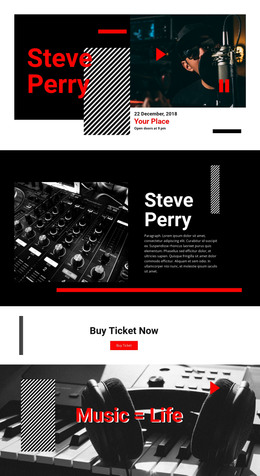
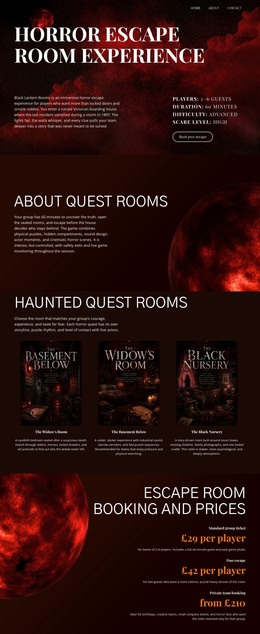
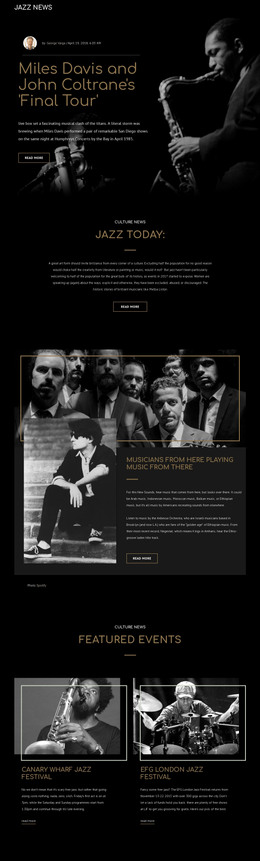

Other Music & Entertainment HTML Templates
Editable Nightclub HTML Templates for Club Events
Nightclub HTML templates give you a ready-made starting point for a club's online presence, with page layouts and markup already in place. Instead of building every section from scratch, you can choose a design with space for upcoming events, DJ lineups, artist profiles, and ticket information. The visuals set the mood, but the HTML structure matters just as much. When Friday's headliner changes or a promoter adds another party, you should be able to update names, dates, and ticket links easily without rebuilding the page.
What to Look for in a Nightclub HTML Template
A club's online presence has to do more than display a striking event poster. Visitors need to find out who's playing, when the doors open, and how to get in. Before choosing a template, check how the demo presents those details.
Useful sections include:
- Event listings: Upcoming parties with dates, DJ names, music styles, and ticket links.
- Artist profiles: Space for performer photos, biographies, and links to individual events.
- Ticket and admission details: Clear prices, entry conditions, and booking buttons.
- Venue information: Address, opening hours, contact details, and directions.
Keep the important information readable as text, even without promotional images. A nightclub HTML template with clear headings and organized sections makes it easier for visitors to compare events and for editors to keep the schedule accurate.
Updating Lineups Without Rebuilding Pages
A nightclub might host a house showcase on Friday, a guest techno DJ on Saturday, and a disco night the following week. These events share a basic structure, even though the performers, times, and ticket destinations change.
In Nicepage, the Grid Repeater keeps event listings consistent while letting each entry have its own content. A promoter can replace an artist name, add another event, or update an admission price without redesigning the entire listing. The Text Element guide also explains how to edit headings and text within page blocks.
Look for a layout that handles both short and long event names. A three-word DJ night and a festival-style lineup with several performers should remain easy to scan. Ticket buttons also need descriptive labels, so guests know which event they're booking.
Check the HTML Before Publishing
A polished preview is only part of the decision. If you plan to export the project, check how the HTML pages, images, scripts, and supporting files work together outside the editor. Internal links should point to the right pages, and event information should remain readable on phones and desktops.
Nicepage also supports custom metadata and Schema markup through page settings. These can complement clear event information, as long as the structured data matches the content visitors actually see.
Ticket sales and table reservations still need a booking service or integration; the HTML template provides the page structure, not the transaction system. Choose a design that's easy to edit and hand off to a developer when needed. The right nightclub HTML template should make the next lineup change feel like a routine update, not another development project.