
Magic HTML Templates
During a beginner workshop, students may replay a sleight-of-hand move while checking finger placement, props, or the next action. A structured HTML tutorial keeps text and visual guidance aligned across screen sizes.
-

-

-
-
-
-
-
-
-
Free Website Builder SoftwareDownload
-
-
-
-
-









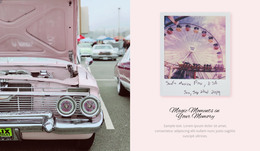


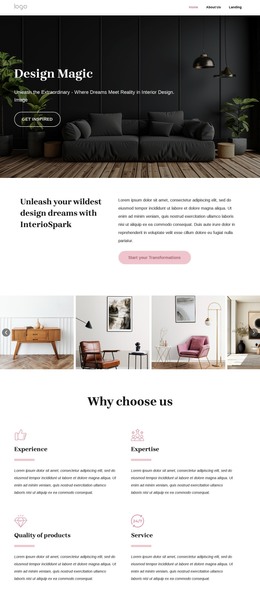


More HTML Templates from Music & Entertainment Category
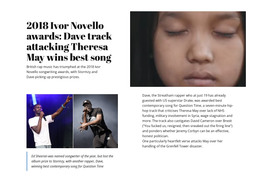
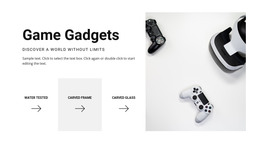



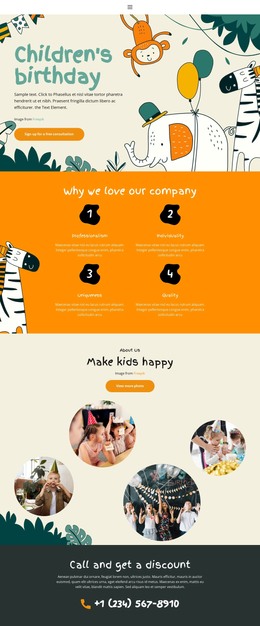

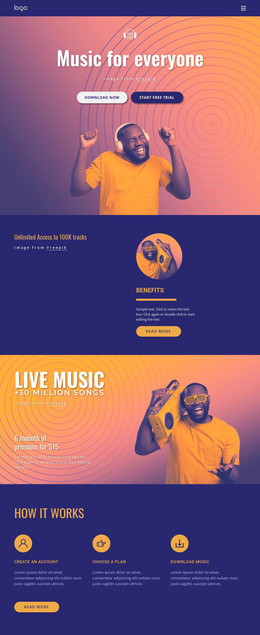


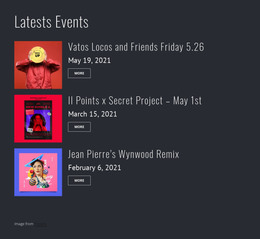

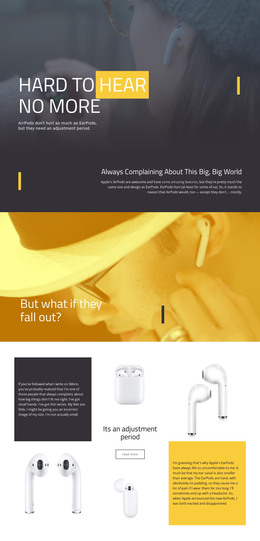






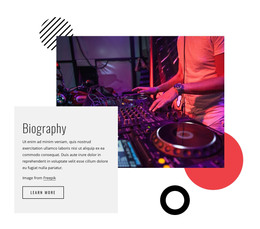


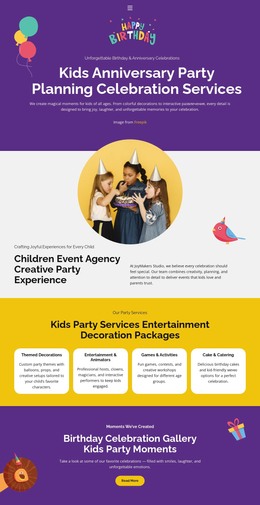
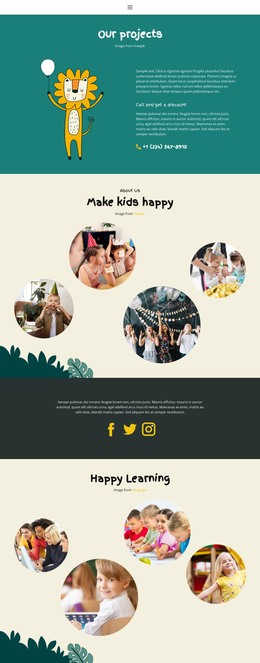

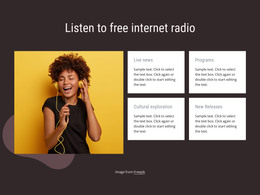









Other Music & Entertainment HTML Templates
High-Performance Magic HTML Templates
Each magic HTML template is a finished layout you can adjust in Nicepage, export as HTML files, and upload to any host you choose. The exported files remain available for direct editing, allowing a developer to step in when a change goes beyond what the visual editor supports. Magic here is usually a mood, so the catalog serves studios, shops, and performers. What matters is whether the design suits the project and how comfortable you are maintaining plain files after launch.
Sizing Up a Design Before Export
Say a small studio is weighing the HTML version of Magic Creative Studio for its portfolio. It would want its name and a short pitch at the top, with project images below. A single page exports as one HTML file with the assets it needs. Several pages mean several linked files, and every link must survive the move to your server.
A few practical points usually decide between candidates:
- How much demo text and imagery you would end up replacing.
- Whether image areas match the proportions of your own photos.
- Which interactive parts, such as sliders, the design relies on.
- Whether a contact form is included and where its messages would go.
From Visual Editor to HTML Files
You don't have to edit the HTML source to customize a template, since you can change text, images, and colors visually in Nicepage. Replacing demo content still shifts the composition. A tall portrait in a slot meant for a wide shot pushes everything below it down. New photos need their own alt text too, because the demo descriptions talk about someone else's pictures. Depending on the Nicepage editor, the export lands in a folder or a ZIP archive, or goes straight to your server over FTP. A fresh export will not carry over hand edits made in the old files, so decide early where changes will live.
Once Everything Is Uploaded
To publish, copy the files to a hosting account and open the live address. With no admin panel, each update means editing a file and re-uploading it, which suits a portfolio that changes now and then. After swapping the main image, check the phone view to ensure the text doesn't overlap the image and the menu still works. Then click through the links and make sure every image and font loads. A contact form needs its own test, since the fields don't do anything until a supported submission method or server handler is set up. The strongest candidate pairs a magic look that suits your project with files you can host and maintain without fuss.