
Headphones HTML Templates
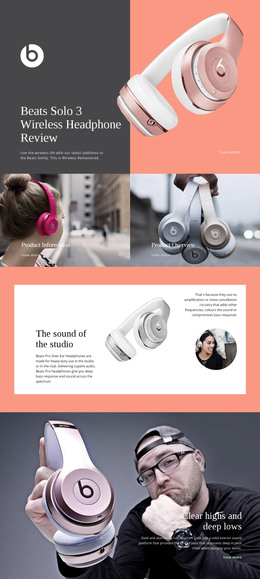
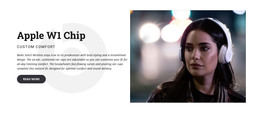
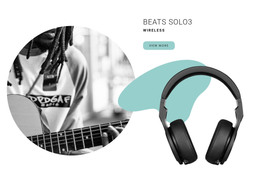
Wireless, studio, gaming, and audiophile headphones each need different technical details to stay easy to scan. A ready-made HTML structure can separate driver specifications, connectivity, battery information, controls, and product imagery while preserving responsive hierarchy across screens.




















































More Website & HTML Templates for Headphones













More HTML Templates from Music & Entertainment Category


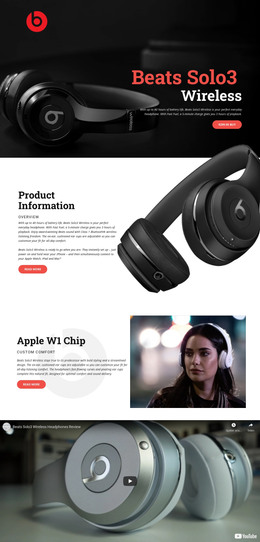





















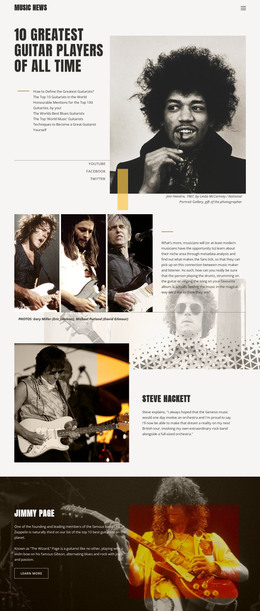












Other Music & Entertainment HTML Templates
Headphones HTML Templates for Product Pages
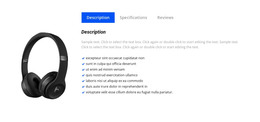
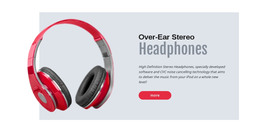
A headphones HTML template delivers a finished product presentation: a hero area for the model, a gallery, and a specification block, all in a responsive, ready-to-edit layout. The review section and the buy button are ready as well, so the remaining work is to swap out photos, prices, and technical details for the models actually on sale.
Audio brands and independent gear reviewers usually start here because the design decisions have already been made. What deserves attention, instead, is how the individual blocks are assembled, since those are the parts that are refilled with every new pair.
Sections Already Prepared Inside the Markup
The value of a ready file set shows up in what each block is prepared to hold:
- a product hero where the model name, price, and main image share one view;
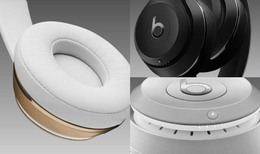
- a gallery that handles studio shots and photos of headphones in use;
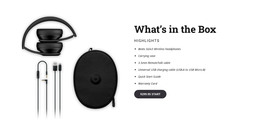
- a specification area for drivers, battery life, and codec support;
- a review block sitting directly above the purchase button.
Because those blocks repeat, adding the next pair comes down to duplicating a section and refilling it. The files stay open for direct editing whenever a model needs something the original layout never anticipated, and that freedom is the reason many audio teams keep working this way.
Layouts That Suit Different Listening Habits
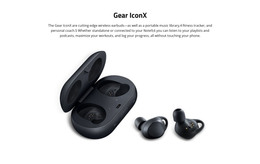
Not every pair deserves the same arrangement. A gaming headset prioritizes microphone quality and platform compatibility, while a travel model leads with battery life and noise-control modes. Studio headphones pull technical figures forward, since impedance and driver size often decide the purchase, and earbuds need the charging case and water resistance, which a hurried visitor will notice right away.
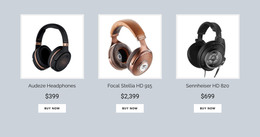
The Nicepage Grid Element is worth knowing about when several models need to share a single comparison view. The Grid Element documentation describes how cells rearrange as the screen narrows, which is the behavior you want from a row of product cards or a spec table built around images.
What Changes When New Models Arrive
The payoff usually arrives a few months later, once the catalog has grown by two wireless releases and a refreshed studio pair. The sections are already built; the presentation remains recognizable from one product to the next, and publishing a new color option feels more like editing than design work. A good template earns its keep by making that second wave of updates completely unremarkable.