
Recording Studio HTML Templates
Studios need clear space for recording, mixing, mastering, audio samples, engineers, equipment, and session inquiries. These HTML templates turn that content into reusable sections that remain structured across different screen sizes.













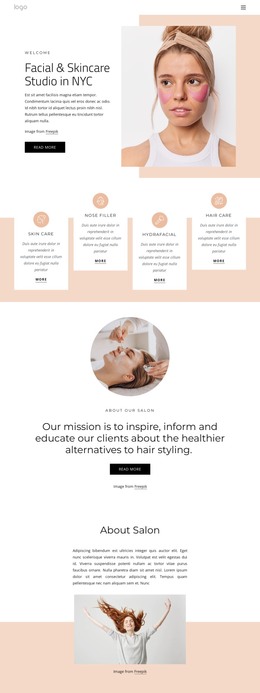
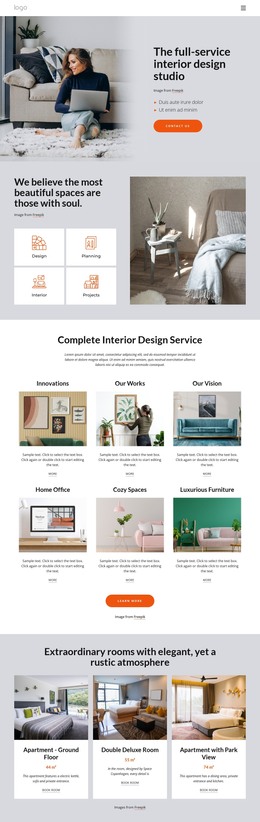
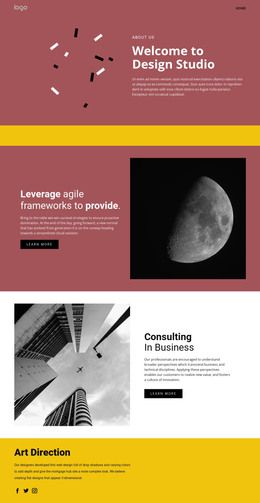
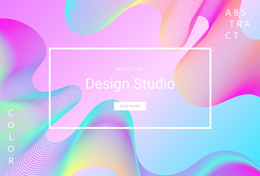












Other Music & Entertainment HTML Templates
Professional Recording Studio HTML Templates for Audio Projects
Recording studio HTML templates give you a finished design to start from, often with sections for services, audio samples, and bookings already laid out. What's left is making it yours: a few lines about each space, a profile for every engineer, and the mixes you're proudest of. When it's ready, the site exports as HTML files you can publish on your own hosting.
Put Your Best Mixes Up Front
Artists press play long before they read about your console, so compare designs by their audio blocks first. Good layouts put a player near the top and name the artist beside each track. The material that sells a studio usually comes in a few forms:
- Rough and finished versions of the same song
- Mastered singles across a few different genres
- A short producer reel that jumps between recent sessions
- Selected releases with your role on each record
A rough mix played before the finished one persuades more than a long playlist, because the listener catches exactly what the engineer changed. Nicepage's Audio Element documentation shows how your own files go into a player and stay in the HTML export.
Rooms, Gear, and Who Sits at the Desk
Once a track has done its job, visitors want to see where they would work and who would run the session. Three kinds of detail answer that:
- Sections for the control room, live room, and vocal booth, each with a photo
- A gear list that names the actual microphones, preamps, and monitors
- Engineer profiles with role, preferred genres, and a handful of credits
The right balance depends on the work you book most. Mastering clients rarely ask about the live room, while a band planning a tracking day will look for it first. These layouts adapt to phones, but it's worth checking the mobile view with your real gear list. Long model names take far more space than placeholder text.
From First Listen to Session Request
When two designs look equally good, the booking path settles it. Someone arriving from a search should find your rates, a track to play, and room photos without digging through menus. A session request form or a contact button should then be close at hand.
You don't have to touch the HTML source to customize any of this, since you can edit visually in Nicepage before export. The exported files remain available for direct editing, so a developer can later add a booking calendar or a way to take deposits. If a listener can get from your strongest track to the booking form without a detour, that template is worth keeping.