

Videos HTML Templates
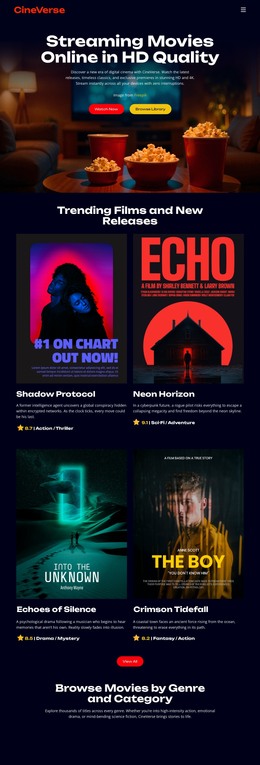
A film reel or lesson clip needs more than a play button: visitors also need context, duration, and a clear title. Videos HTML templates group these details with embedded players in readable sections for different screens.




























More HTML Templates from Music & Entertainment Category


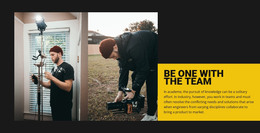

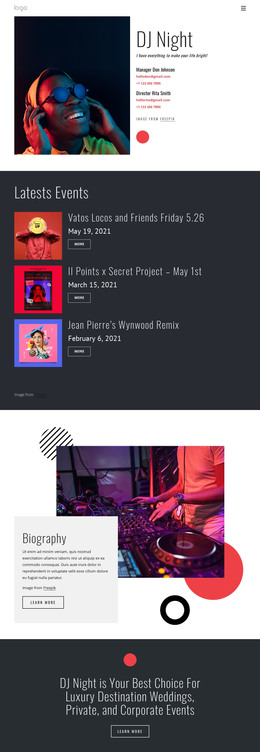
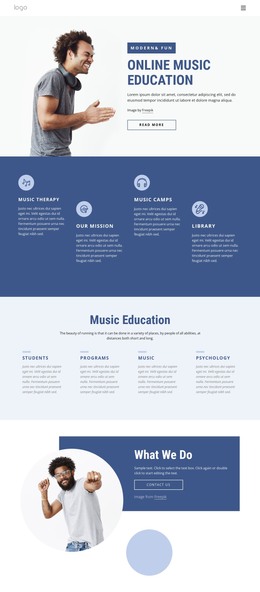
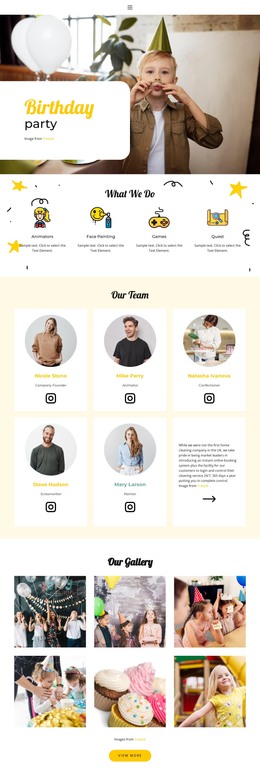
Other Music & Entertainment HTML Templates
High-Performance Videos HTML Templates
Videos HTML templates come in a few familiar shapes, from a director's showreel to a course library with dozens of short lessons. Each layout has already decided where the main clip appears, how the preview grid is arranged, and where titles and summaries go. A good pick matches the footage you plan to publish.
Gallery, Showreel, and Vlog Layouts
Most ready-made designs for video content follow one of these patterns:
- A video gallery lays out preview cards, so visitors can compare stills and running times before opening a clip.
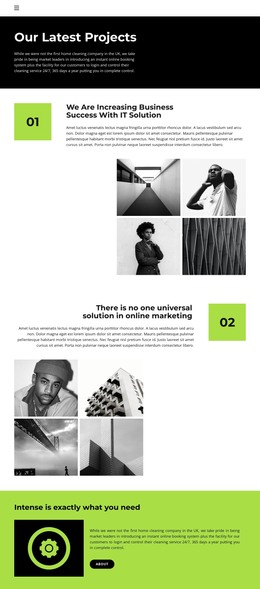
- A showreel layout opens with the main reel and follows it with project entries that name the client or the author's role.
- A video blog pairs each clip with written notes and a link to the previous episode.
- A streaming-style catalog groups clips into rows by series, which keeps a large library easy to browse.
Repeated cards keep a growing library manageable, because adding a new lesson or episode means duplicating a block and swapping its content. A grid that looks tidy with a handful of clips can still turn ragged once long and short titles start mixing, so it pays to test a demo with your longest title.
What You Can Edit Before Publishing
Customization usually reaches the parts that change from one video project to another:
- Titles and descriptions can become lesson outcomes for a course or credits for a portfolio piece.
- Placeholder previews can be replaced with real stills from your own footage.
- Buttons can point to transcripts, related episodes, or a contact form.
In a demo, check whether titles stay readable beside busy thumbnails and whether descriptions have room for a second line. A course site might list neighboring lessons under each player, while a portfolio can group projects made for the same client.
Players From YouTube, Vimeo, or Uploads
Nicepage's Video Element works with YouTube, Vimeo, and other hosting services, and it also accepts uploaded files within a size limit. Before committing to a design, open the Video Element documents to compare source choices, player settings, and sizing with the footage you have. An externally hosted showreel only needs its link, whereas a self-hosted product demo depends on file size and format.
Once the content is in place and the grid holds up on a phone, the project exports as HTML files with its images and scripts. Those files stay ready for direct editing or hosting on your own server.
A single-product demo works best with a compact layout and one strong player. A growing course or film archive calls for cards and categories that can repeat as the collection expands.