
Classical Music HTML Templates
Concertgoers often check movement titles during a recital, not just before it starts. These classical music HTML templates organize each work, musician credit, and intermission note into a structured HTML program.









































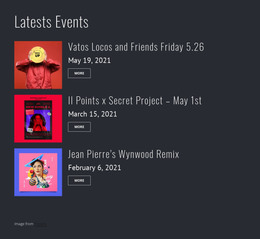
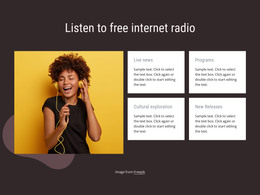
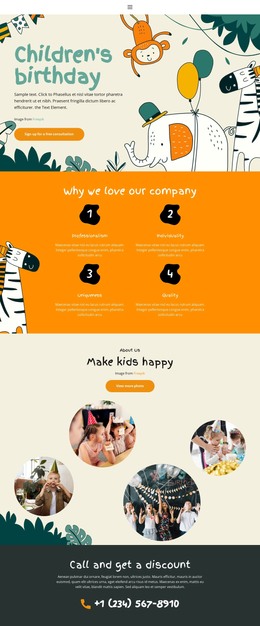
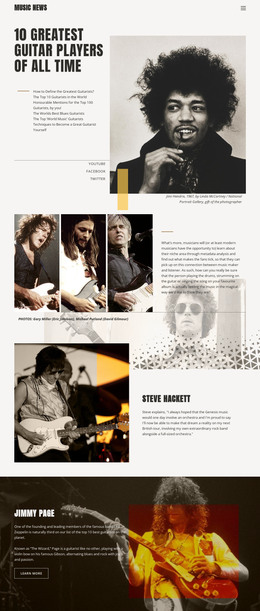
Other Music & Entertainment HTML Templates
High-Performance Classical Music HTML Templates
With a classical music HTML template, performers or concert organizers can start with ready pages, customize them in Nicepage, export them as HTML, and publish them on their own hosting. Picture a string quartet that needs member profiles, a few recordings, and the program for its next recital. Many of these designs include sections for exactly that, leaving the players more time to rehearse.
From Demo to Your Own Server
The usual route for an ensemble's first proper site looks like this:
- Pick a design whose concert and profile sections resemble what you need.
- Swap the demo text and photos in Nicepage for your programs, dates, and portraits.
- Export the project as HTML files with the images and scripts it uses.
- Upload the files to your hosting or pass them to a developer.
Customizing the template requires no HTML source work. If someone on the team prefers code, the exported files remain available for direct editing. Nicepage Online and the desktop applications both export HTML, though their options differ.
Opus Numbers Meet Small Screens
Classical programs are hard to lay out. Titles carry keys and catalog numbers, and movements must stay in performance order. Every musician also needs a credit next to their instrument. Three neat cards may look lovely in the preview and still leave no room for Brahms's Clarinet Quintet in B minor, Op. 115, with a guest clarinetist. Before committing, load your longest program into one page and look for these problems:
- An opus number that drops onto its own line on a narrow screen
- Movement lists from two works running together once columns stack on a phone
- A ticket link pushed far below the date when several guests share the bill
Nicepage's Responsive Modes let you review each screen size and adjust individual blocks, which matters most for long repertoire lists.
When a Guest Artist Withdraws
Exported pages do not update themselves. If a recital moves or a guest artist withdraws, someone has to edit the page and upload it again before the doors open. Ticket booking, a self-refreshing calendar, and anything that needs a database come from separate services. A concert video or embedded recording fits many of these designs, though the site doesn't become a streaming library. A small ensemble with few pages and infrequent changes often finds the arrangement comfortable, and larger organizations manage fine when someone owns the upkeep. Ultimately, the template must cover the concert pages you need, and someone must keep those files current after launch.