
Mp3 Player HTML Templates
Artists and podcasters often share individual tracks before audiences visit a full music library. MP3 player HTML templates let each audio sample show its title, creator, cover image, and playback progress in a responsive HTML section.
-
-

-
-
Free Website Builder SoftwareDownload
-
-
-
-
-
-
-








More HTML Templates from Music & Entertainment Category
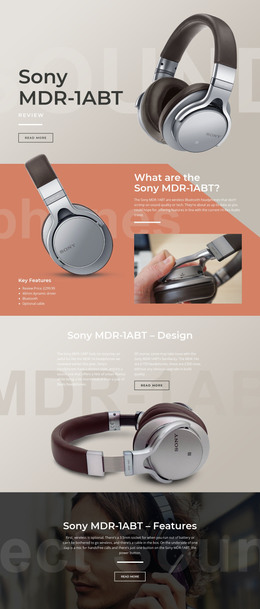

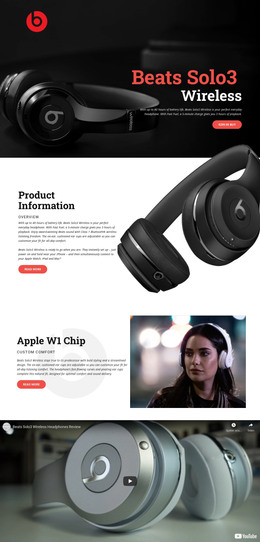

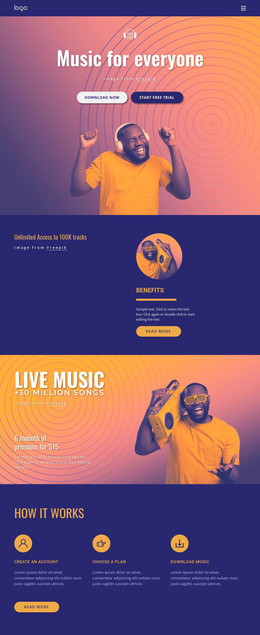






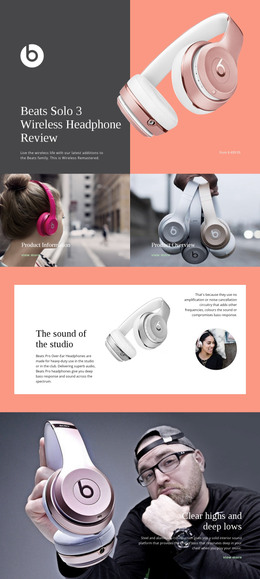
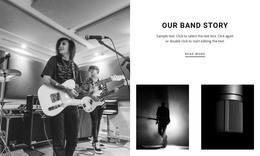


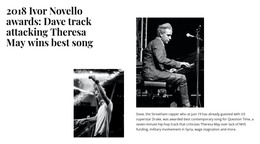
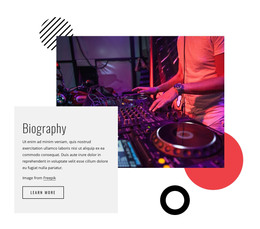

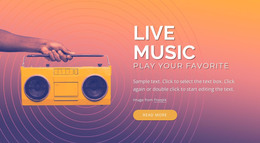

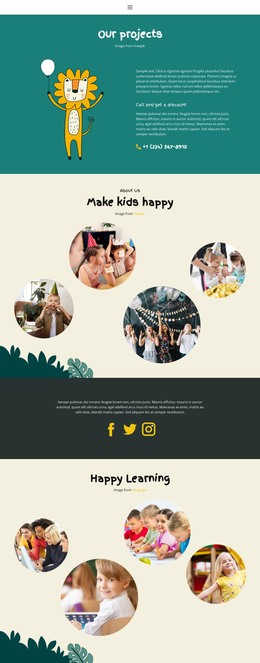
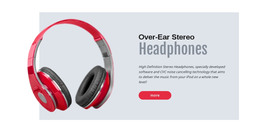
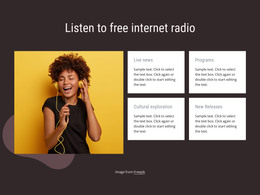








Other Music & Entertainment HTML Templates
Ready-to-Use MP3 Player HTML Templates for Embedded Audio
MP3 player HTML templates provide a complete layout with space for a functional audio player. The audio can be a song, a full podcast episode, or a voice reel. The design is ready to edit in Nicepage. You enter the track details, point the player at your MP3, and export the page as HTML for your own hosting.
What a Ready Audio Section Holds
Take a session guitarist who wants one MP3 on her portfolio page. She needs an obvious home for the player, with the title and her name as real text. Words baked into a cover image vanish whenever that image fails to load. Layouts differ in how they handle a few details:
- A text area beside the player that keeps the recording identified even without artwork.
- One spot for the play control, with the progress bar and timestamp close by.
- An optional cover slot, since plenty of narration samples and episodes have none.
- Room around the player for lyrics, show notes, or a booking link.
Nicepage's Audio Element then fills that spot with a working player that displays the track and artist names. The right layout drops into her portfolio page without touching the rest of it.
Getting Your Recording Online
The template only supplies the layout. You set the recording, its title, and its source separately in the player. A demo with a play button painted into a picture never makes a sound. In the Audio Element, you upload the MP3 or paste its URL. The element caps uploads at 10 MB, so a long episode usually goes in by URL. The desktop app's Quick Preview and Browser Preview don't play audio, so silence there says nothing about the file. The Online Builder does, and it also supports HTML export for hosting on another server. Press play on the live page once more, since a file that never made it to your server won't play.
Testing With Real Titles on Small Screens
On a phone, the section usually folds from a row into a stack. The order in the layout then determines whether the title appears above the player or is pushed under a tall cover. Short placeholder titles make every demo look tidy. A long track name, the actual MP3, and a non-square cover expose weak spots fast. Each Audio Element handles a single file, so several recordings on one page need a heading and a player apiece. For one working MP3 block on an existing page, an HTML template saves you from having to plan a whole site around the audio.