
Clothing Store CSS Templates
Apparel brands need consistent styling for collection photos, prices, promotional labels, and product cards. Clothing store CSS templates offer adaptable visual rules for fashion catalogs, with control over spacing, color schemes, typography, and mobile layouts.




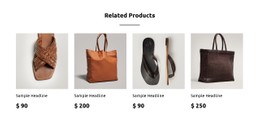
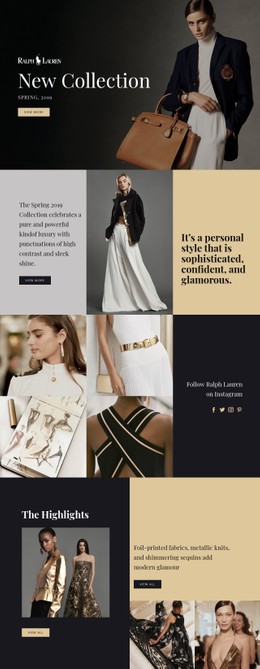
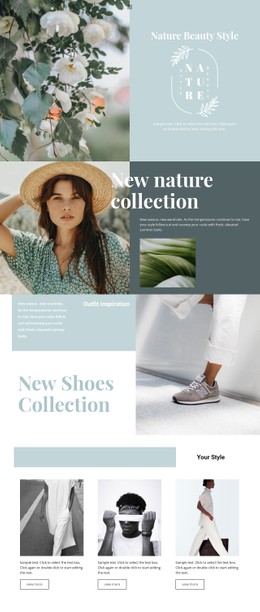
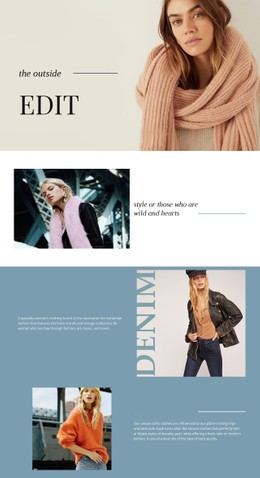





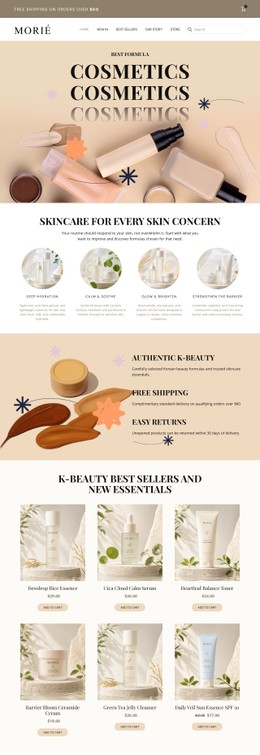
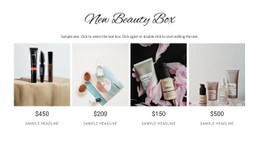
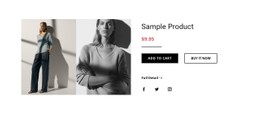
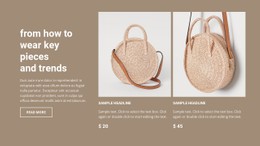
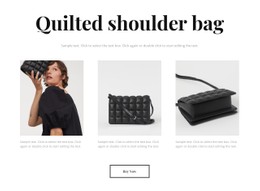
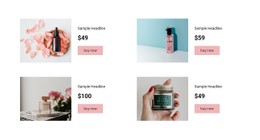
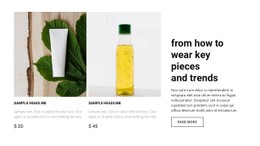
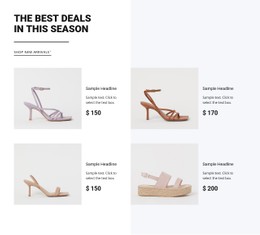
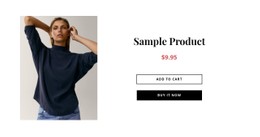
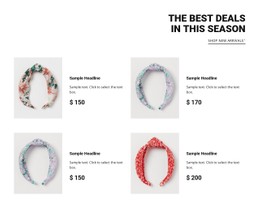
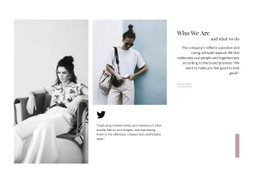


























Other Fashion & Beauty CSS Templates
Customizable Clothing Store CSS Templates for Fashion Shops
A clothing grid can look uneven when jacket photographs have different crops or sale labels compete with garment names. Clothing store CSS templates help solve these presentation problems through rules for image sizing, spacing, typography, and visual states. A premium boutique may need more breathing room around each item, while a streetwear catalog may benefit from a denser arrangement.
Style Fashion Product Cards with CSS
Product photographs and text need consistent visual treatment even when the underlying merchandise varies. CSS Grid and Flexbox help arrange content, while properties such as gap, aspect-ratio, and object-fit can improve the rhythm of image-heavy sections. These techniques control presentation, not product data or shopping behavior.
Image framing and grid rhythm are separate styling problems. aspect-ratio can define a uniform image area, while object-fit determines how each garment photograph fills that space. Meanwhile, gap, padding, and column sizing influence how closely products appear together. Typography and contrast establish whether a price, a sale marker, or a garment name attracts attention first. For interactive elements, :focus-visible can make keyboard focus identifiable without relying solely on hover effects.
For a tailoring boutique, wide spacing can reinforce the value of detailed photography. For a high-volume basics store, a tighter arrangement may make it easier to compare several items at once.
Decide When Custom CSS is Necessary
Many everyday adjustments, including colors, typography, spacing, and layout settings, can be handled in the Nicepage visual editor. Custom rules are more useful when a particular design needs a selector-specific treatment or a CSS property not conveniently exposed by those controls.
Nicepage documents Custom CSS for targeted styling at element, page, or website scope. Developers can use this option for specialized image treatments or interactive states while keeping routine design changes in the editor.
Media queries may still be needed for precise breakpoint behavior, but test CSS changes against the visual editor's generated styles and across screen sizes.
A useful finishing review covers six visual decisions:
- Image crop: Are garments shown completely where product comparison requires it?
- Aspect ratios: Do mixed portrait and landscape photos create unwanted jumps between rows?
- Grid spacing: Is there enough separation to scan items without wasting catalog space?
- Price hierarchy: Can visitors distinguish the current price from secondary or discounted amounts?
- Keyboard focus: Does a clearly visible focus state remain on clickable controls?
- Breakpoint behavior: Do column counts and text widths stay readable at the targeted viewport sizes?
The tradeoff is tangible: large editorial photographs create impact, while smaller, consistently cropped images allow more products to appear together. CSS determines that balance.