
Dress CSS Templates
Dress catalogs often need more than a fixed visual arrangement. CSS-focused templates let fashion teams refine grid spacing, image balance, typography, colors, and responsive behavior around real apparel collections.

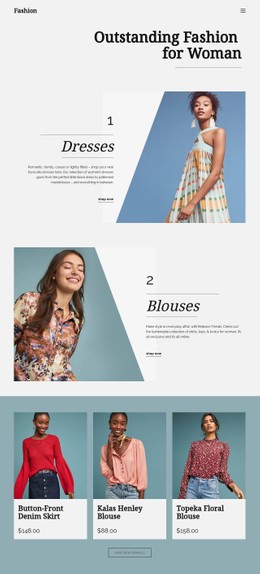
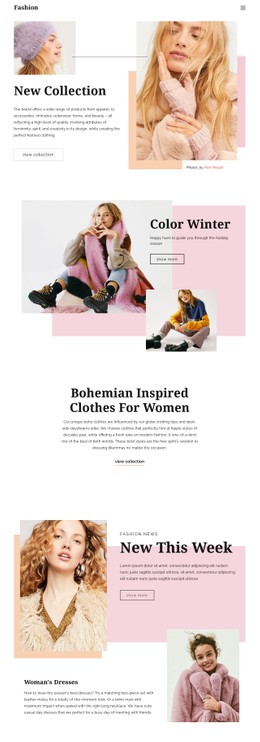

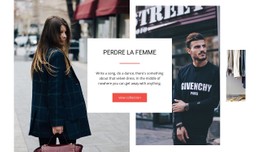


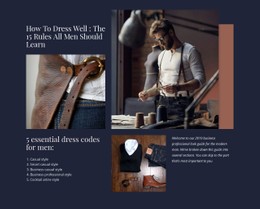

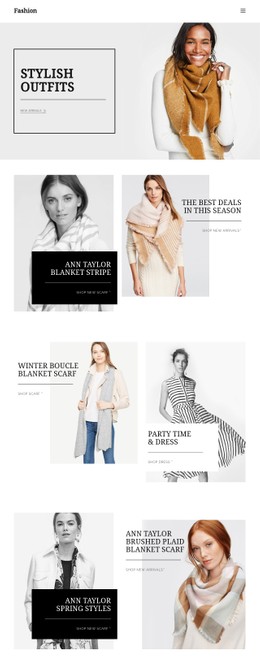

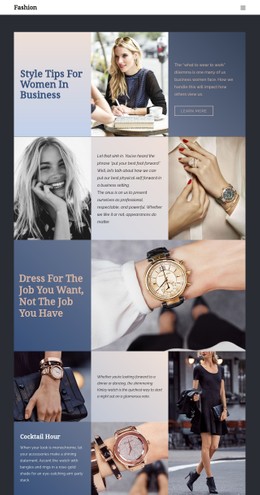

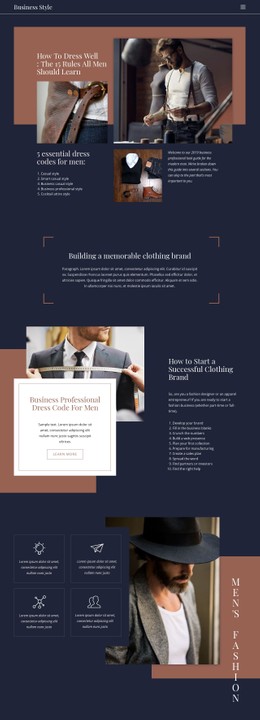
















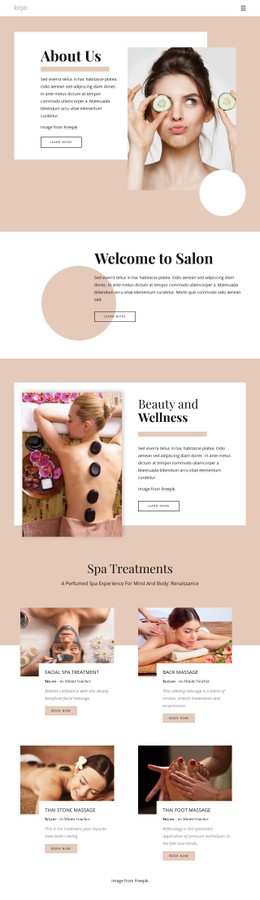
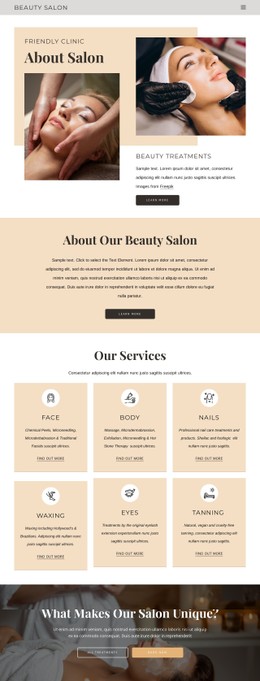



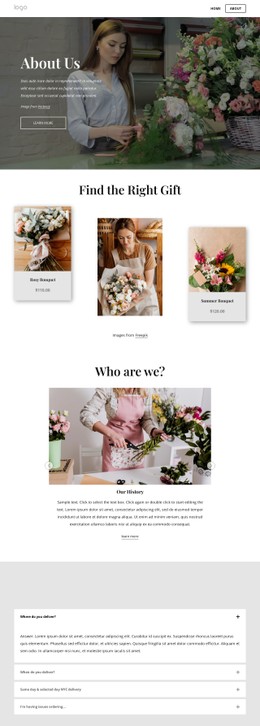
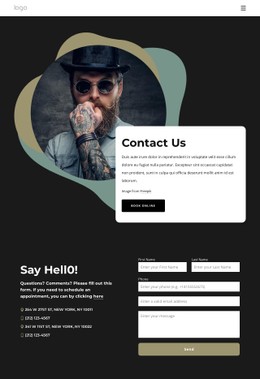





























Other Fashion & Beauty CSS Templates
Customizable Dress CSS Templates for Fashion Catalogs
Put a floor-length gown into a square frame, and the hem disappears, which is often the first detail a shopper wants to see. Fixes like that belong to the styling layer, and dress CSS templates arrive with that layer tuned for apparel. Image ratios, card gaps, and column counts are set with tall garment photos in mind. Type sizes and button styles come ready too, so restyling starts from values that already work.
Card Rules Behind Every Listing
A dress catalog is mostly one card repeated dozens of times. The styling behind it is usually one set of shared classes, with separate rules for each part:
- The photo frame, with an aspect ratio and object-fit value that keep full-length dresses uncut.
- The name and price, shaped by font weight and letter spacing, with a strikethrough rule for sale prices.
- The button, with its own background, border, and hover state.
Because the rules are shared, one edit restyles the whole catalog. Premium eveningwear looks better with a wider grid gap and larger cards, while a dense sale range can take tighter spacing. White and ivory dresses tend to blur into a white card, which a faint gray background behind the photo solves everywhere.
When the Screen Gets Narrow
Breakpoint rules decide how the catalog behaves at each width, and in a dress template they adjust a few properties:
- Column count and gap, so every card keeps a usable width.
- Type scale for names and prices, so a price never drops below a comfortable size.
- Visibility of secondary details, such as a short description the phone view can hide.
Touch screens also remove hover. A card that reveals the back of the dress only when the cursor hovers over it hides that photo from phone shoppers, so check how a template handles it.
Seasonal Accents and Local Overrides
A new campaign usually changes the accents and leaves the catalog alone. A holiday sale may want a red badge and a bolder price color, which is quick when those values live in shared rules. Where the visual controls stop, Nicepage accepts Custom CSS Code at the element, page, or site level. That is enough to override spacing, colors, or component states for a single collection.
A good way to compare dress CSS templates is to imagine next season. If turning a dense rack of casual dresses into an airy evening edit means changing a few shared values, then the styling is well set up. If it means restyling cards one by one, the template will slow down every campaign.