
Models Website Templates
Casting directors need to compare talent, review portfolios, and find the right agency contact. Models website templates connect roster categories, individual profiles, and booking information into a structured site, not a collection of unrelated photo pages.


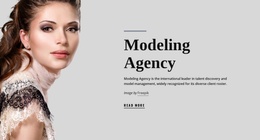
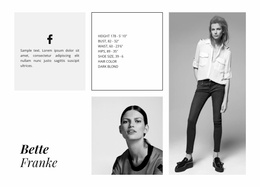
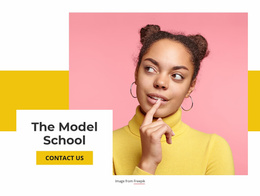
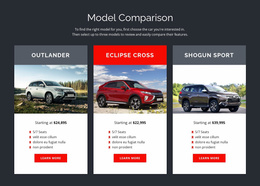

















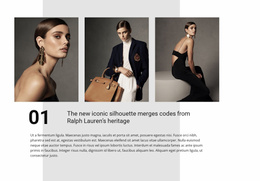
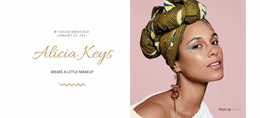

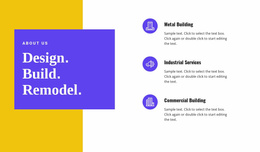



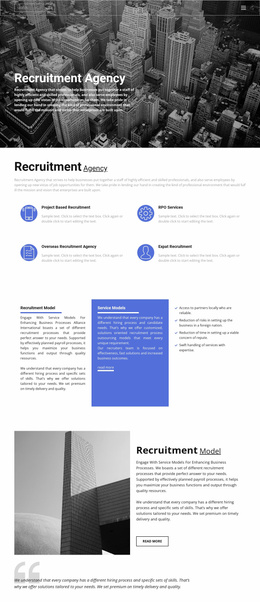

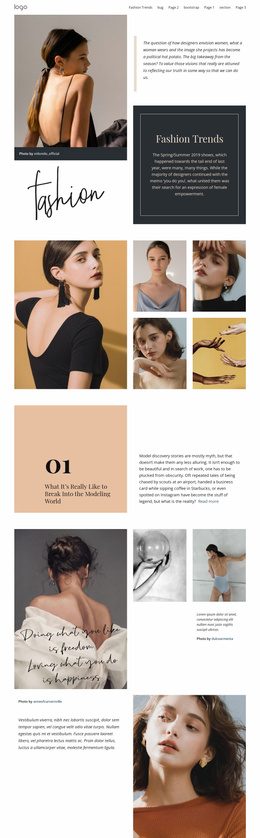
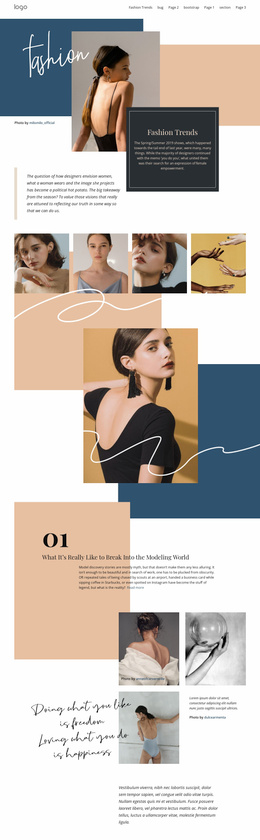





















Other Fashion & Beauty Website Templates
Professional Models Website Templates
Models website templates give agencies and independent models a finished visual framework for portfolios, talent profiles, and booking contacts. A casting director usually arrives with a brief and wants a fitting face fast. If photos sit on scattered pages with no shared menu, that person keeps hitting the back button and soon calls another agency.
Agency Rosters Versus Solo Portfolios
Designs in this niche fall into three groups suited to different clients:
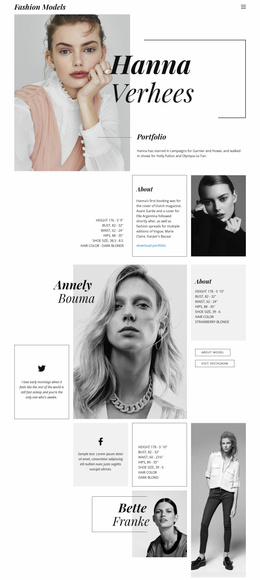
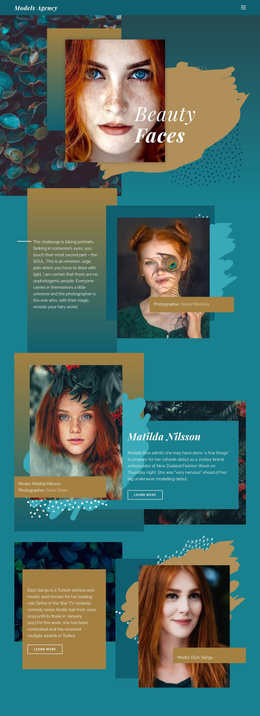
- An agency layout usually pairs a roster grid, ideally split by category, with profiles and a contact section for teams with dozens of faces.
- A personal portfolio gives one model room for a strong book, a short bio, and a direct line to their manager.
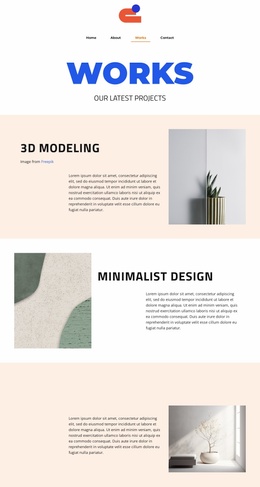
- A minimal editorial style surrounds each photograph with white space, which works for fashion talent with standout campaign images.
The homepage preview quickly shows whether a design fits your roster. One large cover image flatters a boutique editorial agency, while a commercial agency with a lifestyle roster benefits more from leading with the talent grid. For agencies, the roster, profiles, and a contact route are the core, and submissions can come later.
Profile Layouts That Hold Up on Phones
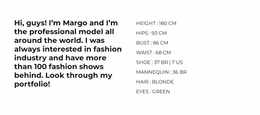
Because dozens of profiles repeat one layout, check that it stays tidy when one model has a long book and a new face has only a few digitals. Measurements and specialties need a clear spot, and the contact button belongs close to the photos. On a phone, roster cards must keep faces recognizable, and portrait crops should never cut off the top of a head.
Nicepage's Image Gallery Element can display several photographs in one area, with captions and an enlarged image view for studying styling up close. Check out the Image Gallery Element and use it to compare gallery layouts and responsive behavior before deciding how each portfolio appears.
Routing Inquiries and Keeping Talent Current
A small agency can send every request to one contact page, and a personal portfolio usually needs one route to the mother agency. Larger agencies often split commercial bookings, editorial requests, and new applications across several contact sections. Agencies representing children need a separate category where inquiries go through a parent or guardian and profiles carry only the details a booking requires. Published measurements need the model's consent and regular updates.
Rosters keep changing as new faces sign and others move on. The template sets the starting layout and look, and Nicepage's Pages Panel helps you maintain pages for models, agency information, and professional contacts as the roster grows. If a design buries profiles in the menu or leaves little room for a full book, keep looking.