
Secret Website Templates
Readers looking for beauty secrets or restaurant techniques need more than intriguing headlines. Secret website templates organize practical articles, author backgrounds, and topic categories across the entire site, helping visitors find advice they can evaluate and use.














More Website & HTML Templates for Secret






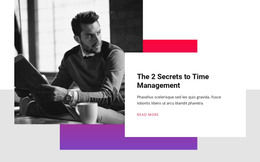
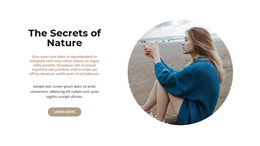
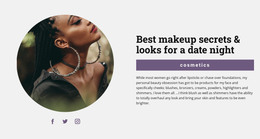
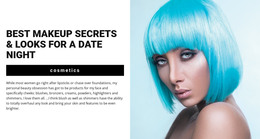
More Website Templates from Fashion & Beauty Category
Other Fashion & Beauty Website Templates
Secret Website Templates for Mysteries, Discoveries, and Insider Tips
People look for secret website templates for very different projects. One person wants a moody showcase for hidden places and old legends, while another needs a bright layout for beauty tips. A mystery story and a practical tutorial need different screens, so start by choosing the secret your site will share. Below are real Nicepage designs and the checks worth making before you pick one.
Matching Catalog Designs With Their Purpose
Titles in this category hint at the job each design was made for:
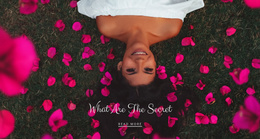
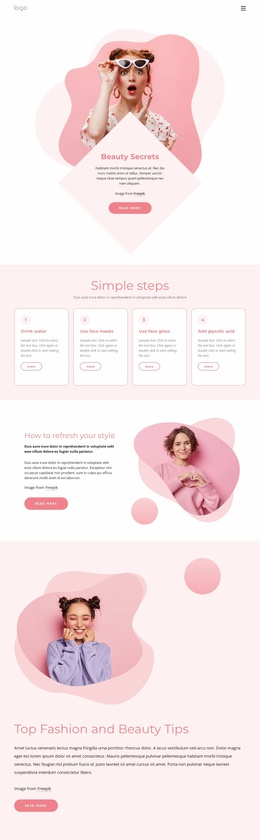
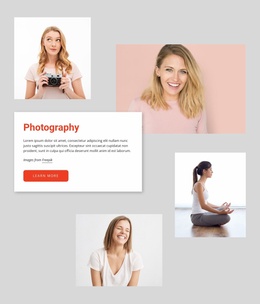
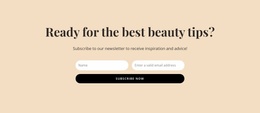
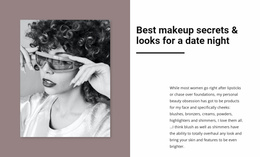
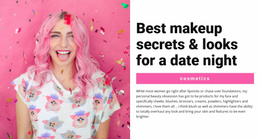
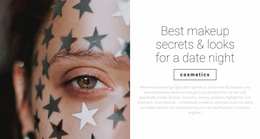
- Beauty Secrets comes as a single landing layout for one offer, such as a makeup class. Judge it by how close-up photos and short instructions share the screen.
- Unlock Your Zodiac Secrets is labeled as a personal design, which fits an astrologer presenting readings under one name.
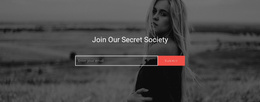
- Join Our Secret Society points toward a community project like a book club. Look for room to announce meetings.
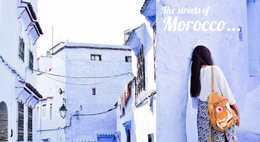
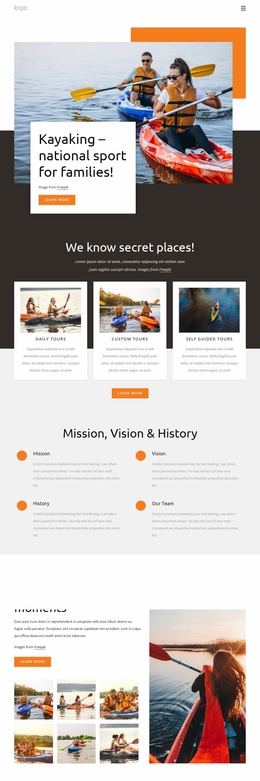
- We Know Secret Places suits travel stories, where wide photographs of hidden beaches or old streets carry most of the message.
The catalog also separates full pages from individual blocks, so a teaser section for an existing site may need only a block.
What a Preview Reveals Before You Commit
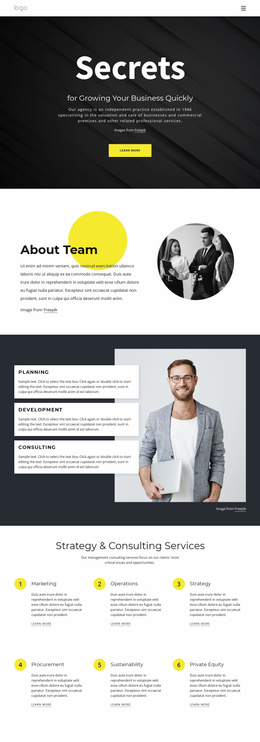
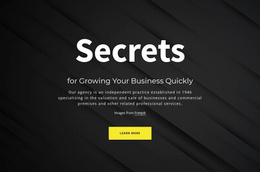
Scroll well past the demo's first screen. A dark hero image with a large headline can look impressive, but the sections underneath decide whether your material fits. See how much text each content card holds, because a short teaser behaves differently from a card that needs a full paragraph. A decorative font suits a riddle headline, yet it tires the eye in a long explanation.
Then open the same preview on your phone. Headlines should stay readable, and photos should keep their subject in frame. Cards that sat side by side on a laptop now stack into a longer scroll, so make sure the most intriguing ones still appear early.
When Attractive Demos Fall Short
Some designs depend on so many images that a project built on long articles looks thin inside them. A layout full of foggy alleys and candlelit interiors also looks empty once your own daylight snapshots replace them.
If your site will collect tips over months, pick a design with a post list. Then follow the Blog Post Category guide to show categories through the Blog Posts Element and assign them in post properties.
Decide what your site will reveal, compare how the shortlisted designs arrange that material, and judge the visual style last. Once you find one that fits, the Nicepage editor lets you change its colors, fonts, and photos to match your own secret.