Modern Women's Fashion Shop CSS Template


Edit Template Offline
2. Create new page and search for id 6671490
Edit Template Online
Create Awesome Websites


Free Nicepage Builder
Keywords
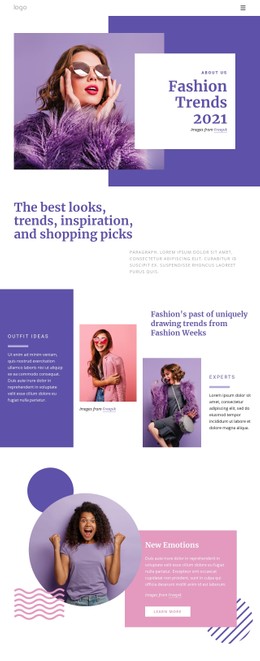
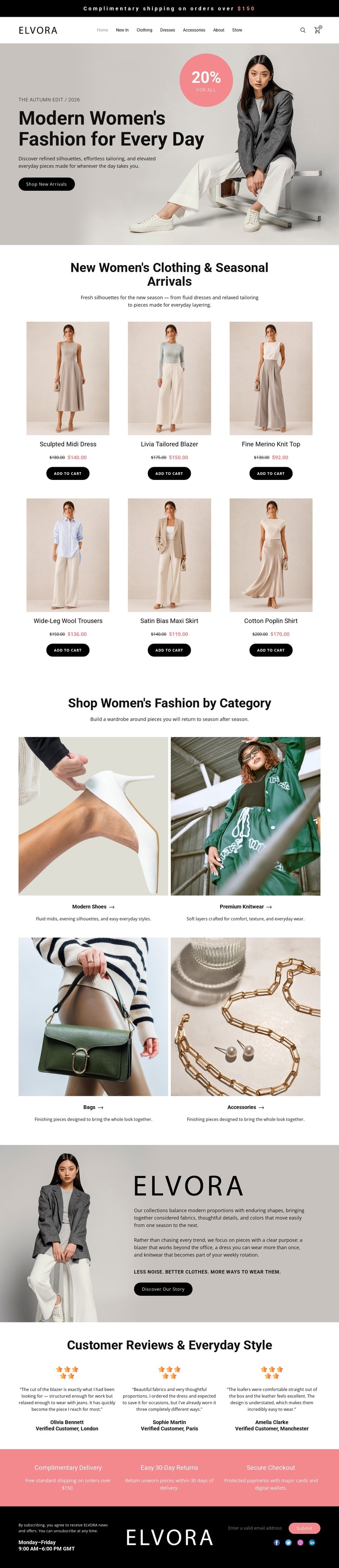
Coral accents and product cards define the storefront styling
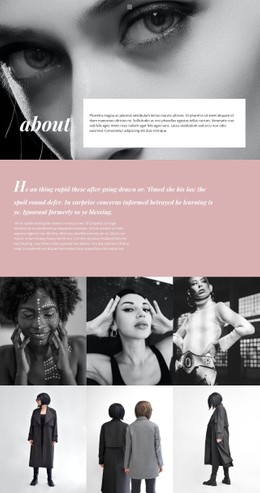
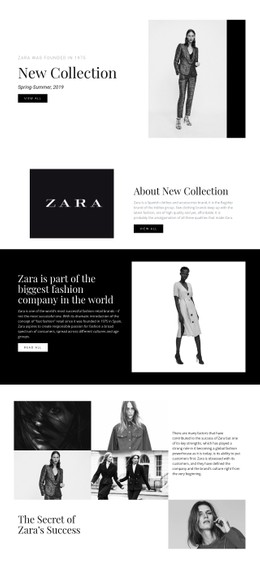
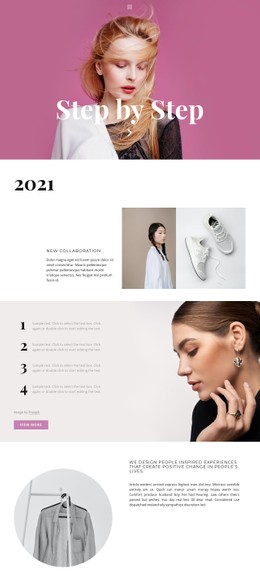
Neutral beige, white, and black surfaces give the page a quiet editorial base, while coral appears in the promotional treatment and the reassurance strip to mark higher-emphasis retail information. The contrast between pale content areas, dark rounded buttons, and large fashion photography helps separate browsing actions from supporting brand content. Serif-style headings create a more magazine-like tone, while compact sans-serif navigation keeps the header practical and visually restrained.
The six product cards repeat a clear visual rule: image, product name, price, and purchase action are grouped into an even grid. That repetition makes the clothing collection feel organized without competing with the larger hero image. The four category tiles extend the same styling into a broader shopping path, using image-led panels and short labels rather than dense text. Customer reviews and the coral service band then provide distinct visual pauses before the dark footer.
As a CSS-oriented design, the important value lies in these repeatable style relationships. Background tones, spacing, button shapes, card treatment, typography, and accent colors can be adjusted while preserving the underlying retail sequence. Nicepage Custom CSS can also support targeted styling changes when the visual rules need to go beyond the standard editor controls.
Customize with Nicepage
Open this ready-made template in the CSS Template Builder and customize it visually in the Nicepage editor. Replace demo content, edit page sections, and adapt the design to your project without rebuilding the template from scratch.
Customize This Template With CSS
Control Page-Specific Styling
Customize the visual appearance of this ready-made template directly in the Nicepage editor. Adjust typography, spacing, backgrounds, borders, colors, positioning, and other style properties using visual controls while keeping the page layout easy to manage without writing CSS manually.
Add Custom CSS When Needed
For styling requirements that go beyond the standard editor options, use Custom CSS to add targeted rules. CSS can be applied to individual elements, specific pages, or the entire website depending on the scope of the customization, while CSS classes can be used to connect custom rules with selected elements.
Export Minimal CSS Per Page
For projects where CSS size and page performance matter, Nicepage can export minimal CSS for each page. Instead of relying on one larger common stylesheet, each page can use a separate CSS file containing only the style rules required for that particular page. According to Nicepage documentation, these page-specific CSS files can be about ten times more compact, helping reduce unnecessary CSS and improve page loading performance.
This workflow combines visual styling with optional custom CSS and optimized page-specific CSS output, giving you additional control when a project requires it without making manual CSS editing the primary way to customize the template.