
Nice HTML Templates
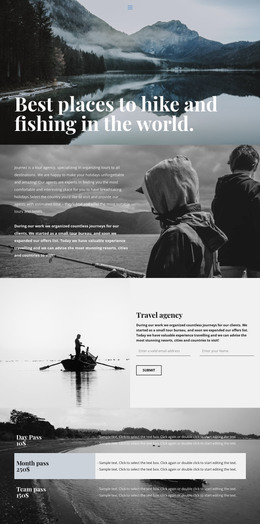
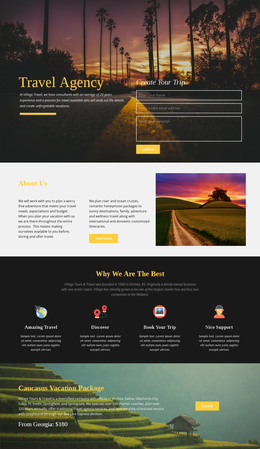
Travel memories often depend on small details: a peaceful trail, a family-run café, or a view after a train ride. Nice HTML templates organize those experiences through clear headings, photo captions, and mobile-friendly notes.
-
-

-
-
Free Website Builder SoftwareDownload
-



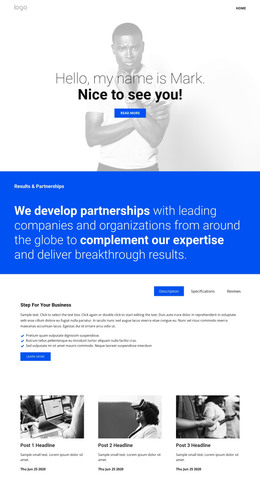
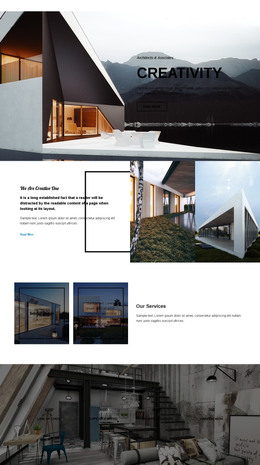
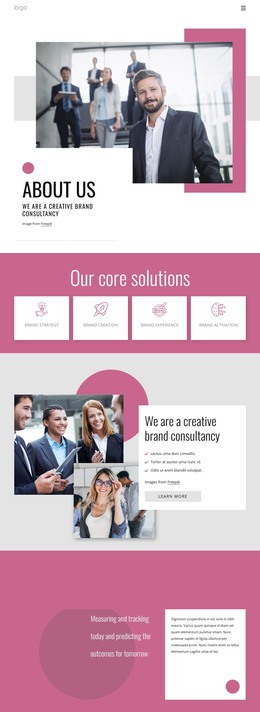
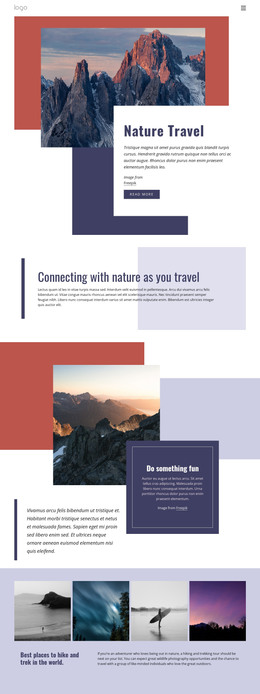
More HTML Templates from Fashion & Beauty Category


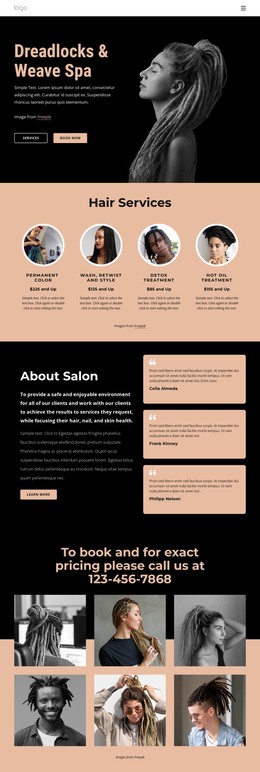
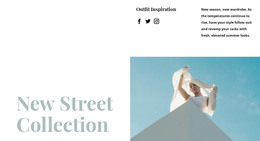

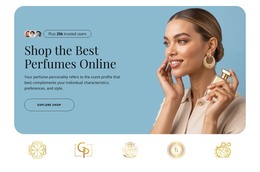
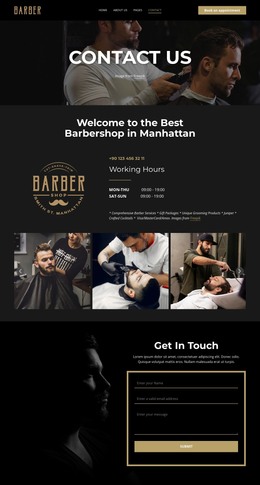



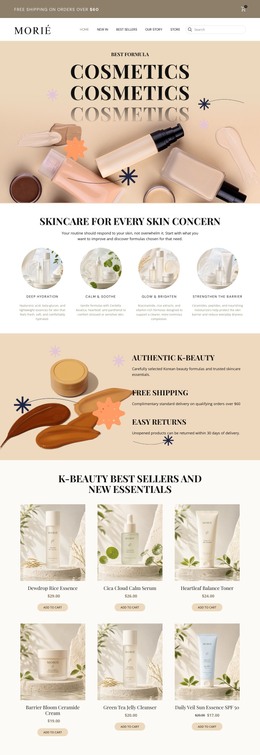
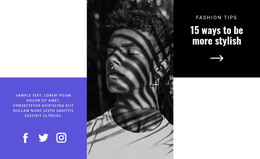

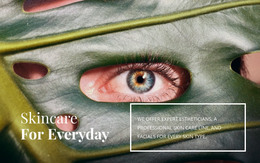
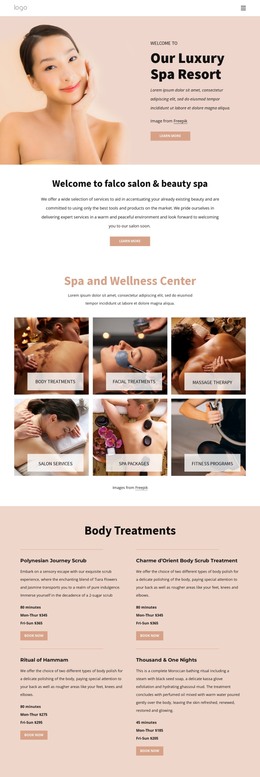
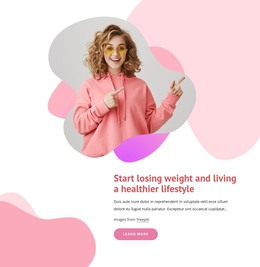
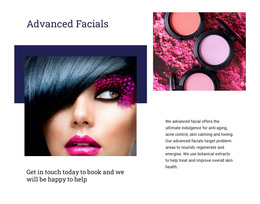

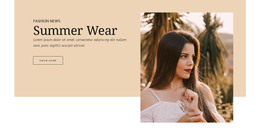
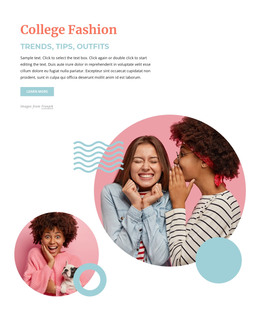
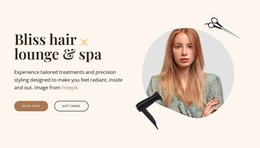


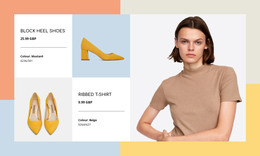

Other Fashion & Beauty HTML Templates
Simple Nice HTML Templates
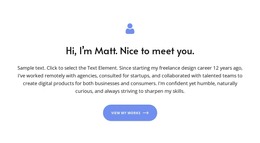
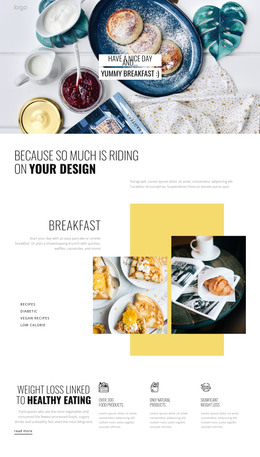
This collection gathers nice HTML templates for portfolios, small business sites, and travel projects, each with a live preview. In a nice template, the colors work together, headings are easy to scan, and every block follows a clear visual logic. Good looks only go so far, though, since huge photos that suit a travel journal can crowd out a long list of services.
What to Look For in a Prebuilt Layout
Depending on the template, a header, a menu, and a hero section may already be in place. What matters is whether the content blocks below them follow the order of what you plan to say. A quick way to narrow the catalog looks like this:
- Decide whether the main page has to show a body of work, explain services, or describe a trip.
- Open the live preview of a few matching templates and compare how each introduces its content.
- Check that headings follow a logical order and each section has one clear job.
- Count how many blocks you would delete or duplicate to fit your material.
A template with one large hero image and a few wide sections suits a photo studio presenting a single offer. A grid of project cards serves a portfolio with dozens of pieces much better, even if its first screen looks plainer.
Testing Demos Against Your Own Copy
Demo content is written to flatter the layout, with short headlines, evenly cropped photos, and the right number of cards. Your material rarely behaves that politely, so run a short test before settling on one:
- Replace the demo headline with your longest project or service name.
- Add two extra cards to a block and see whether the rows stay even.
- Swap one demo photo for an image of yours with a different shape.
Nicepage lets you edit text, images, and blocks visually, so the test runs on the template itself. For templates with a gallery, follow the Image Gallery Caption guide to show gallery images as slides with captions and adjust their size and position in mobile views.
Phone Previews and Exported Files
A layout that looks calm on a laptop can feel crowded on a phone. In the phone preview, the menu should stay usable, and blocks should keep a sensible order as columns stack. When the template fits your content, Nicepage can export the project as HTML files for your own server or a developer. Those files remain available for direct editing so that you can make small fixes straight in the code. Keep the template that still looks tidy after your headlines and photos replace the demo, because visitors never see the demo.