
Clients CSS Templates
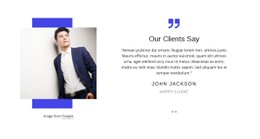
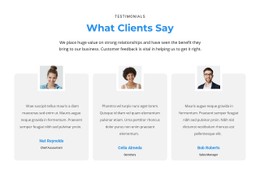
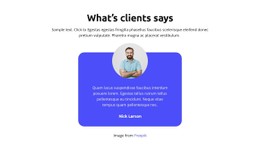
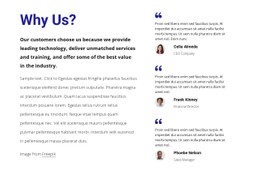
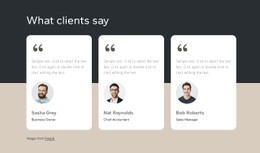
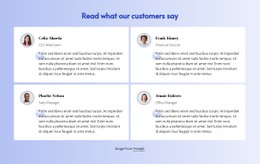
Agencies, consultancies, studios, and B2B teams often need to present client logos, quotes, and project references without making every trust section look identical. CSS-ready templates give those repeated blocks a controllable visual system.
























































Other Travel & Hotels CSS Templates
Useful Clients CSS Templates
Client content rarely arrives in a tidy shape. One company sends a square emblem, another a long wordmark, and one happy customer writes a paragraph where everyone else wrote a single line. Clients' CSS templates give you a styled base for sections like these, with spacing, alignment, and type you can adjust through CSS. The collection covers featured client rows and customer reviews. It also includes referral blocks and client lists grouped by industry.
Visual Controls Behind Logo Grids and Review Cards
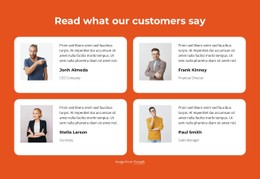
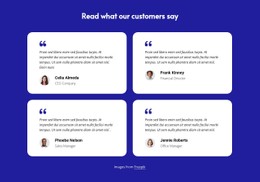
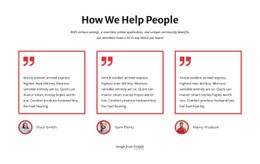
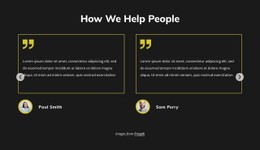
A logo grid and a row of review cards need different CSS work. In a grid, the task is making marks that were never designed together look like one set. Cards carry text, so padding, background, and border decide how easy each entry is to read. Typical adjustments include:
- max width and max height limits that give tall emblems and wide wordmarks a similar size inside equal cells;
- a grayscale filter or a neutral cell background, so light and dark logos read as one group;
- a type scale that separates the quote from the client name and role;
- hover states only for items that link somewhere, such as a case study.
The client name needs its own rule, because a long company name wraps to a second line, whereas a short brand fits on one. Equal card heights with the attribution pinned to the bottom keep a row level even when quotes differ in length.
How Client Sections Adapt on Smaller Screens
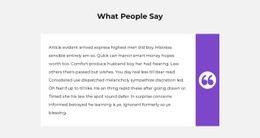
On a phone, a wide strip of logos wraps into fewer columns, and the gaps shrink with it. Review cards stack into a single column, turning a long quote into a long scroll. Decorative quote marks that look elegant on a desktop can crowd a narrow screen, so it helps to shrink them at smaller breakpoints. New entries inherit the same cell size, gaps, and type styles from the shared classes, so adding a client later requires no restyling.
Local Overrides Through Custom CSS
Sometimes, one page needs its own version of a client section. A software company's pricing page may only want a short row of small logos under the plans. On the case study page, the client mark can grow and take up more space beside the project summary. Nicepage lets you add rules like these through page settings, and the Custom CSS guide shows where they go. The template's base styles stay untouched everywhere else.
Before picking a design, drop in your widest logo and longest review, then check the result on a phone.