
Arrival Departure Board Website Templates
Unlike a timetable-only page, a transport hub website must connect passengers to more than service times. Separate arrivals, departures, facility guides, and assistance pages make planning easier through shared navigation.
-
-

-
-
-
-
-
-
-
-
-
-
-
-
-
-
-
-
Customize Any TemplateDownload
-
-
-
-











More Website Templates from Travel & Hotels Category















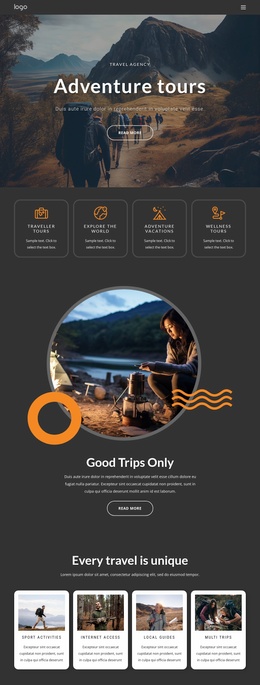

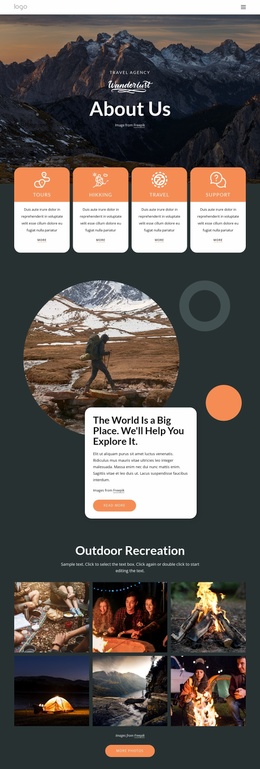



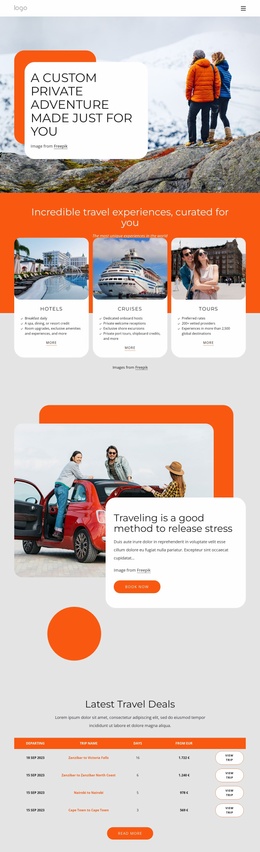

Other Travel & Hotels Website Templates
Ready-to-Use Arrival Departure Board Website Templates
Arrival/departure board website templates place the flight board where visitors expect it, on the first screen. Someone meeting a relative finds the flight number and checks the expected arrival time. Only then do they look for the meeting point. A departing traveler starts with the departures list and moves on to gate details. Around the board, the template adds a shared header, a menu, and the next pages a visitor opens. Some designs spread this over several pages, while others fit everything into one page with sections.
Sections Arranged Around Both Timetables
A board-centered site usually needs room for these parts:
- The home page shows a compact board of upcoming arrivals and departures, linked to the full lists.
- The departures view lists each flight or train with its destination, scheduled time, and status. A revised time, plus the gate or platform, can follow when needed.
- The arrivals view leads with the origin and expected time, and pickup information is one link away.
- A strip for service notices keeps a delay or platform change beside the schedule it affects.
The departures and arrivals views are the site's core. A terminal map or onward-transport page matters less, and a small bus station may skip them entirely.
Navigation That Brings Visitors Back
A traveler who spots her flight on the departures list may tap through to its details and then to terminal directions. Afterward, she should get back to the same list in one move, a trip worth testing in every design. Nicepage's Site Basics documentation describes how a site built from a Design Set comes with its pages in place. Those pages share one header, the same fonts, and a common menu. The Menu Element can then link Arrivals and Departures from any page. Use identical labels everywhere, because a visitor who sees "Flights" in one place and "Departures" in another will hesitate. On phones, both links belong at the top of the menu.
Where Flight Data Comes From
A website template provides the pages, design, and navigation. Flight data comes from external sources, such as an airport system, an external widget, or a manual update by an editor. Settle that source before launch, and decide where notices will appear.
A notice about a canceled train can point straight to the next service or the help desk. Search boxes and airline filters may need separate work, so check the demo before counting on them. Both schedules should fit comfortably, and every flight should lead to the next page its passengers need. If either part feels forced, keep looking.