
Ride Website Templates
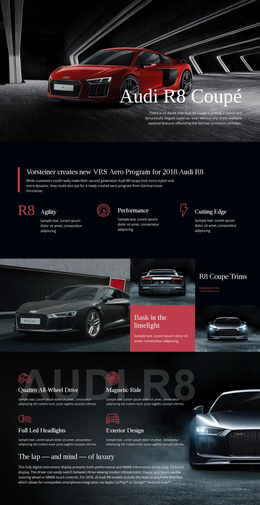
Travelers need more than a booking button: they want to know where a transport company operates and what each service includes. Ride website templates bring service pages, fleet details, and company information into one navigable site.



More Website Templates from Travel & Hotels Category
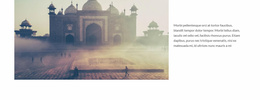
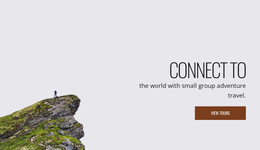
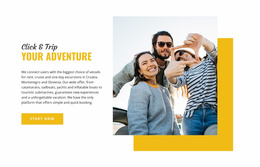



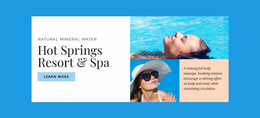
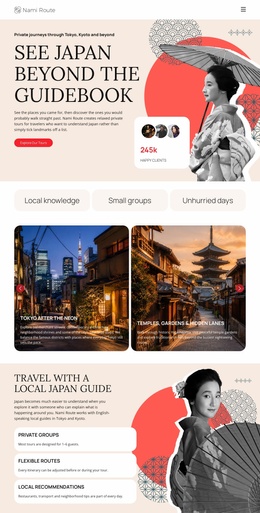


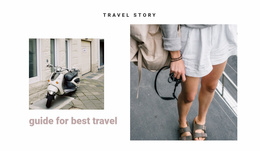
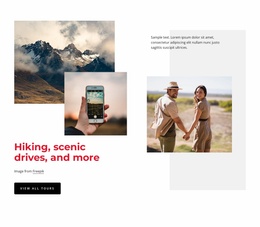

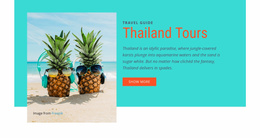





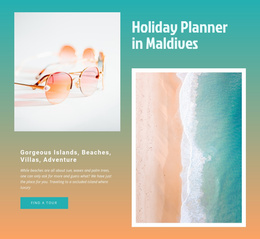
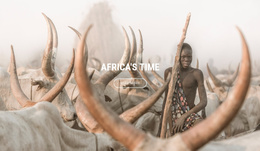
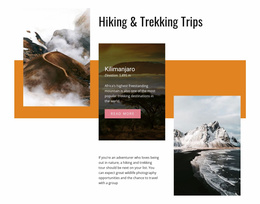
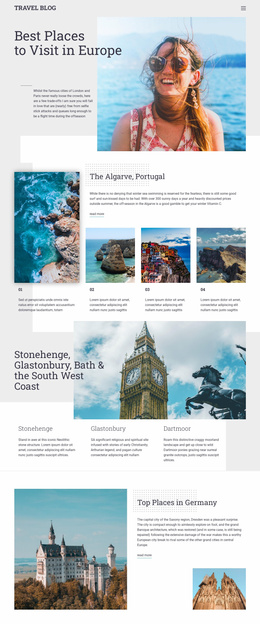
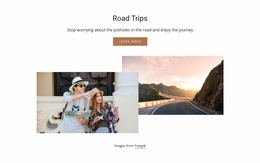
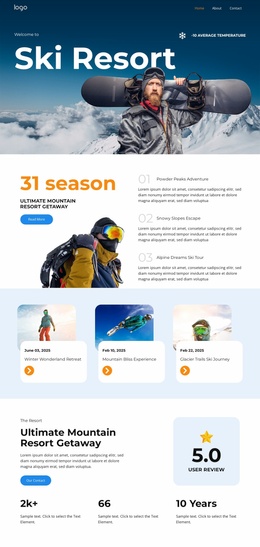
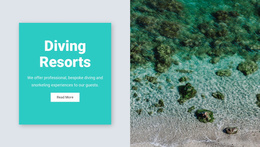
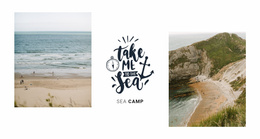


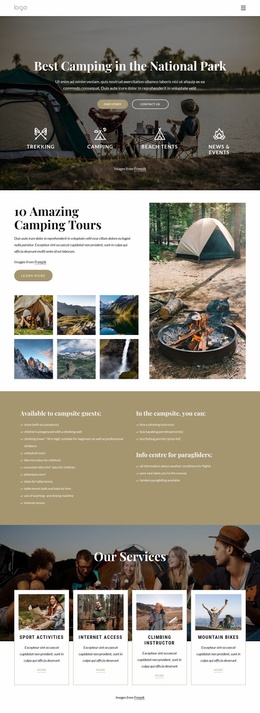

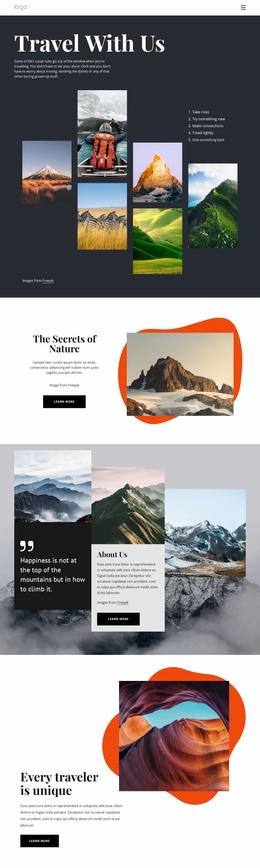
Other Travel & Hotels Website Templates
Multipurpose Ride Website Templates
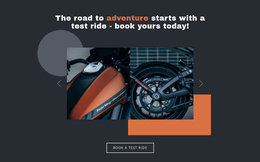
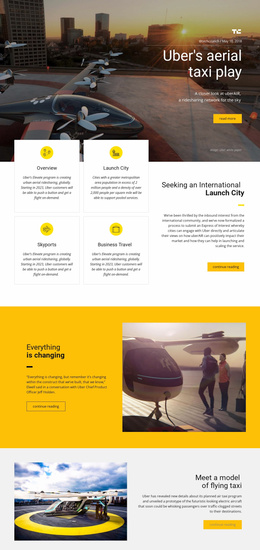
Picking a ride website template starts with your trips, whether you run weekend cycling tours, balloon flights, or private car transfers. The designs come finished, so you swap in your photos and text and adjust the colors and fonts. Better candidates leave room for rides you haven't launched yet.
Judging Designs by Project Scale
A few quick checks show whether a design fits your ride project:
- The number of offers comes first, since one flagship trip can carry a site centered on a single large visual, while several services need an overview page.
- The first screen should show the main offer and a request button without scrolling.
- The format matters too, because the catalog mixes designs with several pages, single pages, and blocks.
For a private car service, a ride selection block near the top and a short fleet section usually matter more than a big gallery. A sightseeing operator gets more from large trip photos and a brief overview of each program. The fewer sections you have to add or remove, the closer the match.
Adding Pages When Routes Change
Cycling clubs add routes through the season, and every new route needs a page that matches the rest of the website. In Nicepage, adding such a page usually takes three steps:
- Duplicate an existing route page from the Pages Panel, so the layout and styling carry over.
- Replace the pictures, distance, and meeting point with details of the new ride.
- Add the page to the menu as a main item or as a subitem under Routes.
Theme Settings apply a single color scheme and a single font pair to every page and block, so the new route blends in. A menu item can also point to a block, which lets a small club keep its rides on one long page and split them up later. Each route should end with a clear link to the contact page or a registration form.
Showing Who Runs Each Ride
Before booking, people want to know who is behind a ride, and what counts as proof depends on the activity. A balloon company rarely needs a fleet page, yet its visitors look for photos of real flights, the pilot's experience, and what happens when wind cancels a launch. A good design gives this material its own block instead of squeezing it into the footer.
Fill the demo with your real text and photos before committing, and watch how it handles longer headlines. If the design passes that test and still has room for the next route or flight, it is worth building on.