
Cruise Website Templates
Cruise operators need clear routes from destinations to cabins, departure information, and a way to submit direct inquiries. These website templates offer a starting structure for a coordinated site, with room for individual cruise pages and useful navigation.

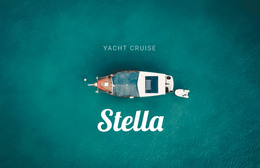
More Website Templates from Travel & Hotels Category
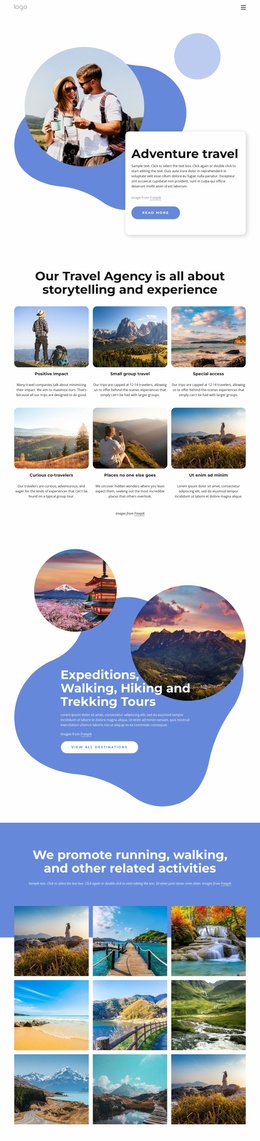

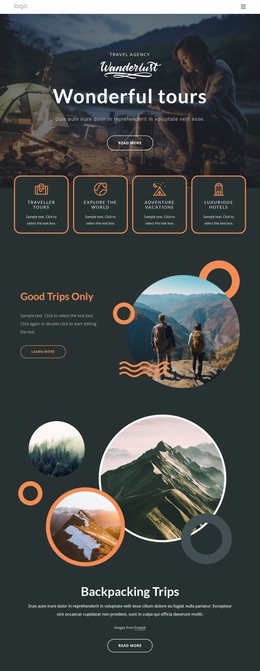

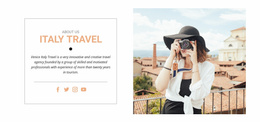
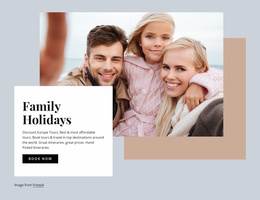

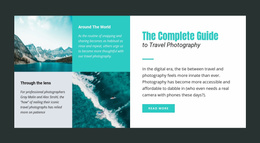



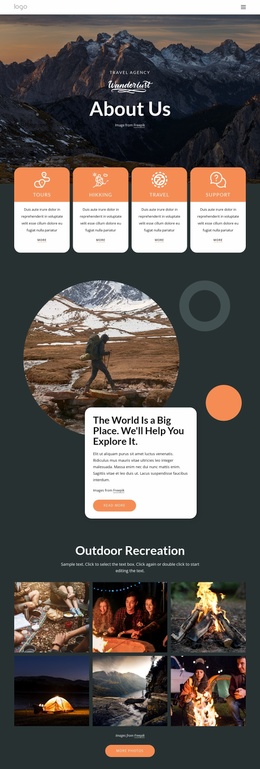
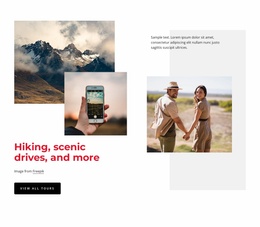

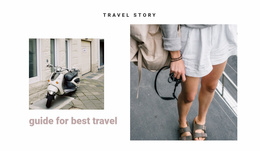

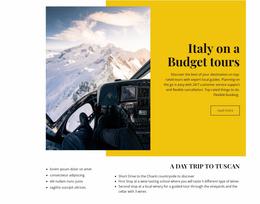
Other Travel & Hotels Website Templates
Professional Cruise Website Templates for Voyage Catalogs and Fleets
Cruise website templates give a travel business a designed starting point, from a single offer to a full set of ship and itinerary pages in a matching style. A cruise site needs more than a general travel layout, since every trip includes a ship, an embarkation port, and cabin options.
Ready Pages Worth Having
The more of these a demo already has, the less you build from scratch:
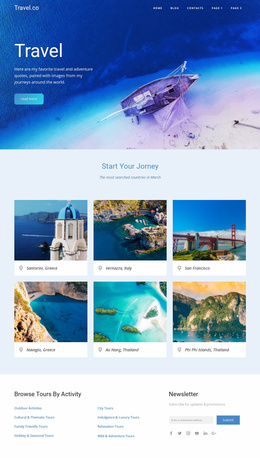
- The homepage features one sailing up top and leads into a listing whose cards show the ship, the destination, and the voyage length.
- Itinerary pages cover one sailing and its ports, while destination pages introduce a whole region.
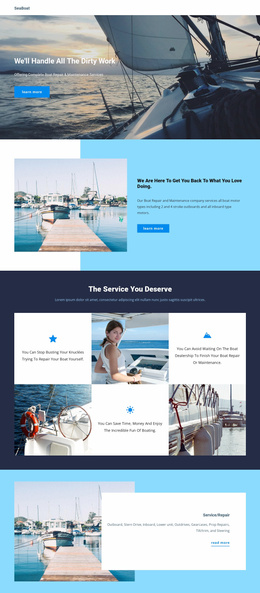
- Ship pages make room for deck plans, amenities, and photos of each cabin grade.
- A contact page with fields for the departure date and cabin type saves a round of emails, because cruise questions are rarely general.
The same seven-night route can run on two ships in one month, so listing cards that show only the destination become identical tiles. The ship, sailing date, and fare should stay visible from the card to the itinerary page.
Agency, Cruise Line, or Riverboat
An agency reselling dozens of sailings needs a strong listing page with search near the top. A line with its own ships occupies its own pages, and a river operator with two vessels can give each boat generous space on fewer pages. Private yacht companies sell through photos and conversation, so a gallery and an inquiry form may be enough. Check the photography too, since a design built around a white ocean liner can feel oversized for a twelve-cabin yacht.
When the Demo Gets Twelve Stops
Demos usually show a short sailing with a few ports, and almost any layout looks tidy with so little content. Try twelve stops and several cabin grades on a phone before deciding. Live cabin inventory and current fares come from a booking system, and the demo's search panel stays a picture until someone connects it.
A growing catalog also tests the menu once ocean and river trips need separate entries. Nicepage's Menu Element documentation covers how to link pages, page blocks, and external destinations through the site menu. Within the Nicepage Dashboard, you can manage individual pages, so each new ship or Greek Islands route gets its own page. A Gallery Carousel suits ship pages where guests want to flip through cabin photos without a long scroll.
A strong cruise demo lets a first-time visitor find a sailing, open its details, and reach the inquiry step without getting lost.