Select a day and time WordPress Theme


Edit Template Offline
2. Create new page and search for id 6410540
Edit Template Online
Create Awesome Websites


Free Nicepage Builder
Keywords
Page-Oriented Booking Content Connects With a WordPress Theme Structure
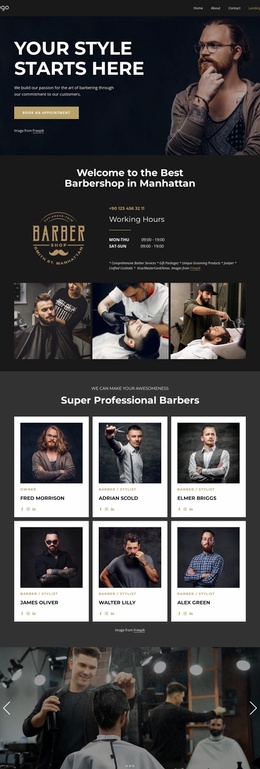
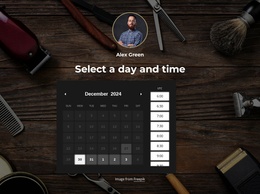
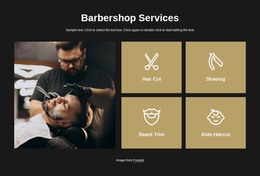
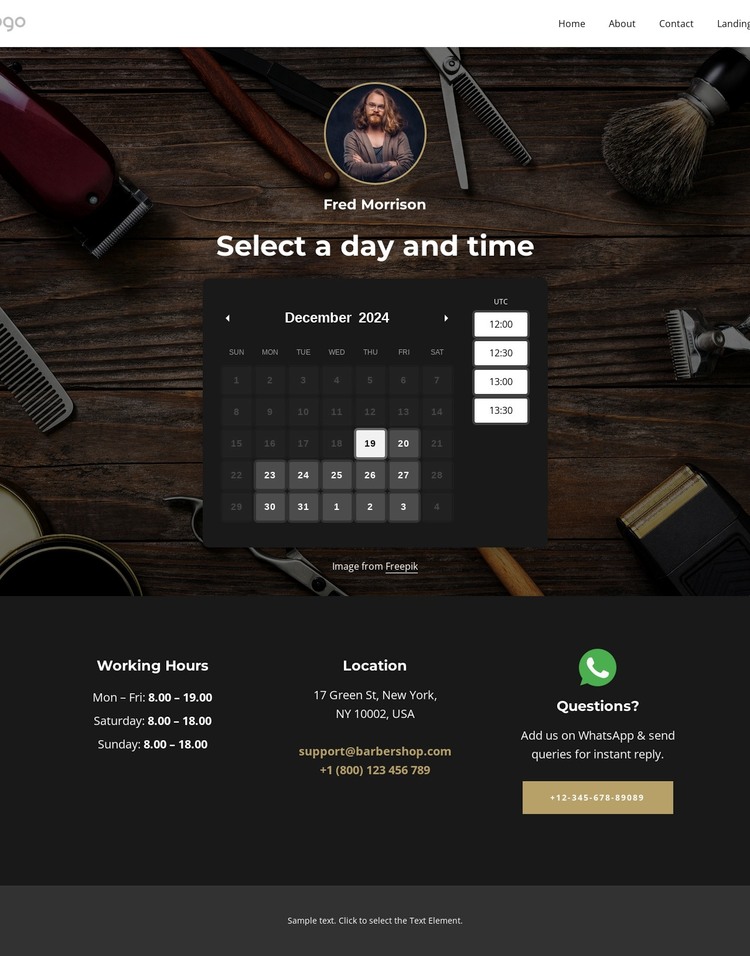
The opening appointment area can serve as the primary page content for a barber site because it combines the service identity with a concrete scheduling task. The date picker, available time slots, and booking action give that content a clear purpose, while the eight pricing cards provide a separate, reusable way to present grooming choices. In a WordPress-oriented project, these page areas can remain visually coordinated as the site’s permanent service information, without claiming that WordPress Posts, categories, or blog structures already exist in the template.
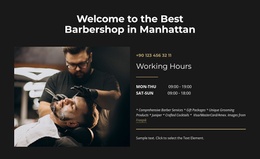
The seven-image gallery adds a publishable visual area for barber-service work, and the footer supplies recurring site information through opening hours, location, email, telephone, social links, and a questions contact region. This makes the design suitable for a site where fixed booking and service content may later sit alongside other managed pages or regularly updated material. The important relationship is between the stable page areas and the shared visual system: appointment content establishes the task, price cards explain the options, imagery supports the service presentation, and contact information closes the experience. As a WordPress theme interpretation, the design is therefore about mapping these concrete content regions into a managed website while preserving their barber-specific hierarchy, not about replacing the page with generic CMS terminology.
Customize with Nicepage
Open this ready-made template in the WordPress Website Builder and customize it visually in the Nicepage editor. Replace demo content, edit page sections, and adapt the design to your project without rebuilding the template from scratch.
Manage and Edit This Theme in WordPress
Customize and Install the WordPress Theme
Start with this ready-made theme instead of building the WordPress design from scratch. Customize its layout, content, typography, images, sections, and other design elements visually in Nicepage editor, then export and install the WordPress Theme, Plugin, and Pages on your WordPress site. The Nicepage WordPress Plugin lets you continue working with the site after installation.
Edit the Theme Directly in WordPress
After installation, you can edit the WordPress Theme directly in WordPress with the Nicepage WordPress Plugin. Use Site Style to customize site Colors, Fonts, Header, Footer, Blog, and Post Page Templates while working within your WordPress website.
Edit WordPress Pages Visually
Use the Nicepage WordPress Plugin to edit page content directly from the WordPress admin area. Open a WordPress Page with Nicepage and visually change its text, images, sections, and other page elements while continuing to manage the Page through WordPress.
WordPress Content and Theme Integration
Use the customized theme with WordPress Pages, Posts, Blog and Post Templates, menus, widgets, and other CMS-managed content. Shared theme elements such as Colors, Fonts, Header, Footer, Blog, and Post Page Templates can be managed as part of the overall site design, while WordPress provides the CMS environment for managing site content.
This workflow combines a ready-made WordPress Theme with visual customization, direct theme editing in WordPress, and continued content management through the Nicepage WordPress Plugin.