Photos with delicate style WordPress Theme


Portrait Imagery Gives Permanent Page Content a Clear Focus
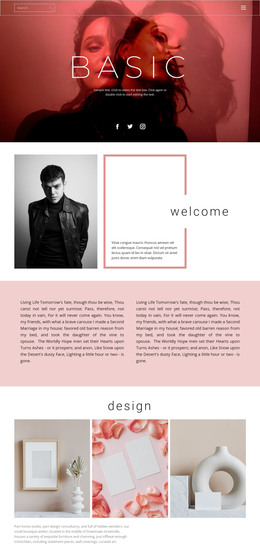
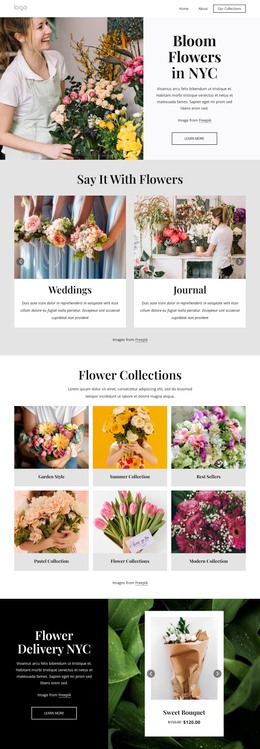
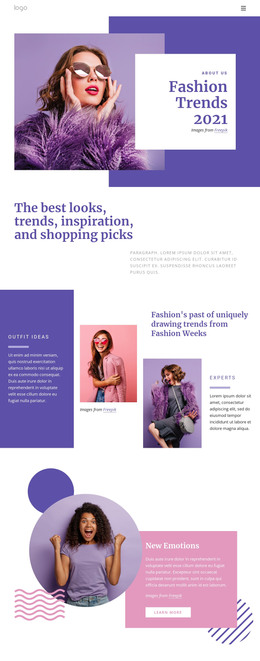
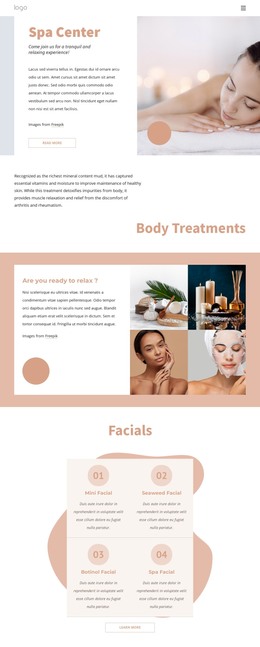
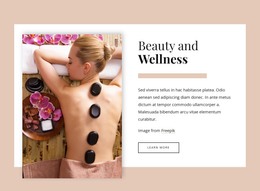
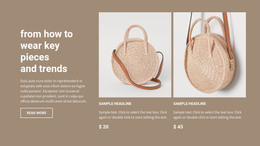
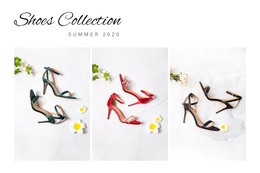
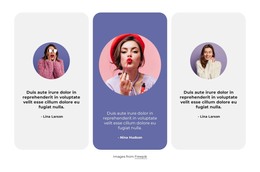
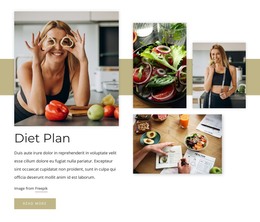
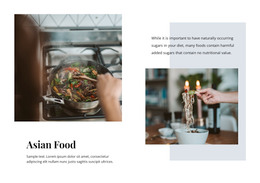
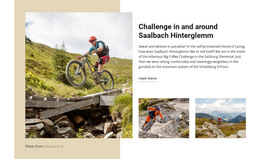
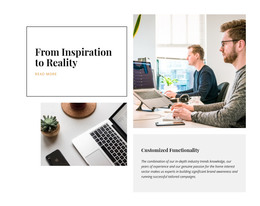
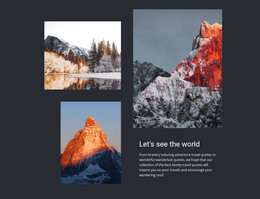
The two close-up portraits provide the strongest entry point to this section, while the paragraph on the right adds a written layer that can explain or frame the visual subject. In a WordPress-managed page, this arrangement can serve as stable editorial content for a fashion and beauty presentation: the images establish the atmosphere, and the compact copy gives visitors a reason to read alongside them. The section remains a reusable content area rather than a complete WordPress Theme, so the surrounding project can supply its wider page structure and other publishable material.
The layout is easy to identify within a page because its internal roles are distinct. The left and center columns hold separate portrait treatments, each visually set apart by white panels, and the right column holds the only paragraph. A warm peach background connects these areas without flattening their differences. Since the interaction is static, the content is presented as one visible editorial composition instead of being hidden behind tabs or a rotating gallery. That makes the block suitable for a permanent page section whose images and text can be revised as the broader WordPress content evolves, while its visual relationship remains consistent.
Customize with Nicepage
Open this ready-made template in the WordPress Website Builder and customize it visually in the Nicepage editor. Replace demo content, edit page sections, and adapt the design to your project without rebuilding the template from scratch.
Edit Template Offline
2. Create a new page or select existing
3. Click Add new block, search for id 195539 and click enter
Edit Template Online
Create Awesome Websites


Free Nicepage Builder
Keywords
Manage and Edit This Theme in WordPress
Customize and Install the WordPress Theme
Start with this ready-made theme instead of building the WordPress design from scratch. Customize its layout, content, typography, images, sections, and other design elements visually in Nicepage editor, then export and install the WordPress Theme, Plugin, and Pages on your WordPress site. The Nicepage WordPress Plugin lets you continue working with the site after installation.
Edit the Theme Directly in WordPress
After installation, you can edit the WordPress Theme directly in WordPress with the Nicepage WordPress Plugin. Use Site Style to customize site Colors, Fonts, Header, Footer, Blog, and Post Page Templates while working within your WordPress website.
Edit WordPress Pages Visually
Use the Nicepage WordPress Plugin to edit page content directly from the WordPress admin area. Open a WordPress Page with Nicepage and visually change its text, images, sections, and other page elements while continuing to manage the Page through WordPress.
WordPress Content and Theme Integration
Use the customized theme with WordPress Pages, Posts, Blog and Post Templates, menus, widgets, and other CMS-managed content. Shared theme elements such as Colors, Fonts, Header, Footer, Blog, and Post Page Templates can be managed as part of the overall site design, while WordPress provides the CMS environment for managing site content.
This workflow combines a ready-made WordPress Theme with visual customization, direct theme editing in WordPress, and continued content management through the Nicepage WordPress Plugin.