Barber team WordPress Theme


Edit Template Offline
2. Create new page and search for id 5252569
Edit Template Online
Create Awesome Websites


Free Nicepage Builder
Keywords
Team Profiles and Service Content Give the Theme a Clear WordPress Role
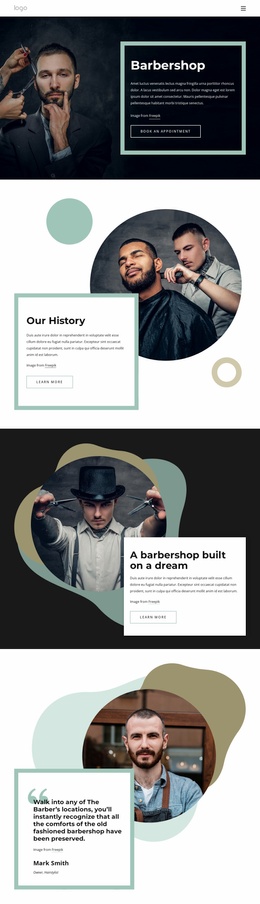
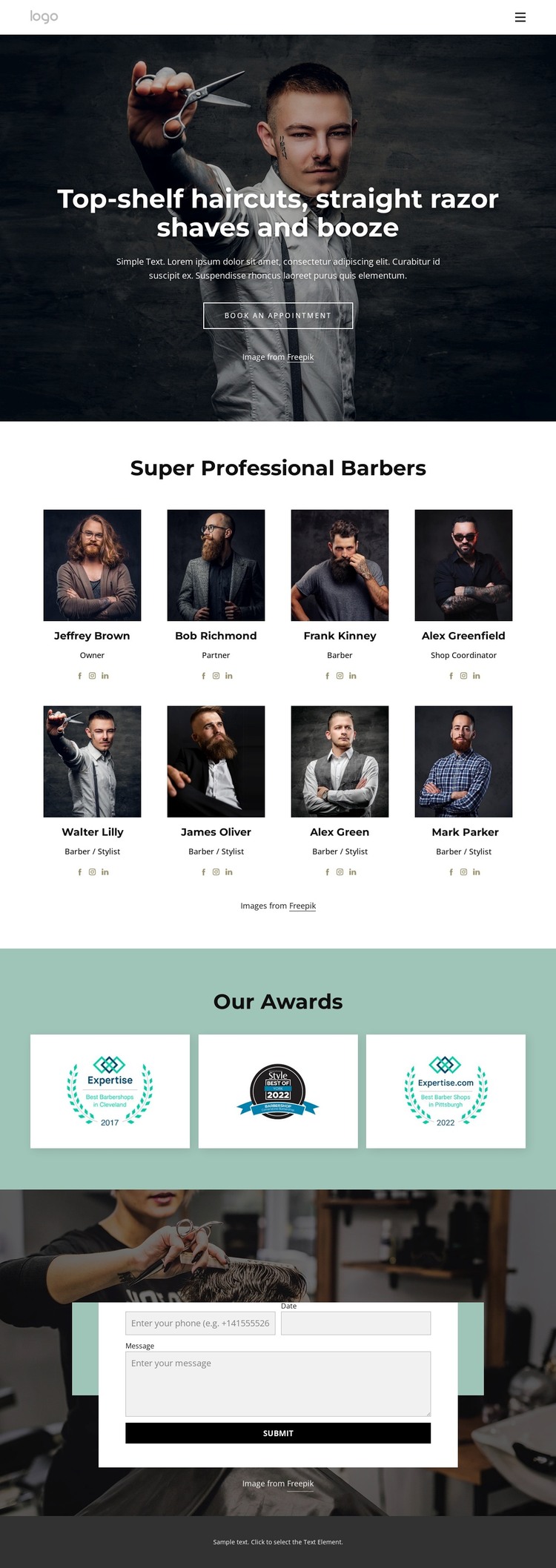
The service introduction and team section create two useful content layers for a WordPress-oriented site. The hero presents haircuts, straight razor shaves, and drinks with an appointment action, while the eight portrait cards move into staff information. Each card identifies a person and role, including Owner, Partner, Barber, Shop Coordinator, and Barber / Stylist, so the repeated group can be interpreted as page content that needs to remain easy to recognize and update.
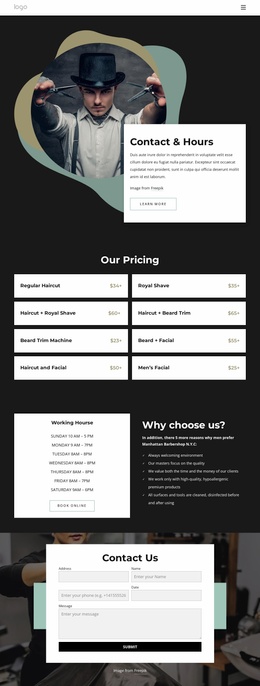
The award gallery supplies a separate recognition area with three images on a muted teal background. Its distinct treatment keeps it from blending into the team presentation and gives the page another stable content region. Navigation and mobile navigation provide the route through the design, while the Contact Us section creates a dedicated place for appointment or general inquiries. The white form panel over a barber-themed image makes that interaction visually prominent without changing the overall monochrome character.
These relationships make the design suitable as a WordPress theme foundation for a barbershop whose permanent service and team information may later sit alongside other managed content. The template does not prove that posts, categories, or a blog already exist, so those structures should not be assumed. Its verified value lies in the existing page-oriented areas: service introduction, staff profiles, recognition, navigation, contact, and shared visual closure.
Customize with Nicepage
Open this ready-made template in the WordPress Website Builder and customize it visually in the Nicepage editor. Replace demo content, edit page sections, and adapt the design to your project without rebuilding the template from scratch.
Manage and Edit This Theme in WordPress
Customize and Install the WordPress Theme
Start with this ready-made theme instead of building the WordPress design from scratch. Customize its layout, content, typography, images, sections, and other design elements visually in Nicepage editor, then export and install the WordPress Theme, Plugin, and Pages on your WordPress site. The Nicepage WordPress Plugin lets you continue working with the site after installation.
Edit the Theme Directly in WordPress
After installation, you can edit the WordPress Theme directly in WordPress with the Nicepage WordPress Plugin. Use Site Style to customize site Colors, Fonts, Header, Footer, Blog, and Post Page Templates while working within your WordPress website.
Edit WordPress Pages Visually
Use the Nicepage WordPress Plugin to edit page content directly from the WordPress admin area. Open a WordPress Page with Nicepage and visually change its text, images, sections, and other page elements while continuing to manage the Page through WordPress.
WordPress Content and Theme Integration
Use the customized theme with WordPress Pages, Posts, Blog and Post Templates, menus, widgets, and other CMS-managed content. Shared theme elements such as Colors, Fonts, Header, Footer, Blog, and Post Page Templates can be managed as part of the overall site design, while WordPress provides the CMS environment for managing site content.
This workflow combines a ready-made WordPress Theme with visual customization, direct theme editing in WordPress, and continued content management through the Nicepage WordPress Plugin.