

Moon HTML Templates
Readers who compare crescent, quarter Moon, and full moon photographs need accurate labels and useful context. With moon HTML templates, astronomy educators can arrange phase descriptions, image details, and observation notes into structured sections that remain legible on phones.



More HTML Templates from Nature Category



Other Nature HTML Templates
Clean Moon HTML Templates
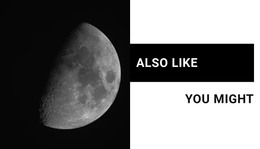
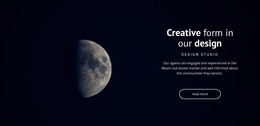
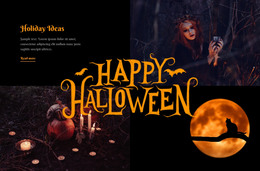
Moon HTML templates give you a finished lunar design you can adjust in a visual editor and export to a server of your choice. The category reaches well past astronomy guides. Space Theme In Projects places a grayscale Moon behind a design studio introduction. Riddles Of The Moon pairs a monochrome photo with a "You Might Also Like" heading that suits a shop. Many entries are single sections, so it helps to know your content before opening previews.
Choosing a Lunar Layout That Fits Your Content
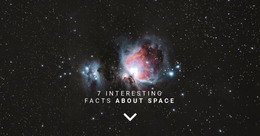
A gallery of lunar phases needs several image slots with room for a caption under each. A club announcement or a space intro can live inside one strong photo with a headline, as in Facts About Space. The category lets you browse whole Pages or separate Blocks, and one block is often enough for an existing project. Before you commit, run the demo through a few checks:
- See whether the title area can hold your longest heading, since split designs give text a fixed share of the screen.
- Look for space under each picture if your photos need captions.
- Open the phone preview to see where the text lands once the panels stack.
Swapping Demo Photos for Real Moon Shots
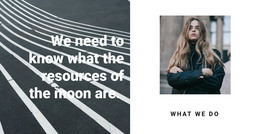
Lunar photos behave differently from stock pictures. A telescope shot often has plenty of black sky around the disk so that cropping can make the Moon small or off center. A thin crescent may shrink to a faint line in a narrow phone column. In a two-panel design like Resources Of The Moon, a longer statement on the dark side can throw the panels off balance. If a picture shows a phase or crater your text mentions, give it a description that names it. And if the spacing falls apart when you add a third card, the design will fight you every time the content grows.
Exporting HTML to Keep Working in Code
Once the design looks right, export the project as HTML from the Nicepage applications or the Online Builder and upload the files to your own hosting. You don't have to edit the source to customize a template because the visual editor handles images, text, and layout. Code work usually starts when a lunar section has to join a project outside Nicepage, and the exported files remain available for direct editing. For several connected pages with shared menus, the Moon designs built for complete sites are a better route. Pick a design whose demo already matches your image count and text length, since it will need the fewest fixes after export.