
Dress HTML Templates
Fashion boutiques need dress pages that keep collection imagery, garment details, and product groups organized on every screen. These HTML templates provide reusable markup sections for responsive apparel presentation, so you don't have to start from an empty structure.
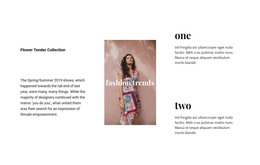
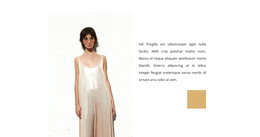
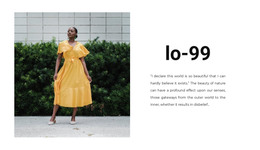
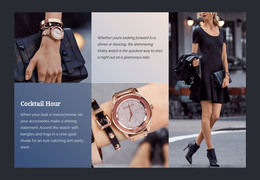



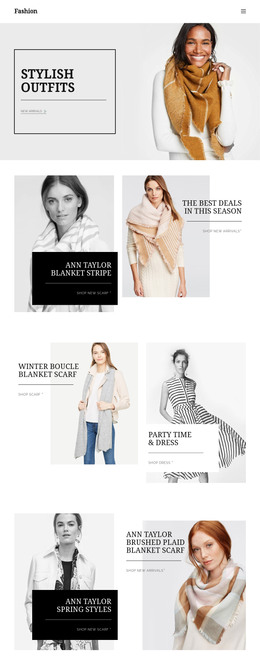
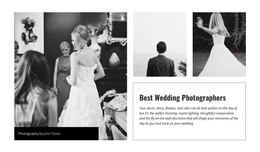
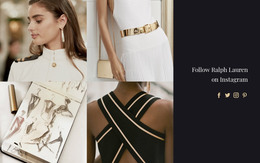


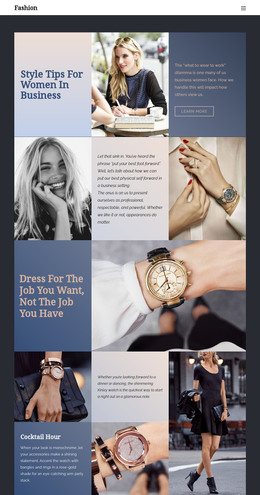
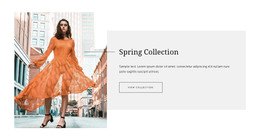
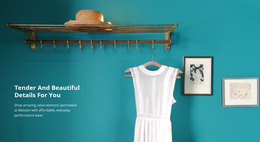

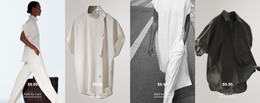
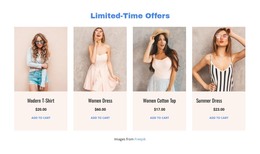



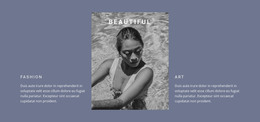

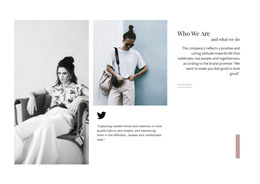
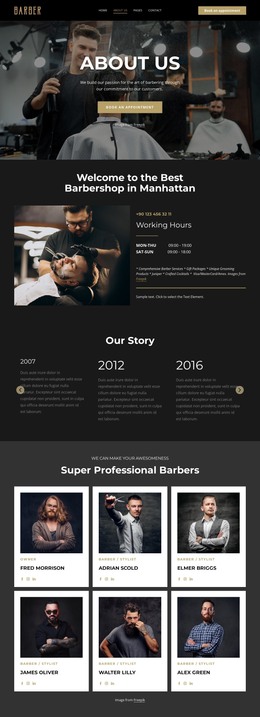

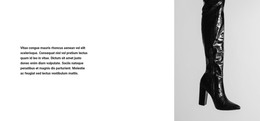






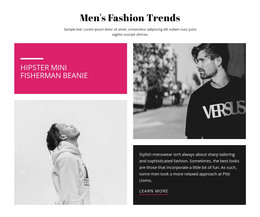
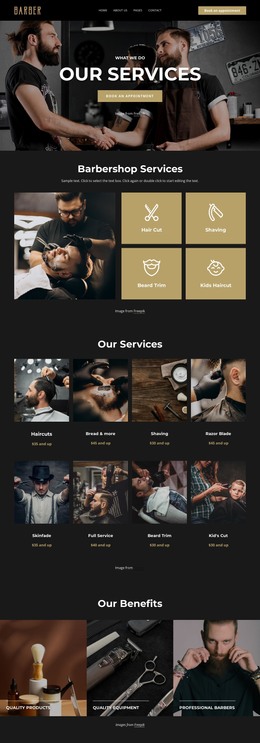
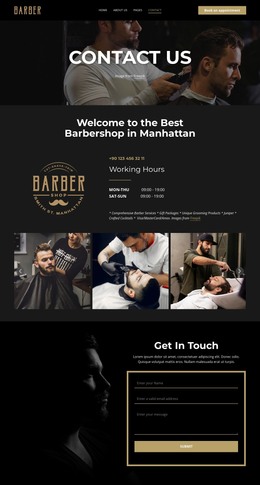
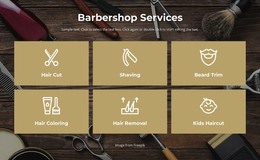

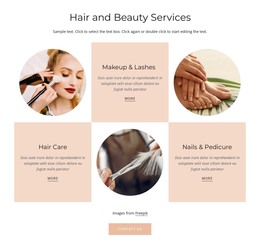
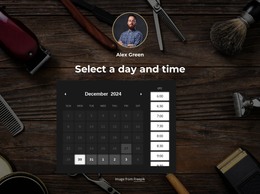
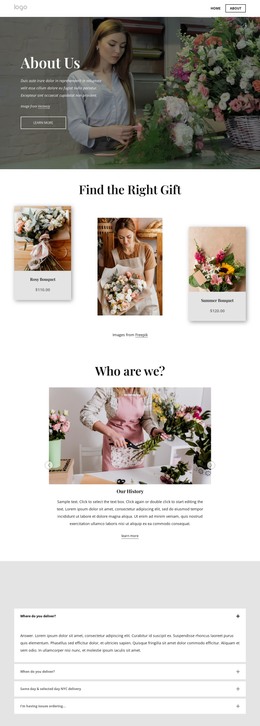
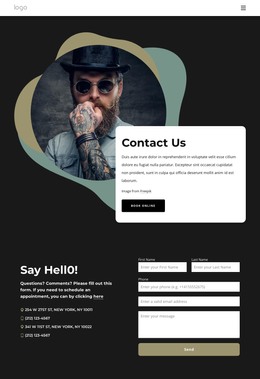
Other Fashion & Beauty HTML Templates
Responsive Dress HTML Templates
Dress HTML templates provide boutique- or independent-label-ready pages and sections in editable markup. A typical design opens with a campaign photo and a collection title. Below them runs a set of dress cards, each leading to a product view with size and fabric details. Once those pieces are in place, a new collection can go live as soon as the photos and copy are ready.
From Campaign Photo to Product View
Picture a label putting its new cocktail line online. Visitors first see the campaign image, then scroll until a dress card catches their eye. In a well-planned template, each block hands the visitor to the next:
- A hero section where a large image and the collection name set the season's tone.
- Repeating dress cards with a photo, name, and price, each linked to its product view.
- A detail area with room for fabric composition, care instructions, and a fit note.
- A closing call to action pointing to the full catalog or an appointment request.
The fit note is easy to overlook in a demo. Shoppers often want the model's height and the size she wears before opening any size chart, and a separate spot stops that line from disappearing into the description.
One Label Running Several Lines
Reusable blocks pay off when a brand runs several lines. Say the label also offers bridal gowns and a summer range. All three can share one set of blocks, and each new line starts as a copy with fresh photos and names. The bridal cards might drop prices and swap the buy button for a fitting request, a small edit to the markup.
Some dress HTML templates cover an entire catalog, with category listings and a product view for each dress. Others are a single collection page for a campaign or a lookbook, handy when the shop itself runs elsewhere.
What Developers Receive After Export
The export includes a folder of HTML files and images, ready for you to post or for a developer to pick up where the designer left off. Inside, the markup keeps content placement predictable. Better templates mark the collection, and each dress name uses heading levels, and every image can carry alt text describing the cut and fabric.
On a phone, the blocks usually stack in markup order, so the collection name appears before the first card. For catalog-style pages, Nicepage's Product Elements documentation covers product titles, prices, descriptions, buttons, variations, and other details that can be used to structure each dress entry. With markup like this, swapping a dress, a photo, or a collection name rarely means reworking the page around it.