
Heritage HTML Templates
Detailed histories, artifact galleries, captions, and visitor details need markup that remains understandable as content grows. Heritage HTML templates provide reusable sections and responsive structure for presenting cultural material across desktop and mobile screens.
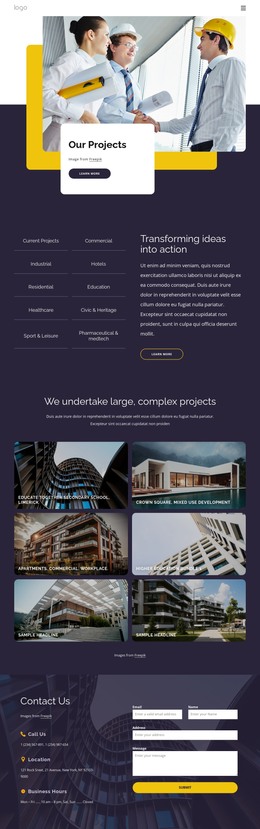
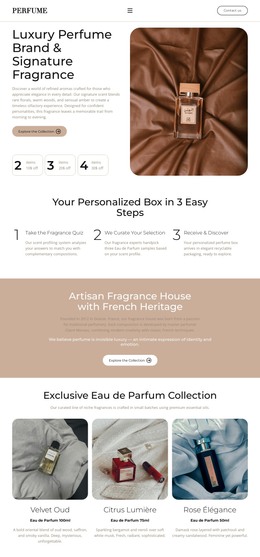
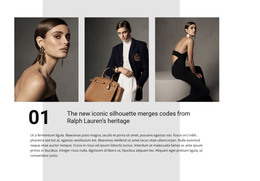
More HTML Templates from Fashion & Beauty Category











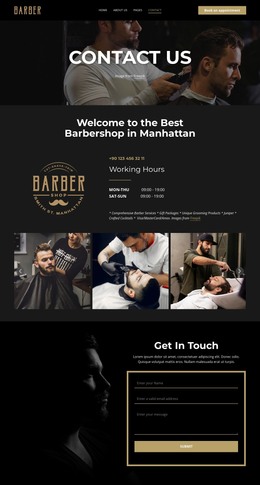




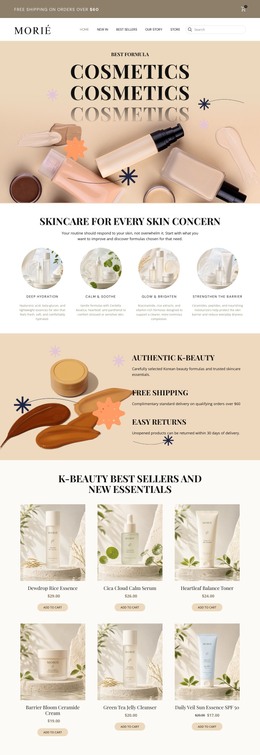



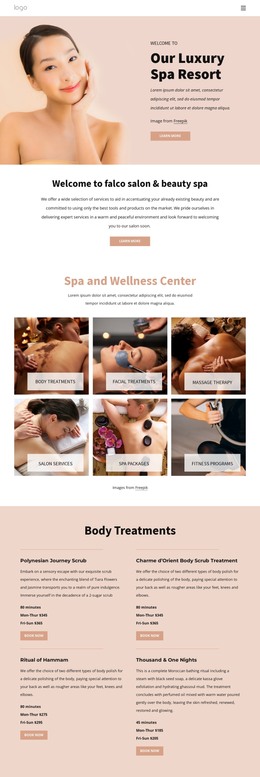

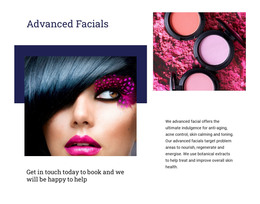



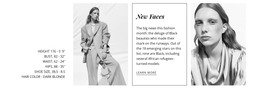

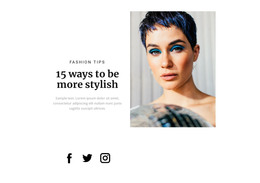
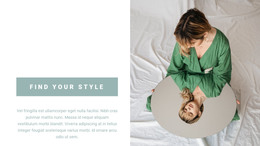
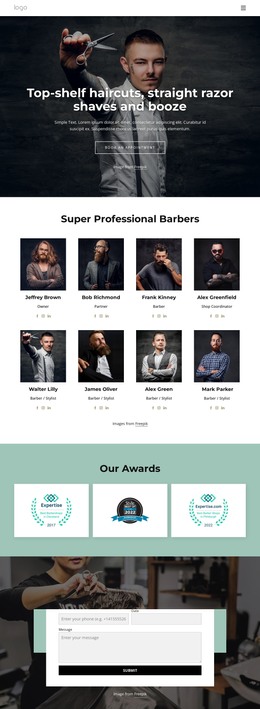
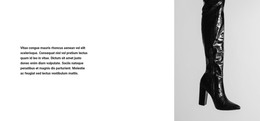

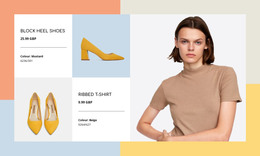

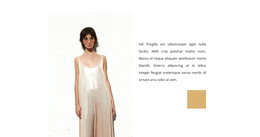
Other Fashion & Beauty HTML Templates
Clean Heritage HTML Templates
Heritage content is dense by nature. A single exhibit can bring together an introduction, object descriptions, and provenance notes. In contrast, every object still needs its photograph, caption, and date to stay together on screen. Heritage HTML templates give museums, archives, and historic properties ready front-end files built around that kind of material. You get editable layouts for artifacts, galleries, and visitor details that you can customize visually in Nicepage, export, and host on your own server.
Ready Layouts For Artifacts And Archives
When browsing heritage HTML templates, check the demo for components such as these:
- Artifact cards and object grids that pair each photograph with its caption and period.
- Exhibition overviews that lead from a main image into individual object entries.
- Archive or research sections with room for finding aids and collection summaries.
- Timeline blocks that trace a building, a family, or an institution through the decades.
Designs vary a lot across the category, so a gallery or timeline may appear in one template and be missing from another. Scroll through the whole demo and look at the longest object description before deciding.
Editable Source Files Built On Reusable Components
Heritage sites rarely stop at one exhibition. A historic landmark might document its architectural features, then its restoration phases, then individual rooms, and each can reuse a repeated section. A typical way of working with such a template looks like this:
- Customize the design visually in Nicepage, replacing images and text with your own collection material.
- Duplicate a finished object or room section whenever a new entry arrives.
- Export the project with its HTML, scripts, and images, then upload it to your hosting or hand it to a developer.
The exported files remain available for direct editing, so a developer can later connect a collections database or adjust the markup for a specific archive without starting over. Customizing the design never requires touching the source, although it stays open whenever a technical change comes up.
Captions, Timelines, Galleries Across Screen Sizes
Heritage material tests responsive layouts harder than most subjects. On a phone, a long caption should stay attached to its image, and an object description needs comfortable spacing to remain readable. Timelines are the real stress point, since they have to collapse into a vertical sequence while keeping their chronological order intact.
When comparing heritage HTML templates, open the demo on a narrow screen and find the densest object entry. If the caption, date, and image still read as one unit there, the code gives you a sound base for collections, exhibitions, and visitor details alike.