
Salon HTML Templates
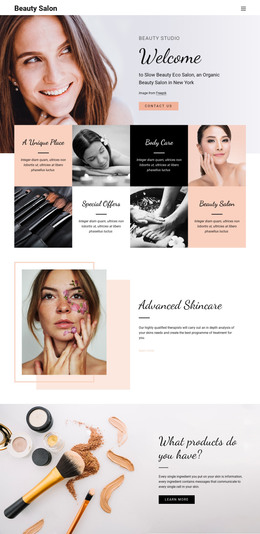
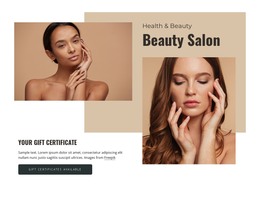
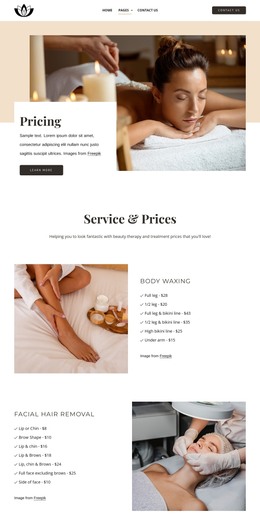
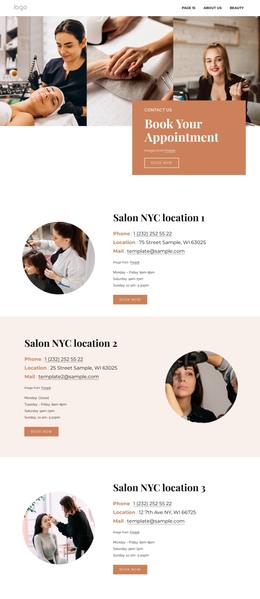
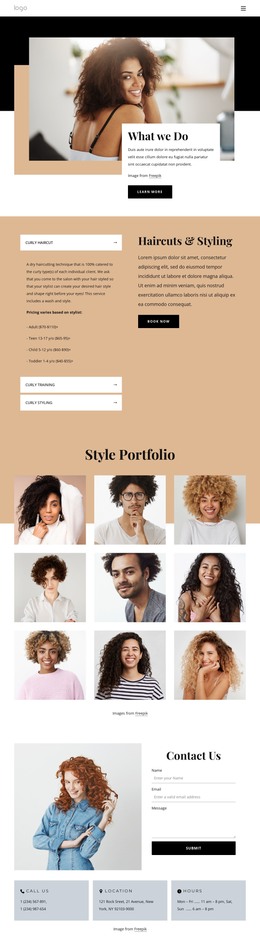
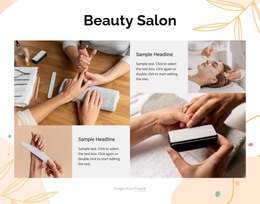
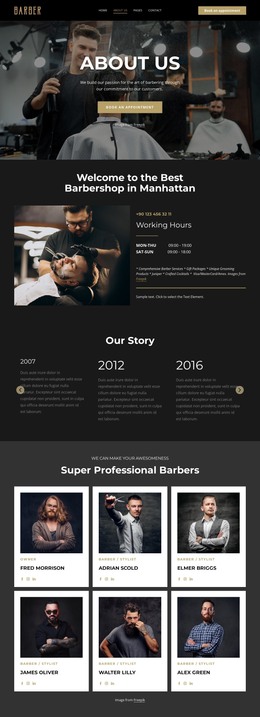
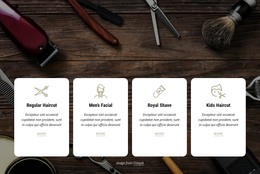
For salons that need an implementation-ready front end, these HTML templates organize service menus, price details, stylist profiles, galleries, and appointment content into responsive sections. The structure keeps niche information clear as layouts adapt across screen sizes.


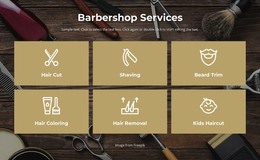
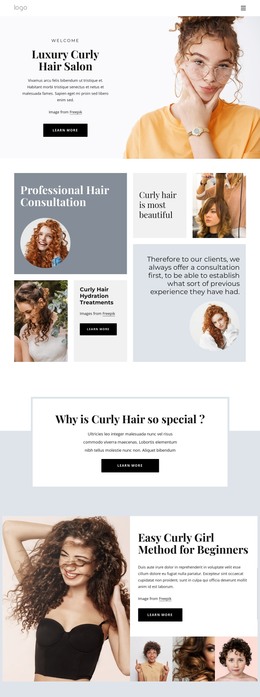
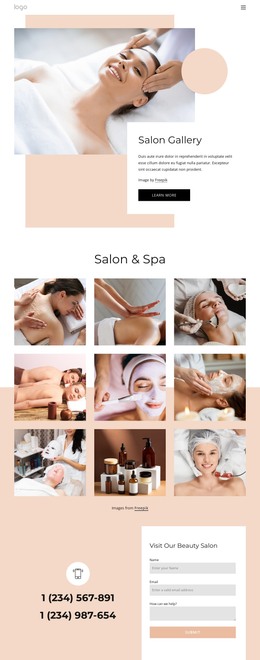
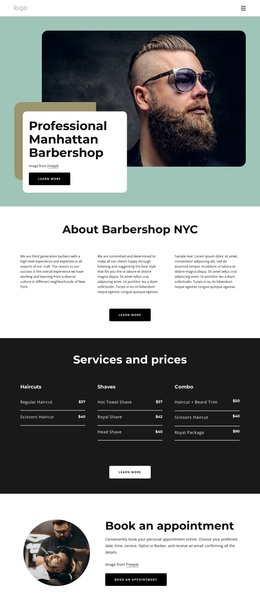





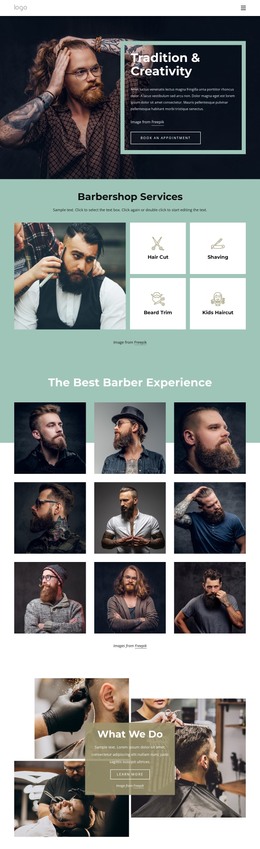
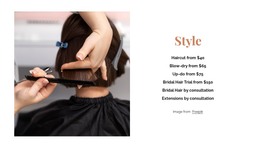
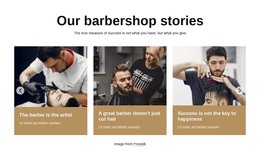
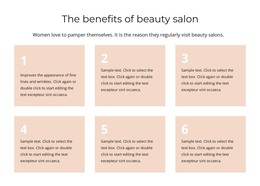

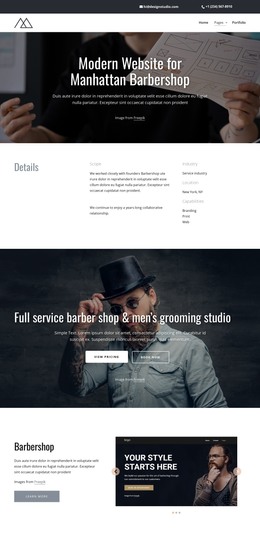
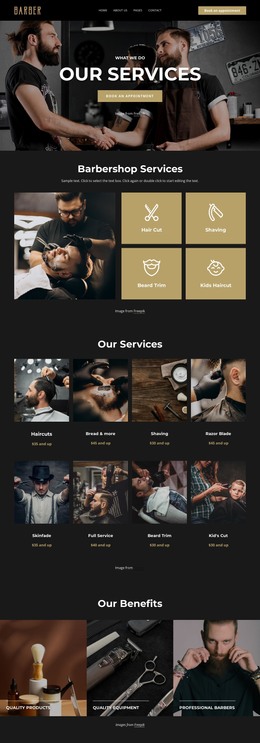
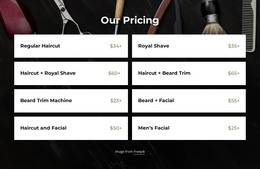

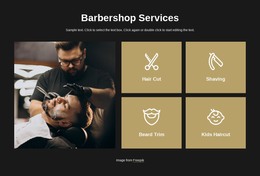













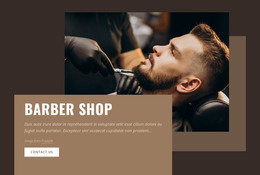
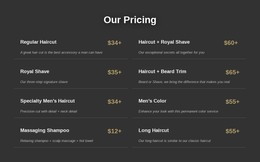
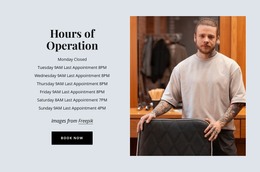



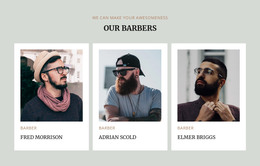






Other Fashion & Beauty HTML Templates
Salon HTML Templates for Export, Hosting and Custom Development
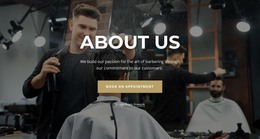
Salon HTML templates give hair studios, barbershops, and beauty salons a ready-made front end without requiring every page to be coded from scratch. Services, price lists, stylist profiles, galleries, and contact details can be adapted visually first. At the same time, the finished project can later be exported as website files for publishing on the hosting the business already uses. This makes the HTML format especially useful when ownership of the final files and post-export flexibility matter.
Build the Salon Site Before Working With Source Files
Most salon content can be prepared without editing code. A studio can replace demo treatments, update prices, add staff photos, and adjust page sections while keeping the initial design workflow visual.
A practical setup often follows a simple sequence:
- Choose a salon layout with the pages and blocks closest to the real business.
- Replace demo services, prices, images, and contact information.
- Add or remove sections when the salon menu differs from the original template.
- Review responsive layouts before preparing the site for publication.
This keeps routine content work separate from technical implementation. Source files become relevant when the finished website requires changes beyond ordinary visual customization.
Export the Website to Your Own Hosting
The main distinction of an HTML template lies in its final deliverable. After customization, the website can be exported as static site files and uploaded to a compatible third-party hosting provider.
That workflow suits several common situations:
- The salon already has a hosting account and domain.
- A developer or agency is responsible for deployment.
- The business wants to keep a local copy of the website files.
- The final site requires custom scripts or integrations before launch.
The exported project can then move through a normal development and deployment workflow rather than remaining dependent on a single publishing destination.
Use the Exported Files for Custom Implementation
Direct editing becomes useful when the salon needs functionality outside the standard page-building workflow. A developer may add an analytics script, connect an external booking widget, install a chat service, or make project-specific changes to HTML, CSS, or JavaScript.
The same approach helps when the site continues evolving after launch. New treatment categories, seasonal offers, or stylist profiles can be incorporated into the existing front end without rebuilding the entire design.
For an HTML-focused salon project, choose a template that already matches the business visually and structurally, then treat exportability as the technical advantage. The result is a customizable salon website that can be published on your own hosting, handed to a developer, and extended through its exported files when the project requires deeper implementation.