

Clothing Store HTML Templates
Fashion boutiques and apparel retailers need clear catalog structures for collections, clothing categories, and product photography. Ready-made HTML templates provide organized page sections and responsive layouts that help shoppers navigate merchandise across different devices.
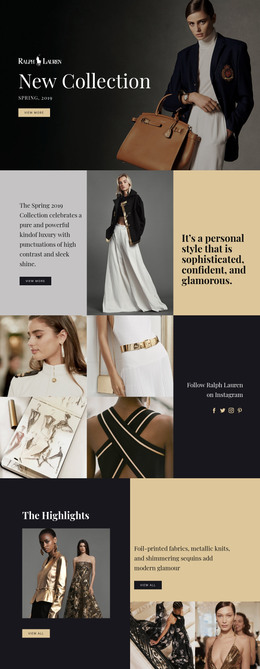
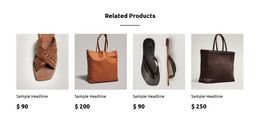

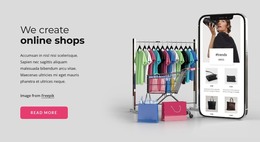



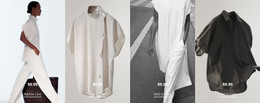
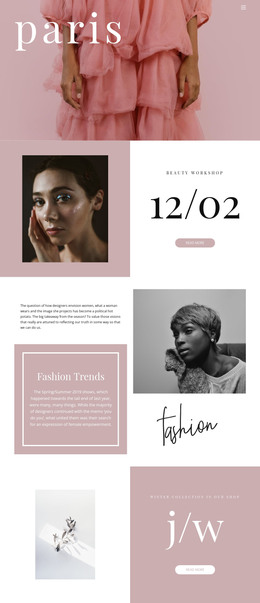

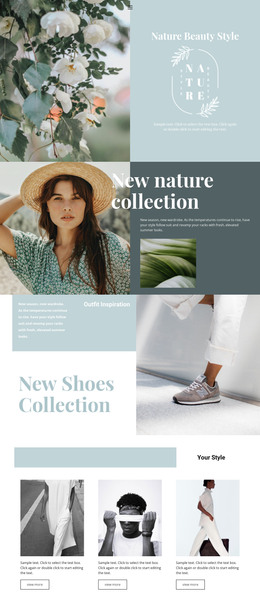
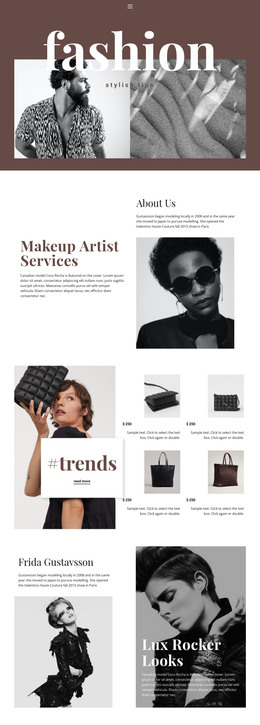
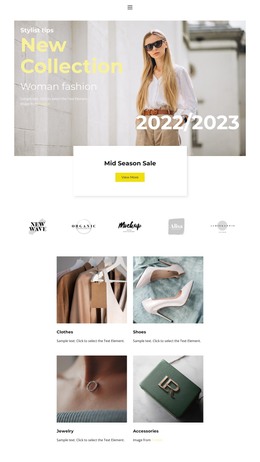

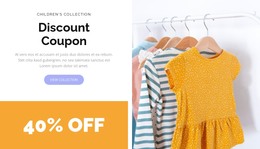
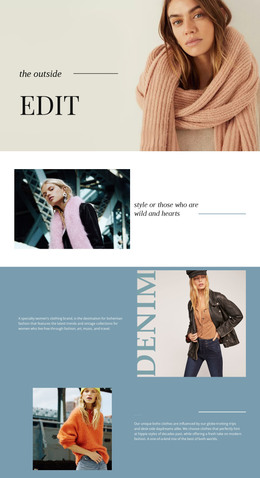
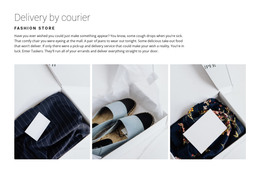


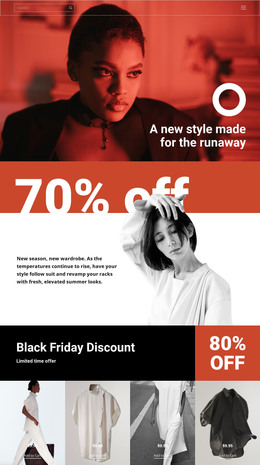
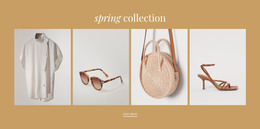

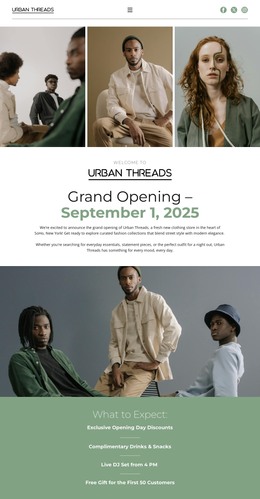

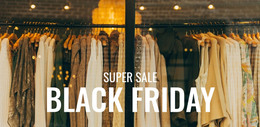

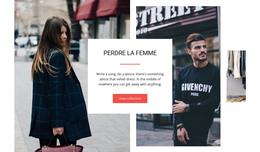
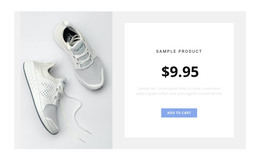

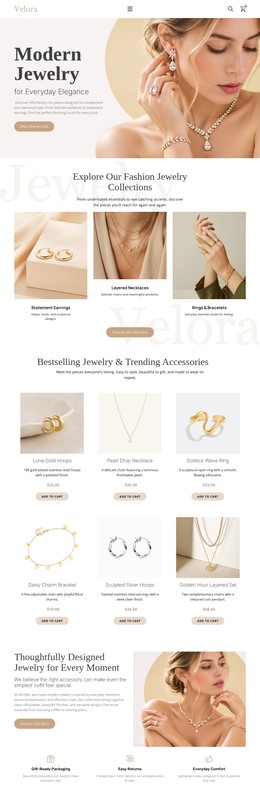
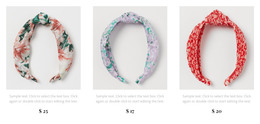
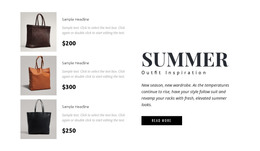

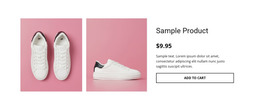


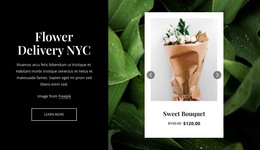
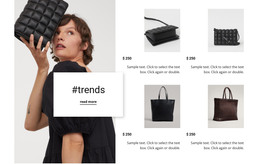
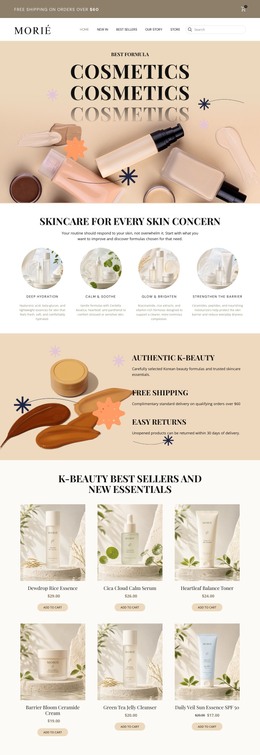

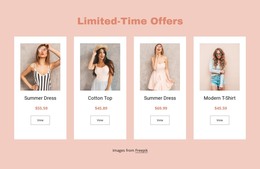
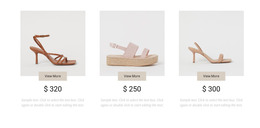
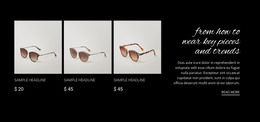



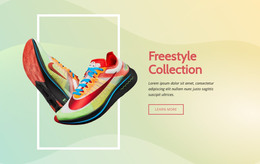


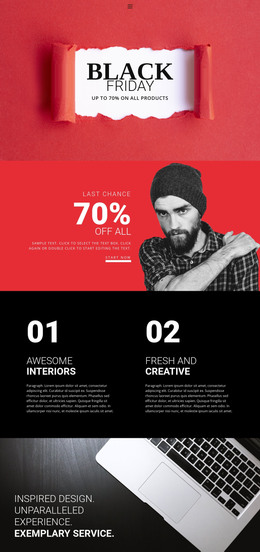















Other Fashion & Beauty HTML Templates
Ready-Made Clothing Store HTML Templates for Fashion Retail
Building every apparel page from scratch takes time, especially when the store needs a consistent look across its catalog. Clothing store HTML templates provide prepared sections for merchandise photography, category navigation, and promotional content. The main advantage isn't a specific coding technique, but the page assembly and content placement already done.
Choose Prepared HTML Layouts for Your Merchandise
A children's clothing shop, for instance, might need a homepage introducing its newest range and category links organized by age. A template that already includes those patterns will be easier to adapt than a fashion editorial design built around a single full-screen photograph. An outerwear retailer, by contrast, may need larger garment photographs and prominent links to coats, jackets, and seasonal collections.
Check how headings, images, and links are grouped in the prepared layout. The markup should be clear enough to replace sample merchandise without breaking the relationship between a category heading and its products. Structured HTML helps, but the main selection question is whether the supplied layout matches the content the retailer intends to publish.
Evaluate What the HTML Template Actually Includes
A strong preview is only the beginning. Before choosing a clothing store HTML template, review the specific template's contents rather than assuming every design in the category includes the same pages:
- Page coverage: Determine whether the selected design offers only a homepage or also includes category and product-page layouts.
- Catalog navigation: Look for category links that can accommodate the retailer's own merchandise groups, including age ranges where relevant.
- Collection flexibility: Check whether prepared sections can display more garments without a substantial redesign.
- Image replacement: Inspect placeholder photography and the space available for different garment proportions.
- Content editing: Confirm that product names, descriptions, and promotional messages can be replaced without disturbing adjacent elements.
- Export workflow: Check the available HTML export options and the types of files provided.
- Commerce requirements: Distinguish visual shopping controls from transactions that need a separately configured commerce system.
For the children's shop, adaptable age-based sections may be the deciding factor. For outerwear, the better choice may instead be a design with room for multiple product views and clear seasonal category links. Neither page arrangement is guaranteed across all clothing store HTML templates.
Adapt and Prepare the Layout for Publishing
Once a template is selected, replace demonstration photographs, update category labels, and check that buttons lead to real destinations. Nicepage's Grid Element can help arrange collection imagery and content into columns when a section needs adjustment.
Review the completed pages at different screen widths, but treat mobile checking as a publishing step rather than the template's defining purpose. The decisive question is how much usable page structure the retailer receives before customization begins.
A practical choice is the template that already supports the actual size and organization of the assortment, even if a more decorative alternative looks impressive in its preview.