
Grooming HTML Templates
Dog owners should distinguish a bath-and-brush visit from a full trim before booking an appointment. With grooming HTML templates, pet salons can place coat-care descriptions, preparation notes, and appointment controls in clear, responsive sections.
-

-

-
-
-
-
-
-
-
-
Free Website Builder SoftwareDownload
-
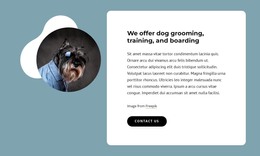
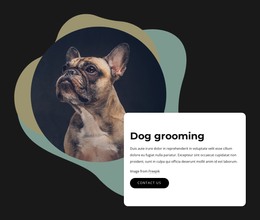
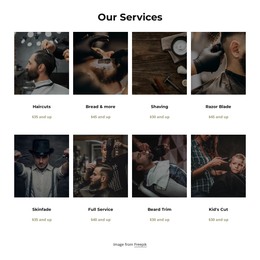

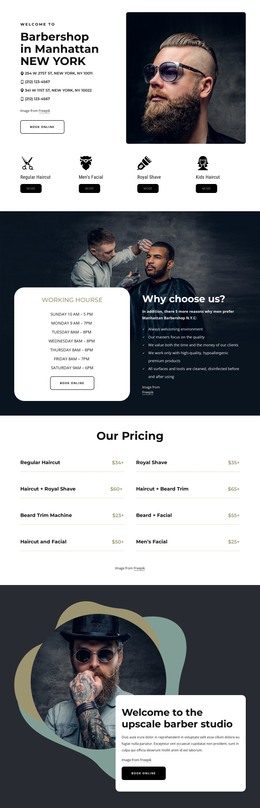
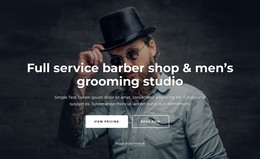
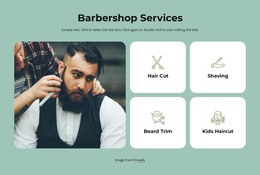
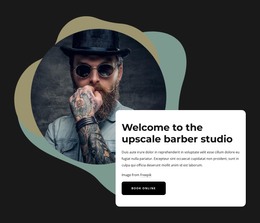
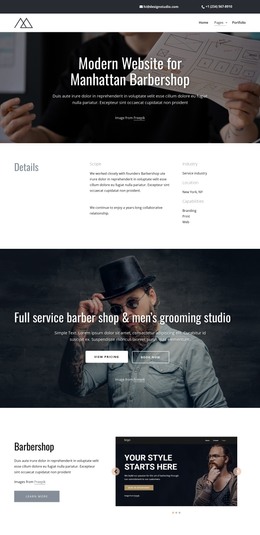
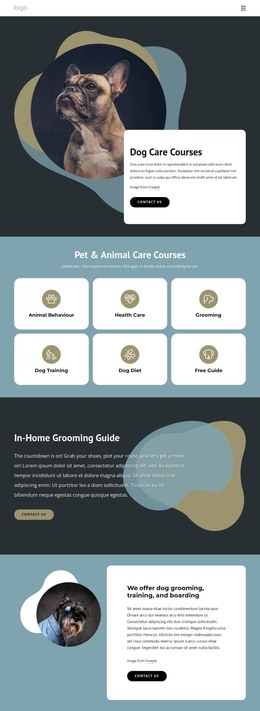

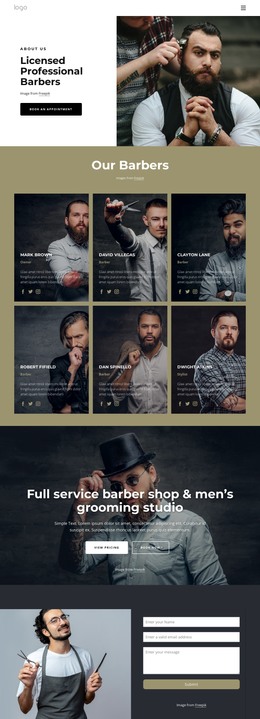
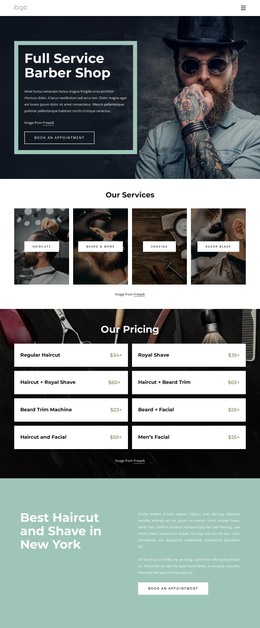
More HTML Templates from Fashion & Beauty Category





Other Fashion & Beauty HTML Templates
Useful Grooming HTML Templates
Grooming HTML templates give a salon owner, or the developer they hire, a finished page structure for services, prices, and appointment requests. That spares you from planning every block in a blank file. You can customize the design in Nicepage without touching the source, then export the files and keep editing the markup by hand. The exported project is not tied to Nicepage Hosting, which suits a business that already has its own server.
Prebuilt Sections Worth Inspecting
A demo made for a small dog grooming salon usually reveals its value through a few parts:
- Service cards that share one structure, so a bath, a nail trim, and a de-shedding treatment look consistent.
- A pricing area with room for a starting price and a note that the final quote depends on coat condition.
- A gallery for before-and-after shots of finished cuts.
- A contact block with space for the address, phone number, and opening hours.
The cards come with the template, while treatment names, durations, and prices are details only the salon can supply. Layouts in this category vary, and some include only part of this set. If the demo lists a few services and the real menu is long, check that the card block repeats cleanly.
Adapting Markup for Live Bookings
To judge the editing load, copy one service card in the exported markup, rename the treatment, and swap its photo. If neighboring blocks stay in place, adding a puppy introduction session later is routine work. Unneeded sections, such as a generic team slider, come out just as easily.
Appointment requests usually take the most setup. Use this Calendar Element documentation to configure available days, appointment times, and duration. Booking form fields are covered there as well, and the guide confirms that a calendar can be exported with an HTML site. Exported fields appear on screen right away, but requests reach the salon only once you set up a supported submission option. A short note beside the form asking owners of anxious dogs to call first also fits there.
Final Checks on Small Screens
Many owners book from a phone, so open the demo on one before deciding. Watch how the service cards wrap and whether the menu becomes easy to tap. Keep the booking button close to the prices, and make sure the coat-condition note stays readable without zooming. The template is worth keeping; its prebuilt sections cover most of the salon's menu. Its cards should survive a copy and edit in the exported code, and its booking form should deliver a test request before the salon shares the link.