

Fashion Model HTML Templates
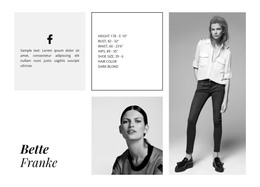
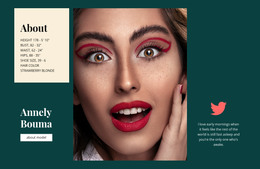
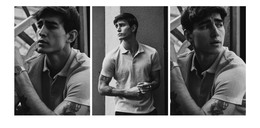
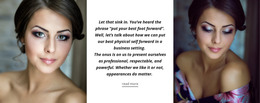
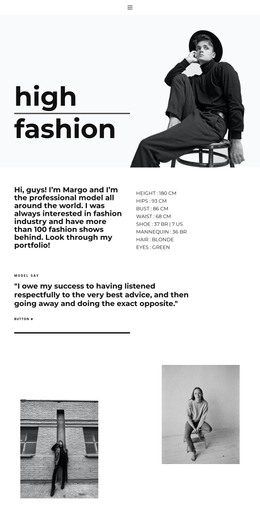
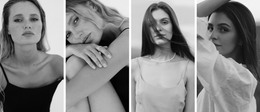
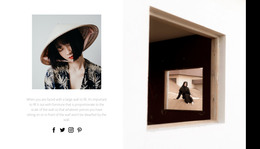
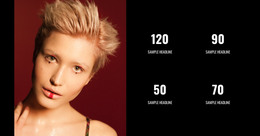
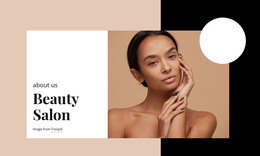
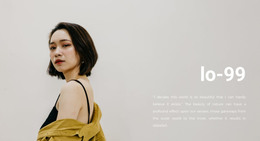
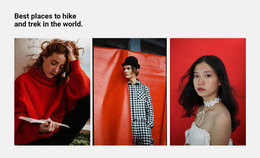
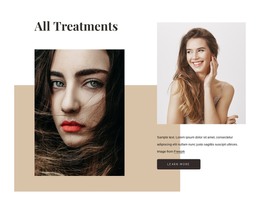
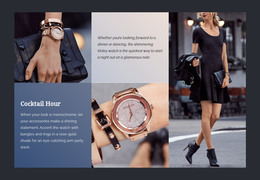
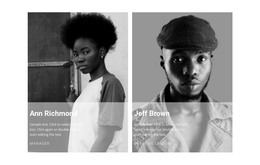
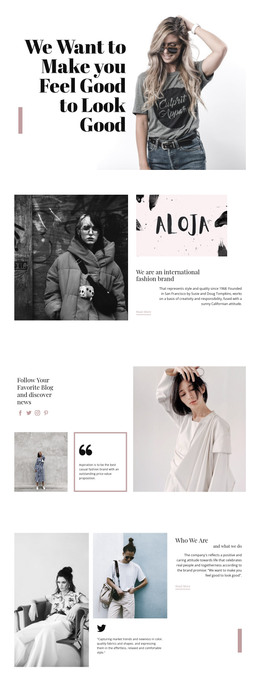
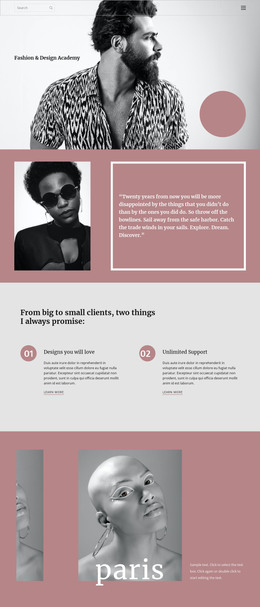
Casting directors need to distinguish a current headshot from an older editorial image before shortlisting. Fashion model HTML templates give labeled portraits, profile angles, and measurements a consistent HTML presentation.





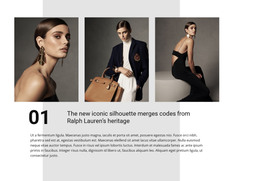
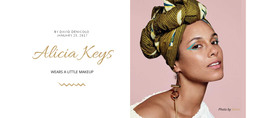
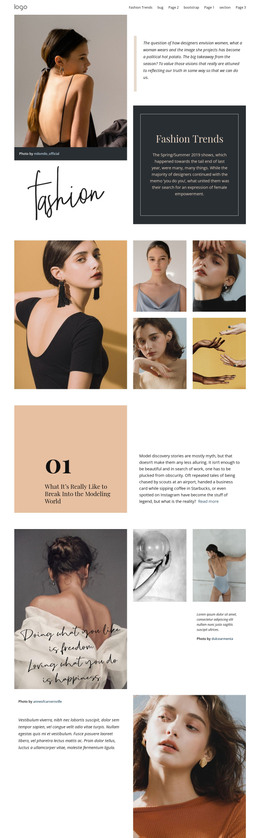

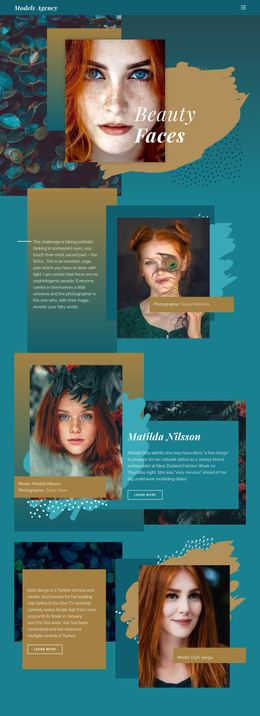


















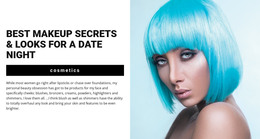



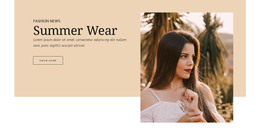

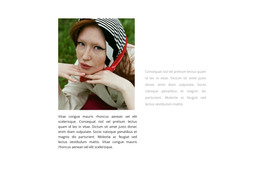
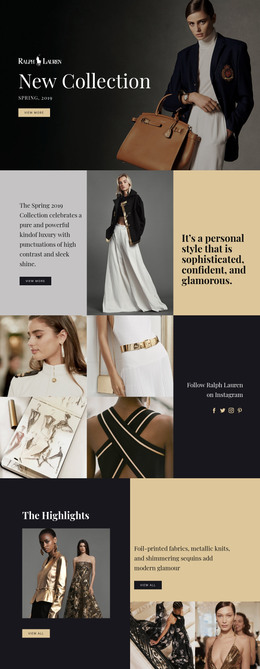
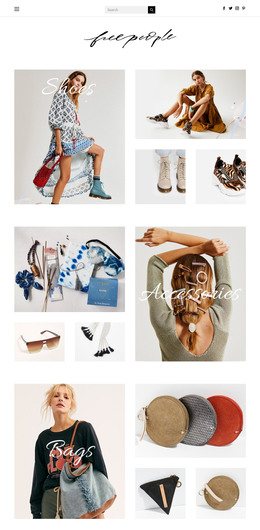

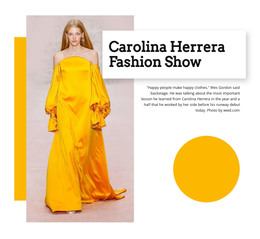

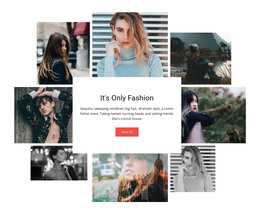













Other Fashion & Beauty HTML Templates
Professional Fashion Model HTML Templates
Fashion model HTML templates give you a ready web page that only needs real photos, a short bio, and contact details. An independent model can turn one into a personal portfolio site, and an agency can use the same design to introduce a new face. Unlike a PDF comp card, an HTML template adapts to a phone screen and is easy to update when the book changes.
Three Layouts Built Around Model Photography
Most of these designs follow one of three patterns:
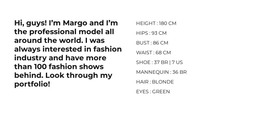
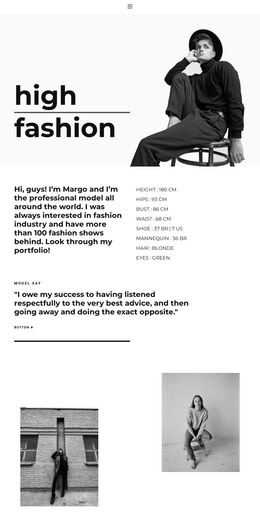
- A one-page profile with a headshot, a few digitals, and measurements works as an online comp card for castings.
- An editorial gallery opens with a large hero image and gives magazine shoots plenty of room.
- A multi-page structure keeps runway, editorial, and commercial work apart, so a client lands straight on the relevant set.
The kind of modeling decides what comes first. A runway profile usually opens with show credits, while a commercial book leads with a campaign grid. Keep measurements in plain text beside the full-length digitals, with the model or agency supplying the numbers. One thing is easy to miss in a preview. Hero sections are often built for wide images, so a vertical full-length shot placed there may end up cropped at the knees.
Setting Up the Gallery Before Publishing
For the portfolio, use Image Gallery Thumbnails to let small image previews switch the main gallery photograph, then adjust their size and spacing. A booker can jump between a front view, a profile, and an editorial shot without leaving the page. A plain grid shows more work at once, which helps a commercial book with many campaigns. Put the magazine or photographer in a visible caption, since hover effects do nothing on a phone.
Before the profile goes live, run through a short routine:
- Swap every demo photo and text block for your own material.
- Check on a phone that faces survive the crop, the thumbnail row swipes easily, and large editorial files still load quickly.
- Publish the project and click through the live version once. To host the files yourself, check that your Nicepage plan includes HTML export.
Agency Contacts and Room for New Work
Bookers who like the gallery will look for contacts next, so pick a template that gives them a visible spot for the agency name or a booking inquiry form. Since a working model adds campaigns every season, check how easily the layout accepts new images. The right fashion model HTML template looks like the book you already have, lets a client browse quickly, and leaves no doubt about who to contact.