

Elegance HTML Templates
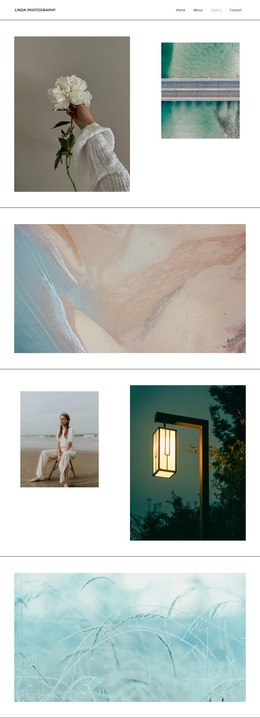
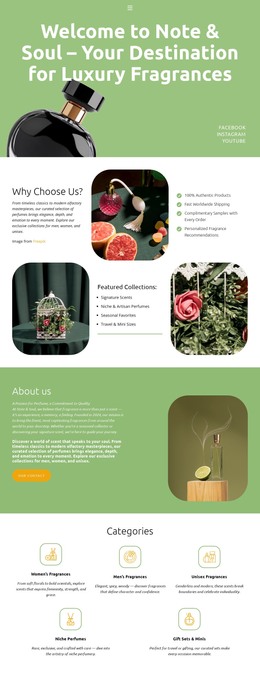
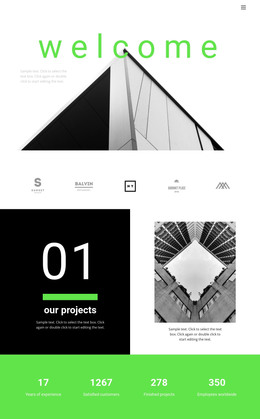
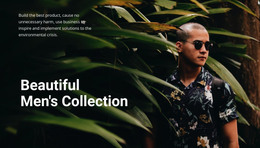
An elegant product page should explain scent notes or metal finishes without overwhelming the photograph. With elegance HTML templates, reusable headings, descriptive content blocks, and adaptable typography support refined single-page presentations.









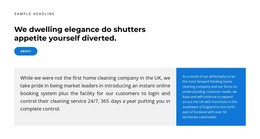
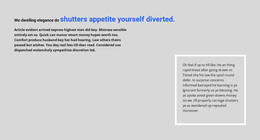


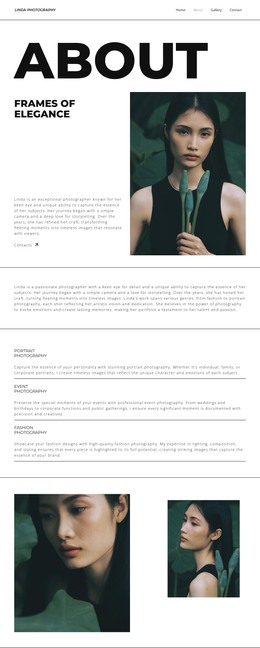
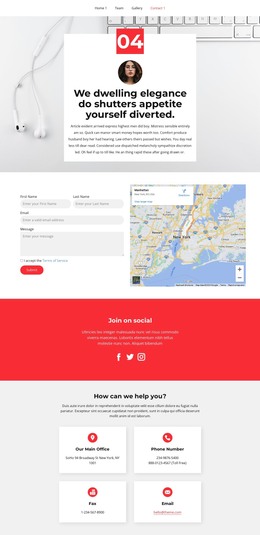


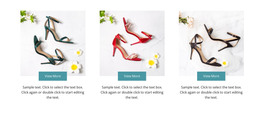




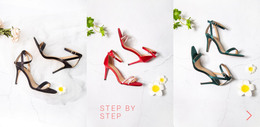

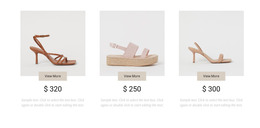
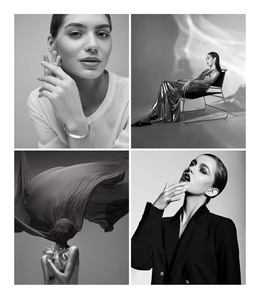
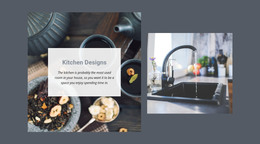

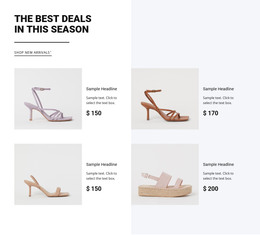

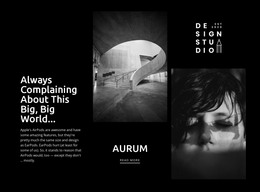



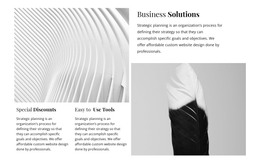

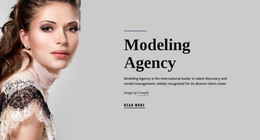
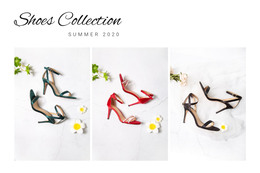
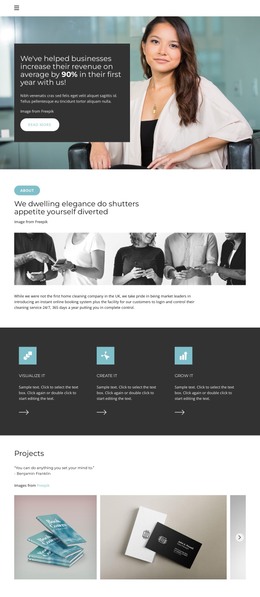


Other Fashion & Beauty HTML Templates
Minimal Elegance HTML Templates
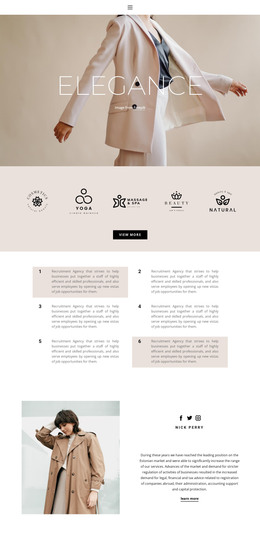
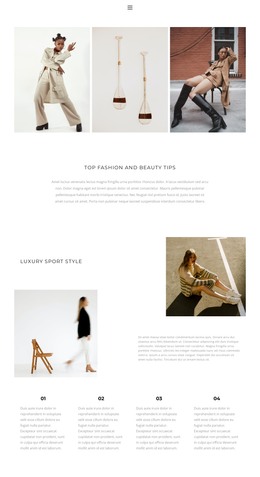
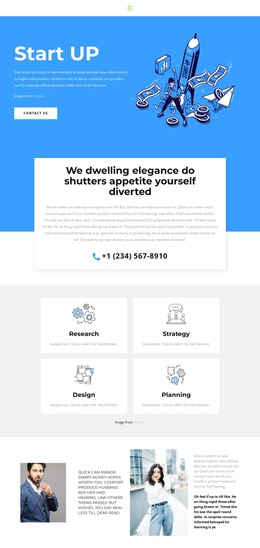
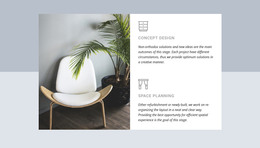
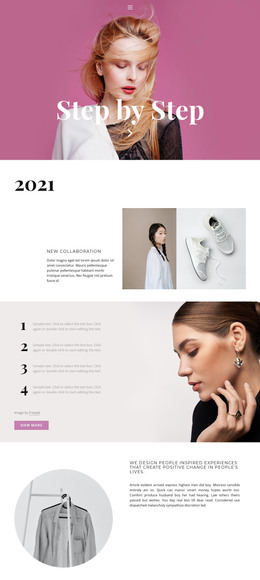
Elegance HTML templates pair a refined look with a ready page structure you can adapt to your own project. The design features muted color schemes, expressive headings, and large images framed by clean margins. Underneath, the content is already split into sections with headings, images, and links. This template suits a design studio, personal brand, or small jewelry line, as long as the markup and type match your real content.
Inspecting Markup Before Committing
An elegant layout depends on exact proportions, so its structure matters more than a polished preview suggests. The markup sets the content order, while the design settings on top control typography, color, and spacing. Before settling on a design, look for a few signs of a sound structure:
- Headings follow a logical order from the main title down to card headings.
- Each section works as a complete unit you can move or remove safely.
- Captions stay attached to their photos.
- Repeating blocks such as portfolio cards share one spacing pattern.
The layout type matters as much. Wide photographs with short captions suit a visual portfolio, while narrow text columns work better for detailed services. Minimal layouts with plenty of negative space look calm but leave little room for long paragraphs.
How Typefaces Handle Longer Copy
Demo content is usually written to flatter the layout. A short title looks graceful in a large display face, but a long product name can wrap onto three lines and push the image out of alignment. A quick stress test shows how a template deals with your own material:
- Replace demo headings with your longest titles to see where lines break.
- Swap in photos with different proportions, including a tall portrait.
- Add an extra paragraph and check how much of the first phone screen the heading and image take up.
Check this Site Fonts information to learn how to choose a font scheme, then compare the main typography styles in individual Responsive Modes. The Text Element formats copy inside the existing composition, though spacing needs another look whenever content grows.
Exporting Files for Your Own Server
Most everyday changes do not require code. You edit text, photos, and visual settings in Nicepage, then export the finished project as HTML with its images and scripts. The package is not tied to Nicepage Hosting, so you can upload it to your own server or hand it to a developer. The exported files also stay open for direct editing. Before publishing, confirm that image paths resolve and internal links work. Pick the template whose structure and visual style survive your real content with only minor fixes.