
Collection HTML Templates
Catalog publishers, curators, retailers, and visual brands can present grouped items without rebuilding the same page sections from scratch. Ready HTML layouts keep collection cards, descriptions, images, and supporting sections structured across responsive views.










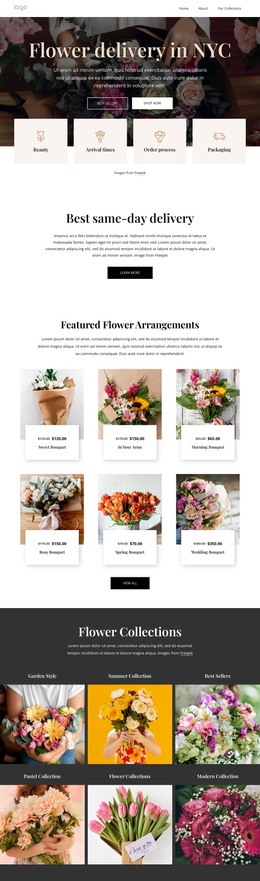
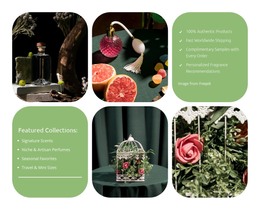
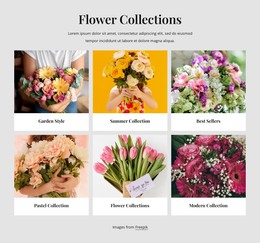
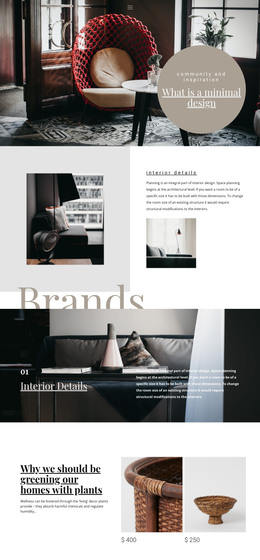
























Other Fashion & Beauty HTML Templates
Clear Collection HTML Templates You Can Export and Keep Editing
A shop with forty ceramic pieces and an archive of several hundred prints hit the same wall: the tenth item has to sit as comfortably as the first. Collection HTML Templates are ready-made designs for catalogs, galleries, or archives, and the HTML label tells you where the project ends up. Nicepage exports it as a static site, so the collection you arranged visually becomes HTML, CSS, and JavaScript that you can host or keep editing in code.
What An Exported Gallery Includes
Export runs from the Nicepage applications and from the Online Editor, so the output does not depend on which one you worked in. Folder and FTP exports are part of the applications, which matters if the publishing route is already decided. The Export HTML Website guide covers the available modes.
A collection site exported from Nicepage brings along:
- The markup of every page you built, the collection index included;
- The stylesheet and the scripts the design relies on;
- The images behind product shots, lookbook pages, and archive scans.
All of it goes onto ordinary static hosting, and the same folder can be handed to a developer working on a bigger project.
Grid Cells On Narrow Screens
Collection layouts place several images side by side on a wide screen, and the Grid Element holds them in cells that stack as the screen narrows. For a catalog page, that behavior carries most of the weight, because a long list of similar objects is where a design gives way first.
The same few places tend to need attention once the width drops:
- Item names longer than the demo text, which push a card open;
- Captions that drift away from the image they belong to;
- Galleries that keep more columns than the screen can carry.
Layouts For Product Lines And Art Series
Not all collections want the same page. A product line reads well as an even grid of items with prices and short descriptions, while an archive needs room for captions and reference numbers beside each scan. The demo content is worth reading as a hint at the underlying layout.
Photos in a collection are rarely all the same shape, and that usually determines whether a template survives the swap. Product photography arrives cropped to one ratio; artwork and archive scans rarely do. The quickest test is to create a section filled with your own images and item names, especially one with a name twice as long as the demo one. Whatever the design does there, it will do across the rest of the catalog.