Full service barber shop CSS Template


Edit Template Offline
2. Create new page and search for id 2432848
Edit Template Online
Create Awesome Websites


Free Nicepage Builder
Keywords
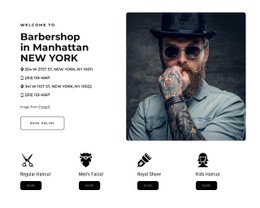
Dark Photography and Pale Aqua Styling Shape the Grooming Page
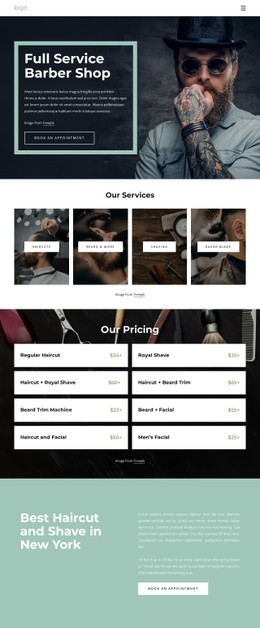
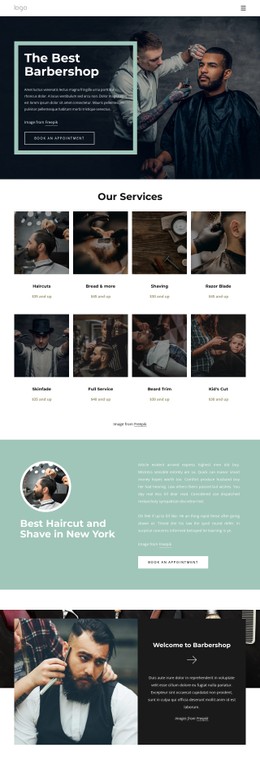
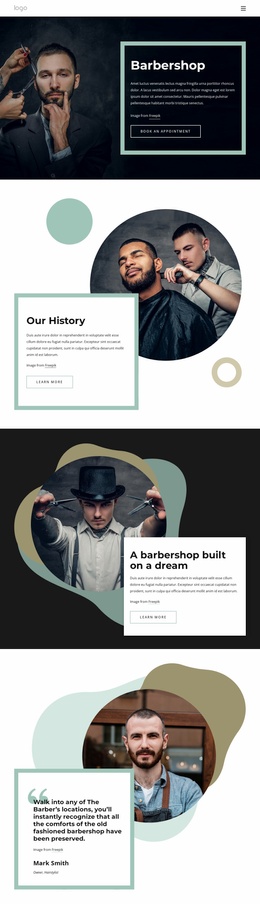
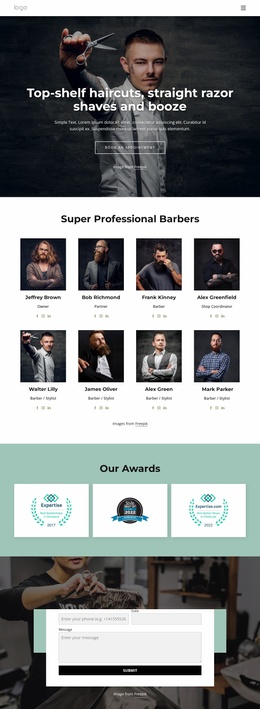
Dark grooming photography supplies the strongest visual contrast in this design, appearing behind the hero, pricing area, shave promotion, consultation block, and contact section. Pale aqua and white panels interrupt those darker images, giving the page a measured rhythm instead of allowing the photography to dominate every section. Charcoal areas reinforce the editorial barbershop tone, while muted green accents add a restrained variation to the palette.
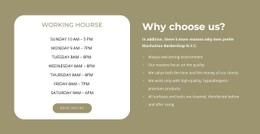
The outlined appointment buttons, compact cards, generous spacing, and bold sans-serif headings form repeated style rules across the page. The four service cards use imagery as a background for category presentation, whereas the eight pricing items use white surfaces over a dark photograph so the text remains distinct. The overlap consultation section introduces a layered visual treatment, and the circular testimonial portraits provide a softer shape contrast to the rectangular cards and panels. Together, these relationships create a recognizable styling system for the template: high-contrast photography for emphasis, light surfaces for information, and bordered actions for booking moments. Nicepage’s Custom CSS can extend these established visual rules when a project needs styling beyond the editor controls, but the design already communicates its structure through color, spacing, typography, image treatment, and repeated button presentation.
Customize with Nicepage
Open this ready-made template in the CSS Template Builder and customize it visually in the Nicepage editor. Replace demo content, edit page sections, and adapt the design to your project without rebuilding the template from scratch.
Customize This Template With CSS
Control Page-Specific Styling
Customize the visual appearance of this ready-made template directly in the Nicepage editor. Adjust typography, spacing, backgrounds, borders, colors, positioning, and other style properties using visual controls while keeping the page layout easy to manage without writing CSS manually.
Add Custom CSS When Needed
For styling requirements that go beyond the standard editor options, use Custom CSS to add targeted rules. CSS can be applied to individual elements, specific pages, or the entire website depending on the scope of the customization, while CSS classes can be used to connect custom rules with selected elements.
Export Minimal CSS Per Page
For projects where CSS size and page performance matter, Nicepage can export minimal CSS for each page. Instead of relying on one larger common stylesheet, each page can use a separate CSS file containing only the style rules required for that particular page. According to Nicepage documentation, these page-specific CSS files can be about ten times more compact, helping reduce unnecessary CSS and improve page loading performance.
This workflow combines visual styling with optional custom CSS and optimized page-specific CSS output, giving you additional control when a project requires it without making manual CSS editing the primary way to customize the template.