
Snow CSS Templates
Winter layouts must keep white landscapes, dark text, offer cards, and activity sections visually distinct. Snow CSS templates provide a prepared styling base with structured layouts and room for targeted CSS refinements.










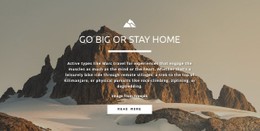




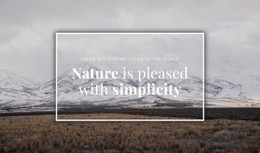












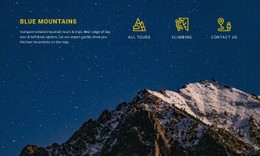

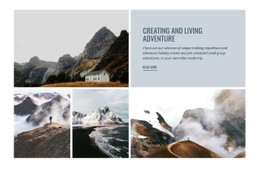


More Website & HTML Templates for Snow


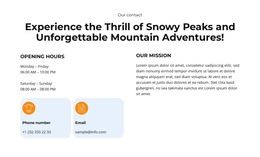
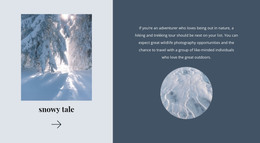











Other Nature CSS Templates
Customizable Snow CSS Templates for Winter Sites
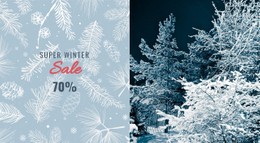
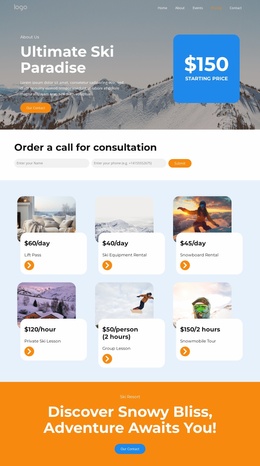
Ski resort price lists, snowboard camp promos, and holiday sale layouts all turn up among Snow CSS Templates. Each is a finished winter design whose styling is ready to reshape, from the palette and offer cards to the way sections rearrange on a phone. A resort can keep the layout it likes and still give the whole thing its own character.
Styling That Survives Snow Glare
Three parts of the styling decide how well a snow design copes with real photos and prices:
- contrast over bright photography, usually handled with an overlay or a solid panel behind the text;
- shared styles for offer cards, so a new rental or lesson card picks up the same look through its class;
- a Grid layout whose columns and gaps change at breakpoints, turning a wide row of camp sessions into a readable stack on narrow screens.
Color needs extra care as well. Shaded snow comes out pale blue in many photos, so an icy blue button that looks crisp on a white background can vanish over a slope shot. A warmer accent, with a darker shade for the hover state, usually keeps booking buttons easy to spot.
Rental Grid Versus Fireside Promo
Two sections of one resort site show how far a single style has to stretch. A rental grid lists skis, boards, and helmets, each with a daily price. It wants compact cards with tight gaps, so the price reads at a glance. The lodge promotion further down does a different job. It sells an evening by the fire after a day on the slopes. That mood can accommodate a full-width photo, a larger heading, and plenty of room around a single booking button. A good snow template lets both share a page without it looking like it was borrowed from different sites. They use the same fonts and colors, and the difference lies mostly in spacing, which stays tight in the grid and opens up around the lodge photo.
Where Custom CSS Takes Over
Nicepage handles most of this through visual controls, with Responsive Modes for checking each screen size. Custom CSS covers the rest at the level of one element, a single page, or the whole site. Something like a diagonal ribbon on a winter sale badge is where it comes in handy. Still, the design itself should come first. If a demo keeps its headline readable over snow, fits your kind of prices into its cards, and holds together on a phone, the styling left for you is fine-tuning. With a close match, a snow CSS template may never need a line of custom code.