
Outdoor Website Templates
Visitors who compare a relaxed woodland walk with a demanding mountain trip need clear routes to different information. A complete outdoor website gives each adventure, guide profile, equipment guide, and departure location a purposeful place.



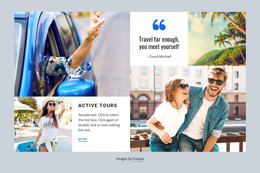

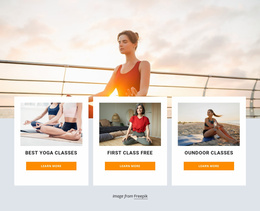


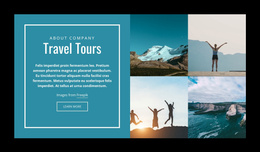
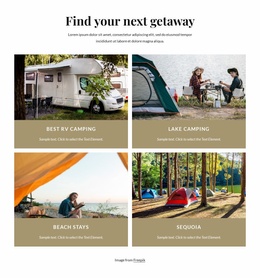
























Other Nature Website Templates
Readily Available Outdoor Website Templates for Complete Adventure Sites
Outdoor website templates give tour operators, campgrounds, and adventure clubs a starting structure for a connected site. Visitors use them to find an activity, learn what it involves, and see who leads the group. A small club may manage with a compact structure, while bigger programs need separate inner layouts.
Which Sections Your Adventure Program Needs
Inner layouts matter more than the hero image, since each outdoor business needs its own structure:
- A tour operator's site runs from an adventures overview to a layout for each trip, with separate sections for guides and preparation.
- A campground links accommodation, facilities, and location, so a guest who likes a cabin sees how to reach it.
- An outdoor club balances a weekly schedule with steady sections about instructors and membership.
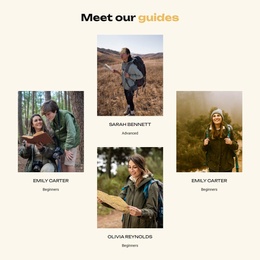
An overview lets people compare hiking, cycling, and paddling at a glance. Each trip detail layout then covers difficulty, terrain, and elevation gain. Guide profiles deserve real space, too, since visitors are trusting that person with a day in the mountains.
Testing a Demo Against Real Trip Content
Demo content flatters a layout, so load part of your own program first:
- A mixed program, such as five hiking routes and two cycling tours, shows whether both directions stay distinct.
- A short route description beside a day-by-day plan with several departure points reveals whether the detail layout handles both.
- Your longest trip title should look right in the detail heading, the category name, and the menu label.
A striking home view with three promotional blocks looks great in screenshots. For a large program, a plainer template with an activity overview, a trip detail layout, and a contact section is a better starting point.
Navigation That Grows Alongside the Business
A visitor might open Hiking Trips and compare two routes. After checking the fitness requirements and reading about the guide, they send a question. Calls to action can follow that path, from "Explore Trips" on the home view to "Ask About This Trip" on a route. The menu should lead back to the catalog from any route, including on a phone.
In Nicepage, the Dashboard holds every part of the project, while the shared Header and Footer keep the menu on each section. A locations section can use Nicepage's Google Maps Element to mark a trailhead or campground entrance by address, with parking notes and the meeting point beside it. Adding winter snowshoeing next to summer hiking deserves its own menu section, keeping the main view uncluttered. The right choice lets visitors find an activity, weigh the conditions, and reach the organizer without hunting.