
Spring Website Templates
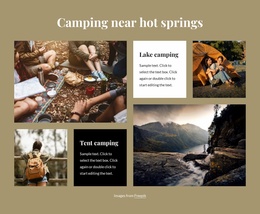
Spring shoppers may look for bedding plants one week and a flower-arranging class the next. A complete seasonal site gives each offer its own destination while keeping opening hours, collection pages, and practical advice easy to reach.







































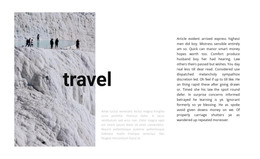








More Website Templates from Nature Category
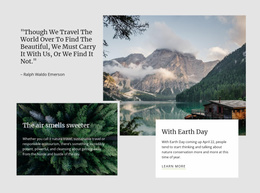

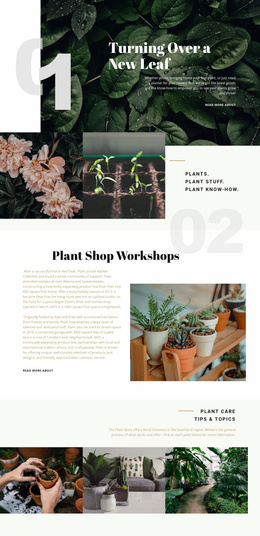
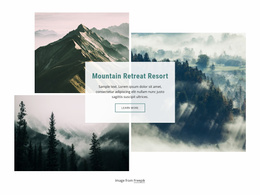






























Other Nature Website Templates
Advanced Spring Website Templates for Seasonal Campaigns
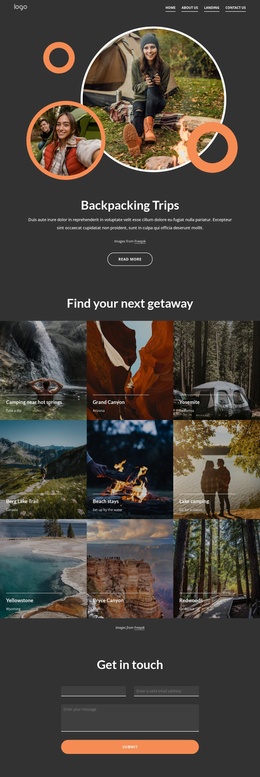
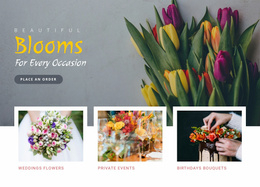
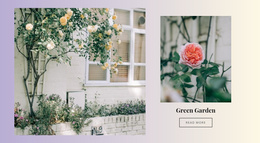
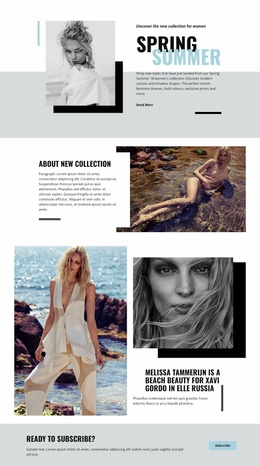
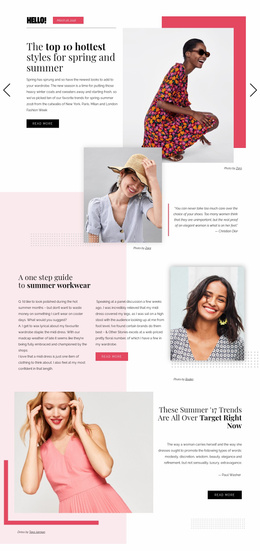
Spring website templates are ready-made layouts for sites that change with the season, from a boutique's new arrivals to an Easter promotion or a garden center's planting weekend. A typical layout already has a hero area for the campaign headline, blocks for seasonal offers, and cards for collections or services.
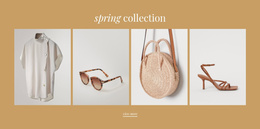
Picture a small home decor shop preparing its spring collection. The owner replaces the demo images, rewrites the headline, and adds current products, and the offer is ready without anyone building a page from scratch. Pastel backgrounds are optional, because time-limited offers and fresh product selections signal spring just as well. What the site is for matters more than floral ornaments, since a spring sale needs quick routes to products and a portfolio needs large images.
Sections Worth Checking First
Layouts in the category vary a lot, so open the preview and look for these points before you commit:
- A first screen with room for a headline, a product photo, and one main button.
- Collection or service blocks that can be duplicated as the range grows.
- A clear route from the offer to the details and then to an order or booking.
- A mobile view where the headline stays readable and the buttons are easy to tap.
Matching Structure to Campaign Size
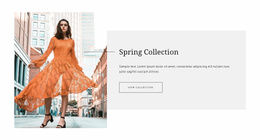
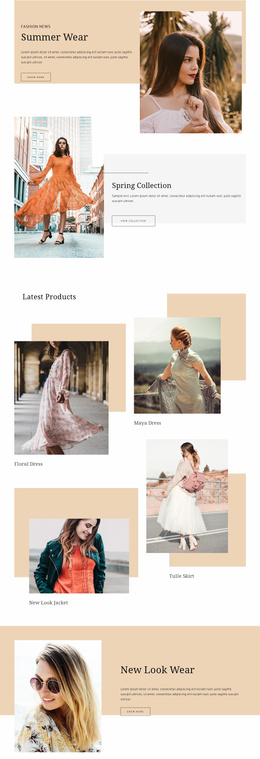
A single Easter promotion fits on one page. A clothing store launching spring arrivals needs more room for a collection cover, cards for new items, and a way into the full catalog. Product cards only display items, so stock information stays the store's job.
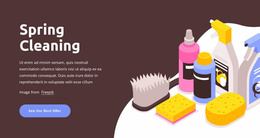
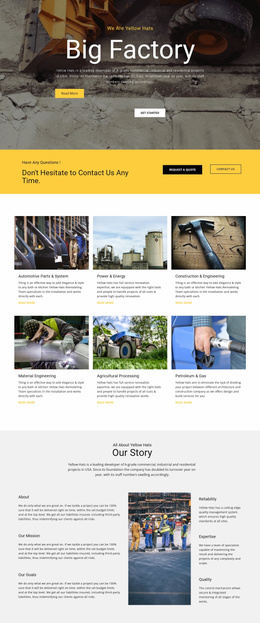
Seasonal services ask for something else. A spring cleaning company or a photographer booking outdoor sessions gets more from blocks that describe each service and show finished work. Walk through the preview as a visitor would, from the offer to the details and then to the contact step. If the structure handles those steps without detours, it suits the campaign.
Updating Offers From March Through May
A shop might open with new arrivals in March, run an Easter selection in April, and close with a Mother's Day offer in May. When the hero and product cards can be refilled, each change becomes an edit to existing sections. A large catalog will outgrow one attractive promo page, while a short offer spread across several pages leaves most of them empty.
Nicepage's Page Folders documentation explains how to organize pages into folders in the Dashboard and Pages Panel, keeping older campaigns separate from current offers in the editor. Keep the template that clearly shows this week's promotion and accepts next month's offer while keeping its main structure intact.