
Waterfall Website Templates
Waterfall destinations attract travelers who want scenic views and reliable route information. These website templates connect location guides, hiking details, landscape galleries, and visitor resources across organized pages, helping nature tourism projects present multiple attractions within one website.
More Website Templates from Nature Category

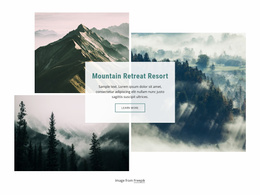
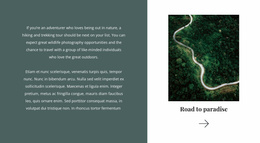


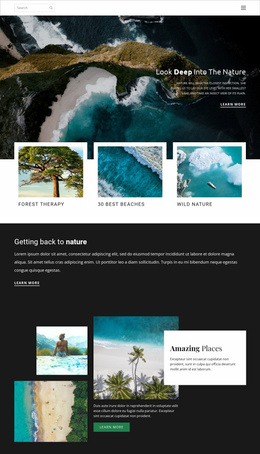
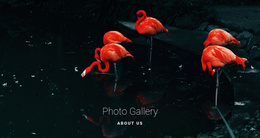
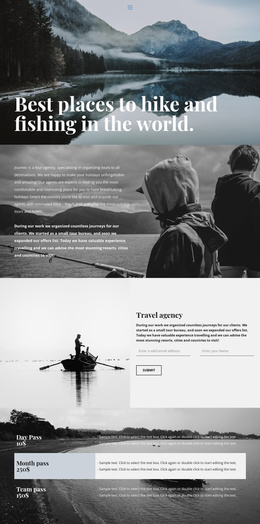



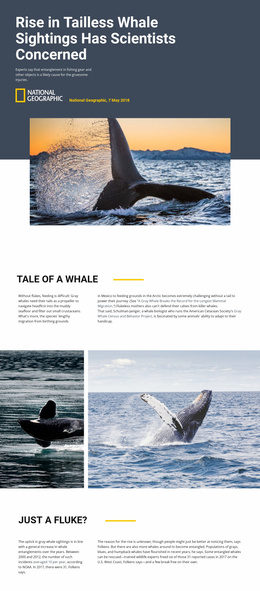


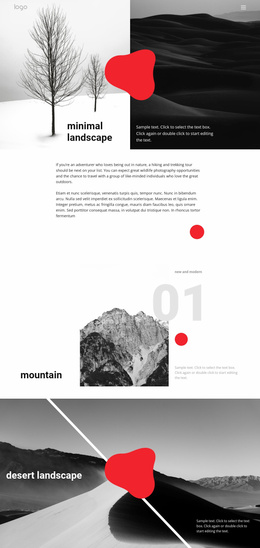
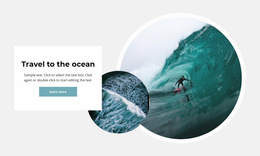
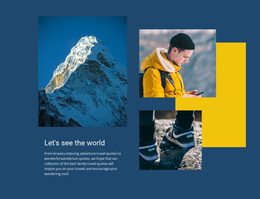
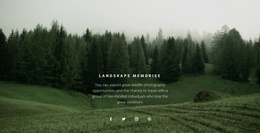
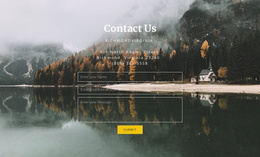
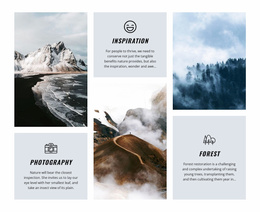



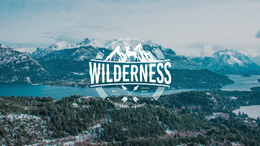


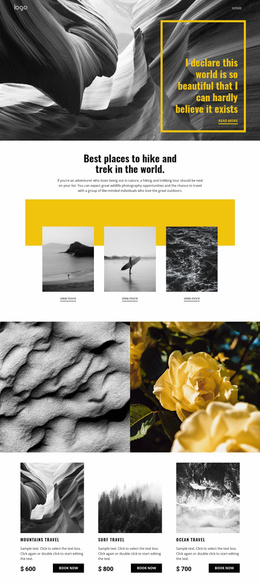
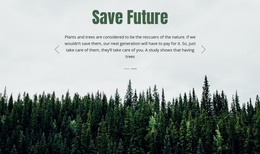

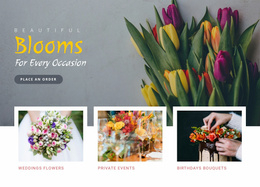
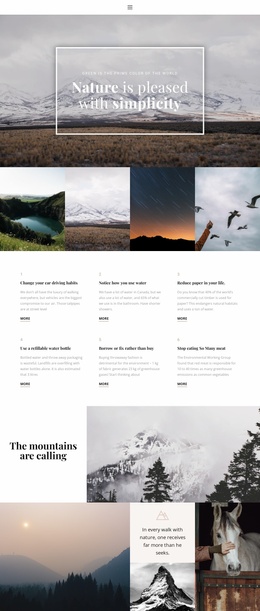


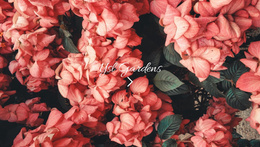

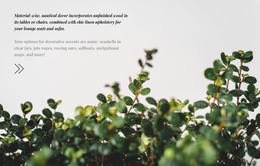

Other Nature Website Templates
Unique Waterfall Website Templates
If you're building a waterfall site, the template must accommodate large landscape photos, brief location notes, and some trip offers all at once. A tour operator needs room for excursion offers, while a regional guide depends on clear attraction cards. In the catalog, check how the first screen handles a large photo and whether a visitor can reach tour or location details within a couple of clicks.
Layouts Built Around Featured Falls
Two sites can share the same set of pages and still feel nothing alike, so the visual design deserves as much attention as the menu. Most waterfall projects rest on three design scenarios:
- A homepage with one strong shot of the main cascade and a row of featured destinations.
- A catalog of locations laid out as cards, each with a photo, a name, and a short caption.
- A detail page that opens with a wide image and moves into a compact info panel.
Contact details and excursion requests can round out the site, but not every template comes with those pages, so check the preview first. When the cards share one look, adding another waterfall comes down to copying a card and swapping its photo.
Galleries Visitors Can Browse Without Getting Lost
Tall waterfalls are vertical subjects, and most first screens are wide, so a dramatic portrait shot can lose the top or the pool when cropped. Look for a hero area that keeps the main drop in frame and leaves calm space, such as sky or dark rock, for the headline.
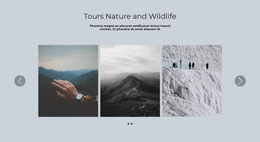
A carousel showcases several angles of a single waterfall, while a grid lets people compare many places at a glance. Nicepage has a Gallery Carousel element for the first case, and its Image Gallery Carousel documentation covers arrows, image fit, and mobile previews. Captions with the waterfall's name and viewpoint are usually enough.
On a phone, a screen full of spray can bury everything below it, so the next section should stay one swipe away. Alt text and images sized to their blocks keep a long gallery usable on mobile data.
Reworking Two Nature Designs From the Catalog
The waterfall category shows Premium Boat Tours and Experience Tranquil Lakeside Luxury, two general nature travel designs. The first could become a waterfall excursion site once its main photo shows a cascade and each tour gets a short route description. The second could suit a guesthouse near the falls. Either way, judge the first screen, the galleries, and how quickly someone gets from a photo to a tour, then shape your content around the design that holds up.