
Plumber CSS Templates
For emergency repair pages, visual priority matters as much as content order. CSS-focused plumber templates let service cards, quote forms, and contact actions receive targeted styling while responsive Grid controls keep dense sections usable on smaller screens.

More CSS Templates from Industrial Category
-

-

-
-
-
-
-
-
-
-
-
-
-
-
-
-
-
-
-
-
-
-
-
-
-
-
-
-
-
-
-
-
-
-
-
-
Build Website with no CodingDownload
-
-
-
-
-
-
-

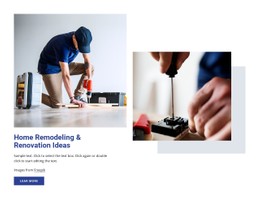
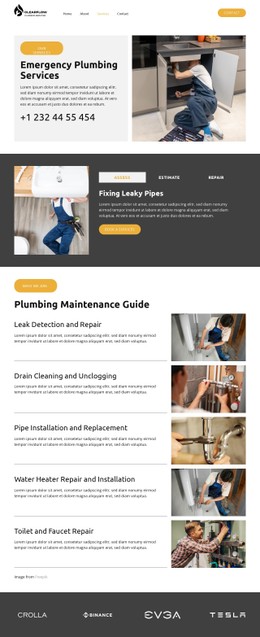

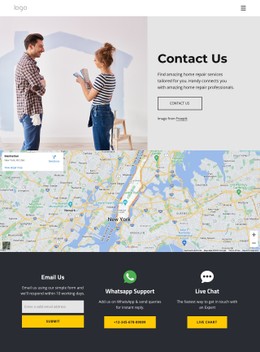

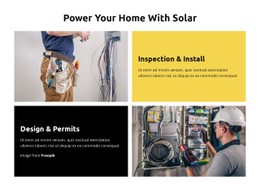










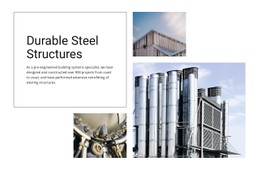

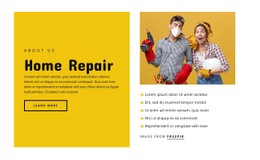

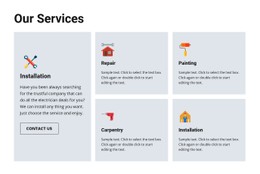
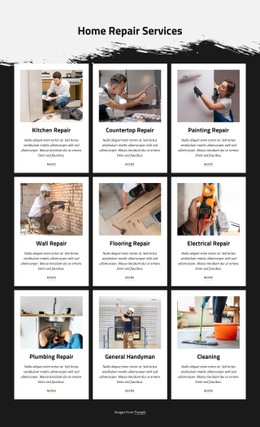









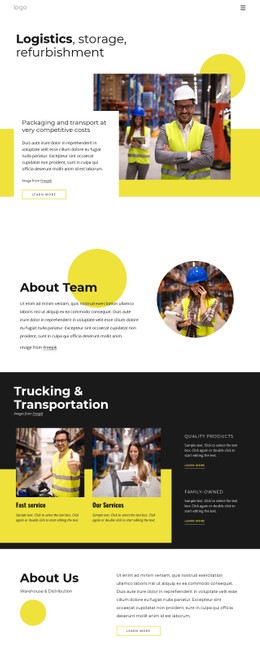

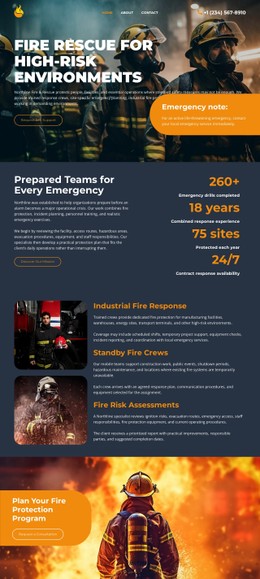




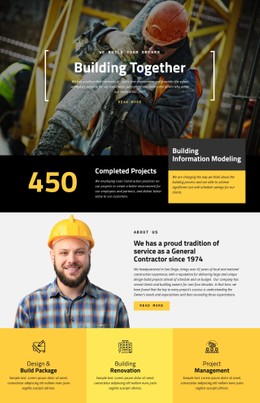


Other Industrial CSS Templates
Plumber CSS Templates for Custom Styling and Responsive Design
Plumber CSS templates provide ready-made website layouts whose visual presentation can be adapted through colors, typography, spacing, responsive settings, and targeted CSS rules. The page structure may already contain the services, forms, calls to action, and contact information a plumbing business needs; CSS-focused customization is about changing how those elements look and behave without rebuilding the site around a different layout.
Build a Consistent Visual System
A plumbing website repeats many of the same interface elements across service and contact sections. Shared styling helps those elements look connected rather than treating each card, button, or form as a separate design problem.
Common styling tasks include:
- making emergency call buttons visually distinct from secondary actions;
- keeping service cards consistent in spacing, borders, and alignment;
- applying the same heading and body-text scale throughout the design;
- improving labels, inputs, and validation states in estimate-request forms;
- adjusting service-area blocks when town or district names vary in length.
Start with reusable design values rather than individual fixes. A consistent palette, type scale, button treatment, border style, and spacing system makes later changes easier to apply across the website.
Customize Colors, Typography, and Spacing
CSS-oriented customization is especially useful when a template already has the right general composition but needs to match a plumber's branding. Demo colors can be replaced with the company's palette, typography can be adjusted to make service headings clearer, and section spacing can be tightened or expanded to create a more consistent rhythm.
These changes also affect usability. Long plumbing service names should remain readable, phone and quote buttons should have sufficient visual prominence, and dense service grids should not be difficult to scan. The objective is not simply to make the template look different, but to keep repeated interface patterns predictable throughout the site.
Nicepage provides visual controls for many common style settings, so routine changes can be made without manually writing CSS for every element.
Refine Responsive Styling
The same styling values do not always work equally well across all screen widths. A three-column service grid may need smaller gaps on a tablet and a single-column arrangement on a phone. Large headings may need to be reduced in size, while an emergency contact button may need more width so its label remains easy to read.
Responsive Modes allow design properties to be adjusted for different screen sizes while preserving the underlying page content. This makes it possible to refine typography, spacing, alignment, and component sizing without treating the mobile version as a separate website.
Test repeated components rather than checking only the homepage hero. Service cards, contact forms, location lists, navigation elements, and calls to action are more likely to reveal styling problems when space becomes limited.
Use Custom CSS for Specific Exceptions
Visual settings cover many routine changes, but some designs need more precise control. Nicepage supports Custom CSS Code for targeted rules across different scopes, including individual elements, pages, and the wider site context. The Custom CSS guide explains how to use custom classes and Page Settings for these adjustments.
Keep custom rules narrow and intentional. A dedicated class for an emergency banner, service grid, or special contact button is easier to maintain than a broad selector that changes unrelated components elsewhere in the project.
Choose a plumber CSS template when the layout already provides a useful starting point, and the main requirement is control over presentation. Focus on reusable styling, responsive adjustments, and scoped exceptions to turn the ready-made design into a consistent plumbing website without making structural changes the center of the customization process.