
Storage Website Templates
Different storage sites may offer different unit types, but a single page rarely makes those choices clear. A connected multi-page layout helps visitors compare facilities, read rental guidance, and reach the right team.
-
-

-
-
-
-
-
-
-
-
-
-
-
-
-
Customize Any TemplateDownload
-
-
-
-
-
-
-
-
-
-

















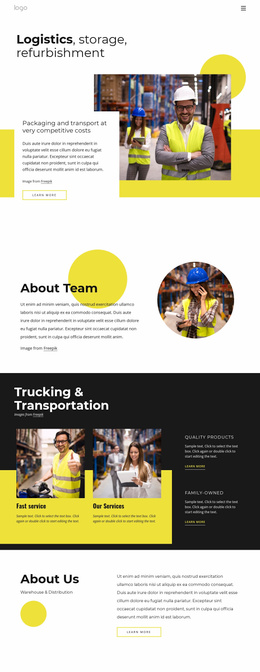



More Website Templates from Industrial Category




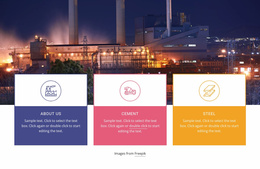

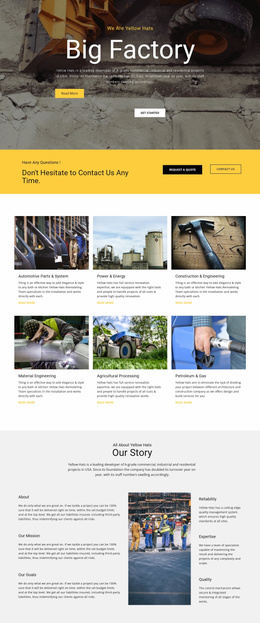


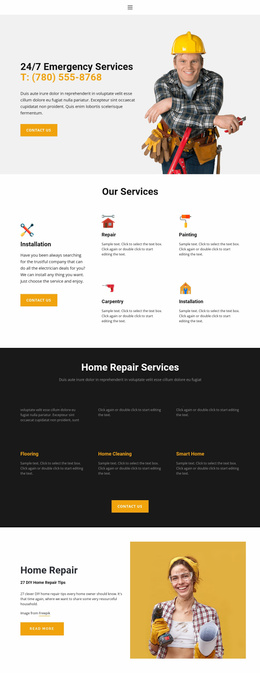
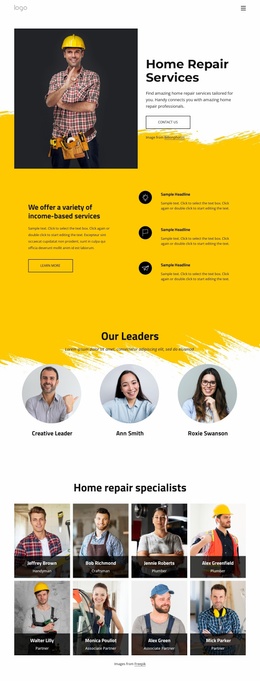







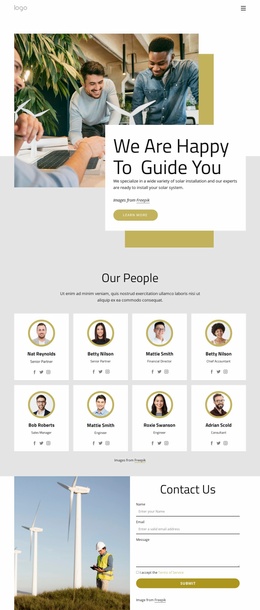



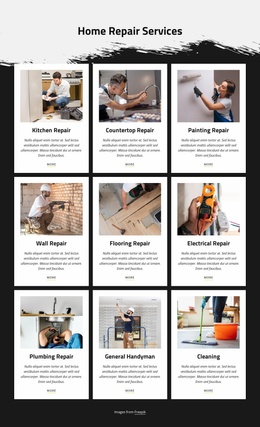


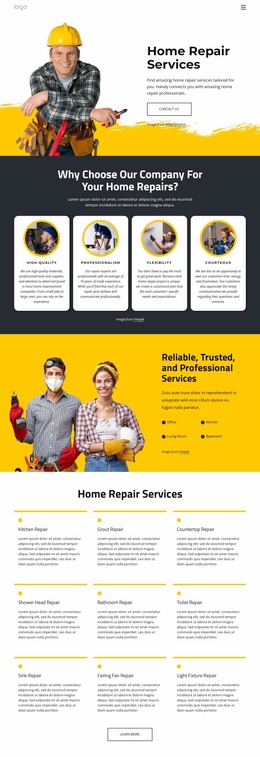


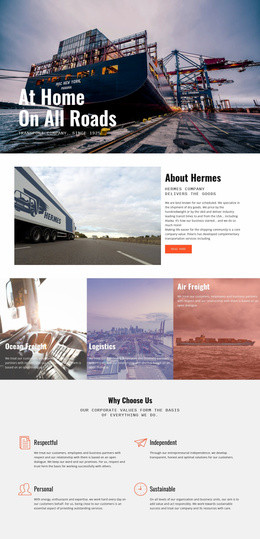













Other Industrial Website Templates
Professional Storage Website Templates for Facilities and Service Providers
Storage website templates help turn a collection of service details into a site customers can actually navigate. A visitor looking for a small unit has different questions than a company storing seasonal inventory. Still, both need to know what's available, where it's offered, and how to get started. When comparing designs, look beyond the homepage image. The useful question is whether the template supports the full path from choosing a storage option to contacting the right facility.
Start With the Pages Customers Need
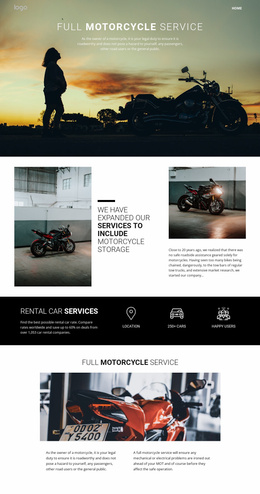
A single-location self-storage business may only need a homepage, unit sizes, pricing, FAQs, and contact details. A provider with several branches will also need a locations overview and a page for each facility. Vehicle storage services might add covered spaces and seasonal terms; warehouse operators may need pages for pallet capacity, handling, and delivery coverage. Digital storage providers, by contrast, need plans, account access, and support.
Check how these pages connect in the demo. A size guide should lead to relevant units or a quote request, not leave visitors at a dead end. Pricing pages should explain what the displayed rate covers, while FAQ pages can address access hours, deposits, and prohibited items. The strongest design makes these answers easy to find without cluttering the homepage.
Make Different Facilities Easy to Compare
For a multi-location operator, consistency matters, but identical pages can mislead. Each location should include its own address, gate and office hours, available unit sizes, security features, and contact route. A clear locations directory helps customers compare branches before opening individual pages.
Review the navigation using real labels such as Unit Sizes, Locations, Business Storage, and Reserve a Unit. Check whether longer facility names fit and whether the menu remains understandable on a phone. Nicepage lets you add pages and organize them in multilevel menus, so a growing business can keep related locations together without overwhelming the main navigation.
Connect Storage Decisions to a Clear Next Step
The best storage website template places relevant actions where customers make decisions. A unit detail page might offer a reservation request; a warehouse service page may need a quote form for variable space and handling requirements. If prices depend on location or rental duration, the site should make that clear rather than promising one rate everywhere.
Use your own facility photos when evaluating shortlisted designs. Then test the journey: can someone select a storage type, find a nearby location, review its terms, and reach the appropriate form without starting over? That connected experience is what separates a useful storage website from a set of attractive but disconnected pages.