
Agricultural Machinery Website Templates
Machinery dealers and manufacturers often need separate areas for tractors, implements, parts, service, and company information. A ready-made website structure connects those pages through one clear navigation system.
-
-

-
-
-
-
-
-
-
-
-
-
-
-
-
-
-
-
-
-
Customize Any TemplateDownload
-
-
-
-
-
-
-
-
-
-
-
-
-
-

























More Website Templates from Industrial Category





























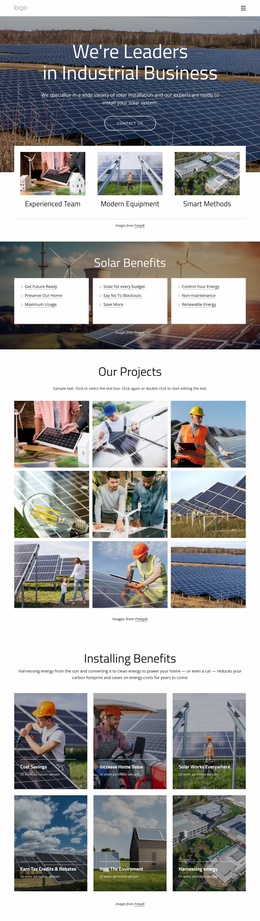

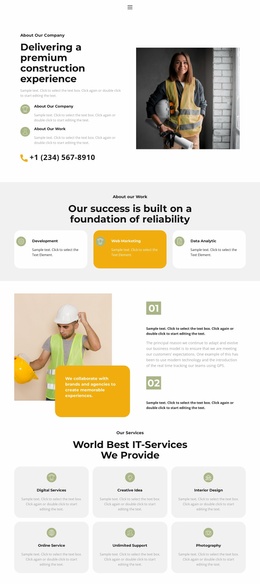
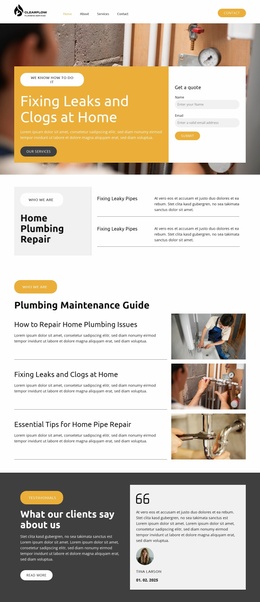
Other Industrial Website Templates
Agricultural Machinery Website Templates for Complete Equipment Sites
A farm equipment business rarely fits on one promotional screen. A manufacturer needs model families, a dealer network, technical resources, and a corporate area. A dealer needs local stock, service, spare parts, and a way to be found by region. A rental company needs equipment categories, terms, and an availability request. Agricultural machinery website templates are useful when all of that already exists as a connected set of pages, with the Header, Menu, and Footer holding them together.
Start With A Page Map
Before looking at colors, count the destinations. A complete machinery website usually carries more of them than owners expect:
- category pages for tractors, harvesters, loaders, seeders, balers, and tillage equipment;
- model family and individual machine pages sitting one level below each category;
- a dealer locator plus dealer detail pages built around region and coverage;
- a service area for maintenance information, workshops, and booking;
- a spare parts section kept away from sales content;
- financing or leasing, company, careers, and contact destinations.
That map is the real difference between a full website template and a single promotional layout. Levels matter as much as counts: a home screen leads to a category, a category leads to a series, and a series leads to one machine and its nearest dealer. Whatever the demo leaves out, somebody has to invent later.
Journeys Buyers Or Owners Follow
Judge a template by how easily a visitor crosses between those destinations:
- A buyer discovers tractors, compares two series, opens one machine, then moves to the nearest dealer and requests a quote;
- An owner arrives looking for a maintenance interval, reads the service content, and books a workshop visit at a local center;
- A farm renting for one season opens equipment categories, checks terms and availability, and then sends a request to the closest branch.
Each route crosses several parts of the site, so calls to action cannot all appear in a single machine view. Dealer contact belongs on the locator, a service booking belongs beside maintenance content, and a quote request belongs wherever a specific machine is described.
Navigation Holds Up As Sections Multiply
Nicepage Site Basics covers how to create and link project pages, and the Website Menu keeps equipment categories, support routes, and business information accessible from every screen.
Growth is the pressure test. A new dealer region, a used-equipment area, or a financing calculator should slot into the existing menu rather than forcing a redesign. The template worth choosing is the one whose ready-made page map already reflects the real shape of the business.