

Pipeline Website Templates
When a plant operator seeks pipe replacement services, the scope of work and contractor contacts matter more than an isolated project photo. Pipeline website templates organize company capabilities, completed assignments, and inquiry pages into a connected website.


More Website Templates from Industrial Category
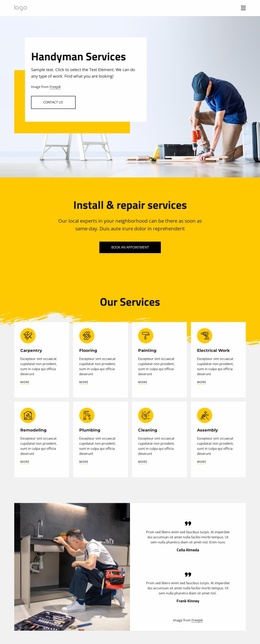





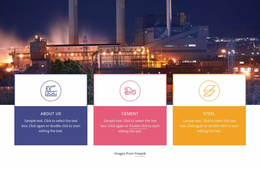
Other Industrial Website Templates
Ready-to-Use Pipeline Website Templates
Choosing among pipeline website templates starts with the page list in each demo. Some include service, project, and contact pages already linked, while others offer a homepage with a few inner pages. The closer the set matches your business, the less you'll need to add later. A ready structure also provides shared navigation and a consistent look, which is hard to maintain when pages are built separately.
Matching Page Sets to Your Business
Pipeline companies differ enough that one page set rarely suits them all. Compare demos against your own business model:
- A pipe manufacturer or supplier needs product categories, a page on production capabilities, and a short route to a quote request.
- An installation contractor relies on service pages that lead to the industries served and then to finished projects.
- A maintenance company gets more from a clear list of work types, the facilities it covers, and its service regions.
One visual style can serve all three, though the structure underneath usually changes. A supplier with detailed material data may also want a technical information page.
What Placeholder Projects Leave Out
Every demo arrives with placeholder content, and a Projects section full of handsome photos shows the layout and little else. A useful project entry includes the type of work, the facility, and the contractor's share of the job alongside the images. One striking photo of a finished line tells a plant engineer very little. An Industries page can group experience in water utilities, process plants, or oil and gas facilities, as long as the company has real work in each. Before going live, replace demo service names and descriptions with your own, and publish client names or site photos only with permission.
Walking a Buyer's Route Through Every Demo
Two equally polished demos can behave differently once you start clicking. Since Nicepage's Menu Element connects the pages through a shared header, test it the way a procurement manager would. Look for prefabricated pipe assemblies among the services, open a related project, and reach the contact details without backtracking. Repeat the route on a phone, where the menu collapses, and contact buttons can slip to the bottom.
A plant operator who needs a damaged section replaced takes a shorter path, from maintenance services straight to the inquiry form. Fields in the Contact Form Element are editable so that a contractor can ask for the project location and job description, and a supplier for product and quantity. Send a test inquiry before launch to confirm it arrives. After both routes, it is usually clear whether a demo leans toward a product catalog or toward service pages and case studies.