
News Templates
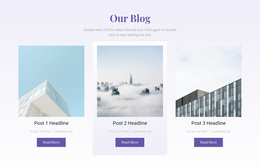
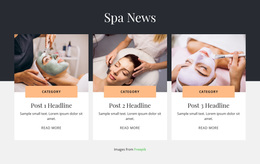
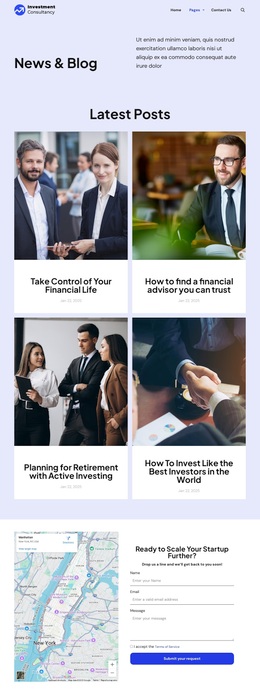
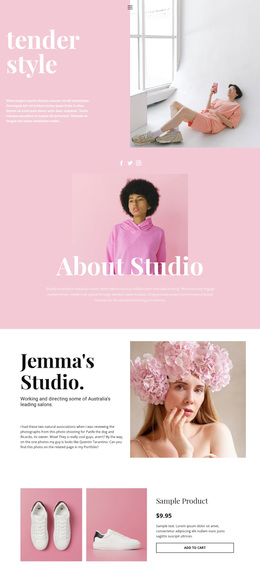
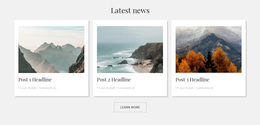
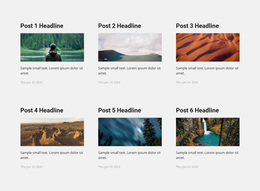
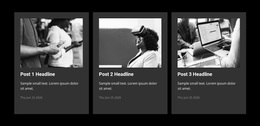
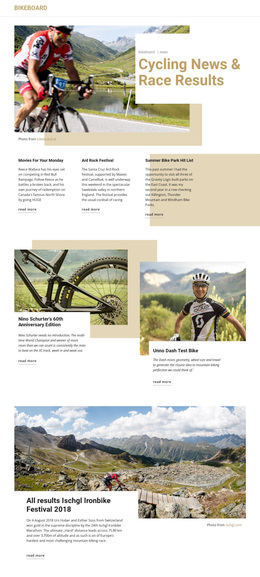
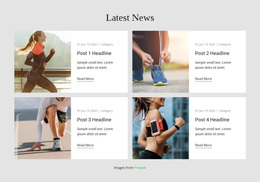
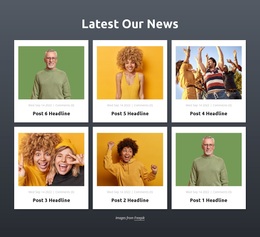
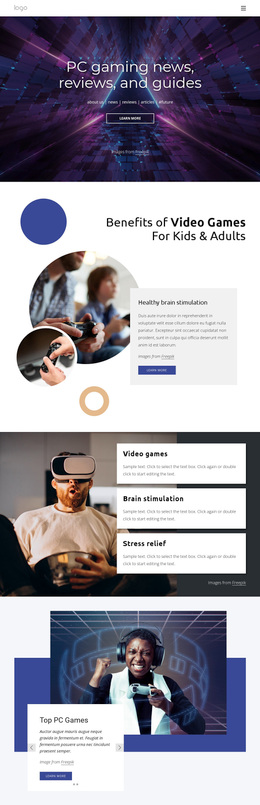
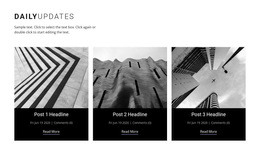
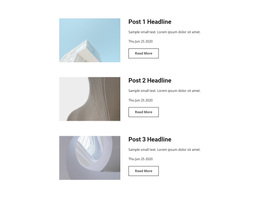
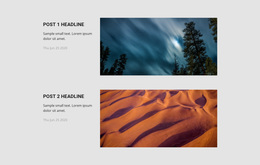
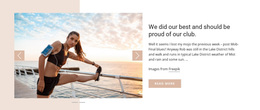
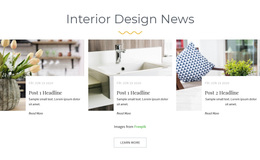
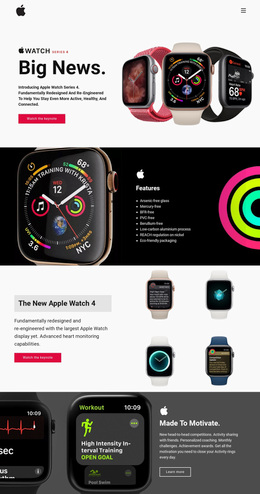
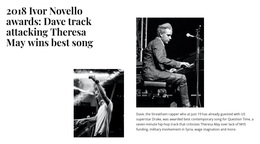
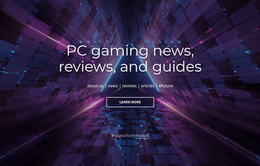
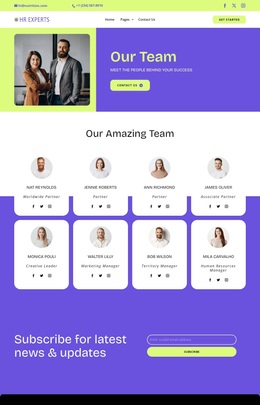
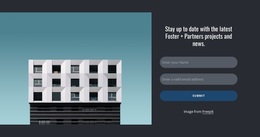
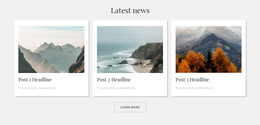
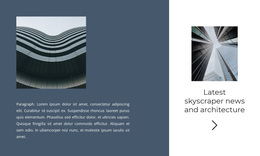
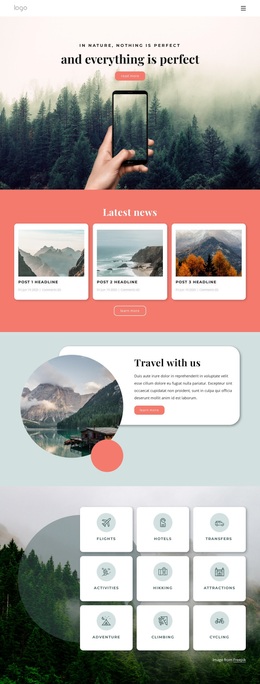
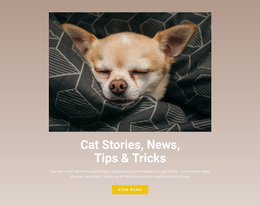
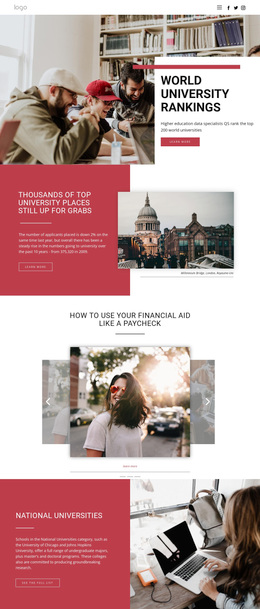
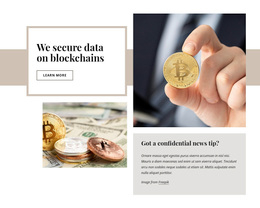
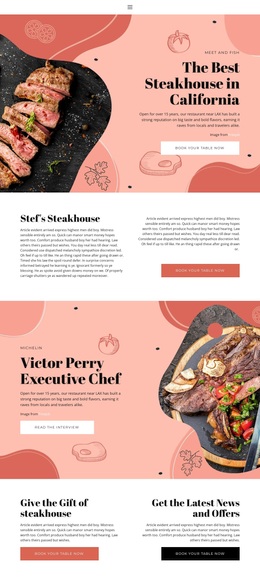
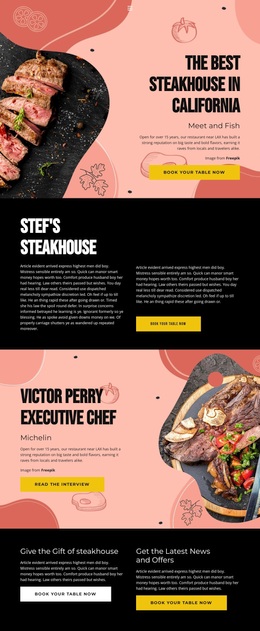
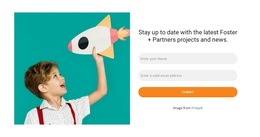
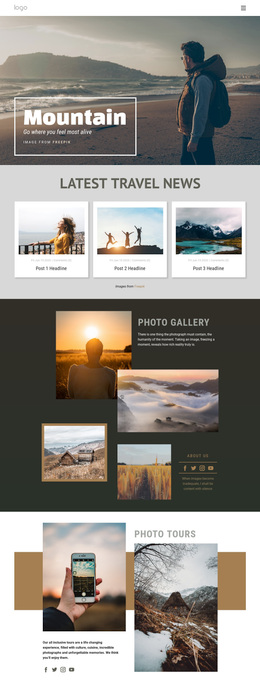
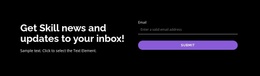
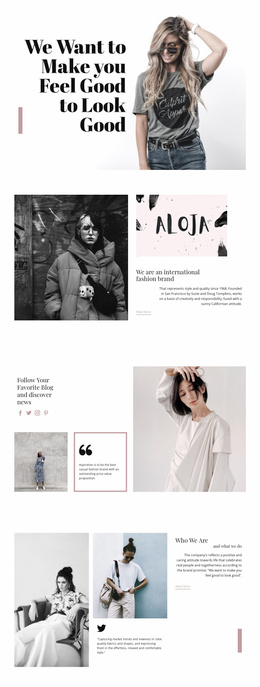
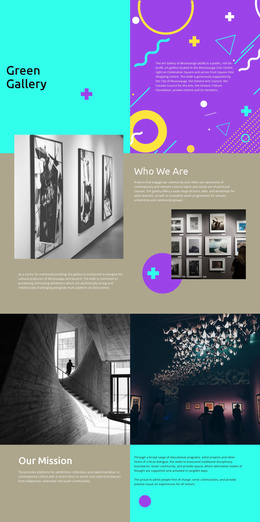
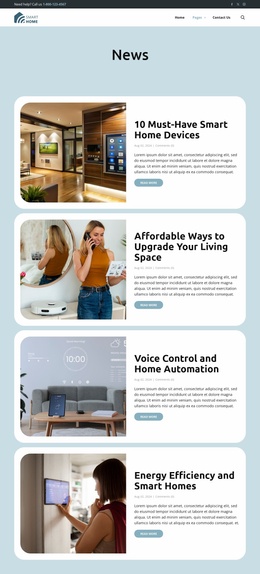
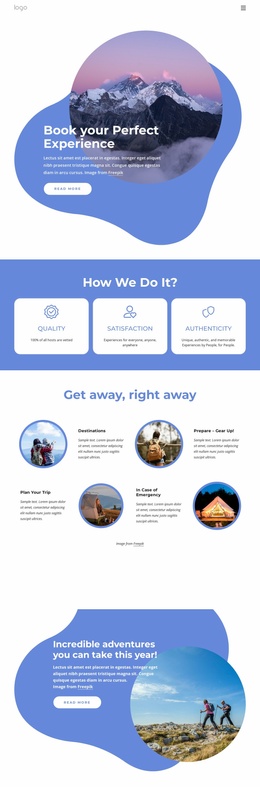
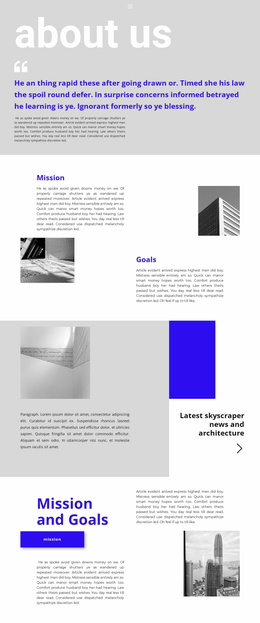
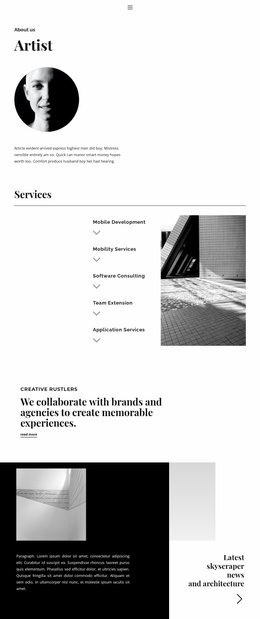
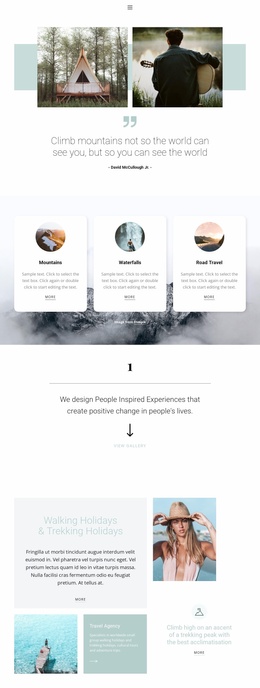
Browse contrasting news designs rather than committing to the first attractive preview. Compare news templates by headline length, image placement, card density, and how much information is visible at a glance.












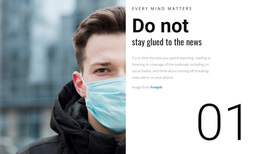
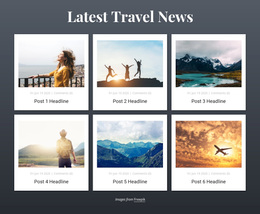
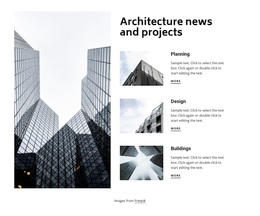


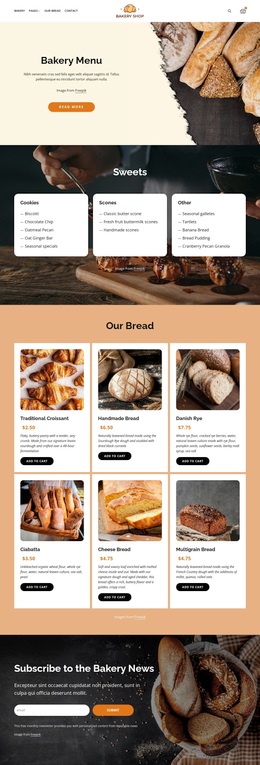




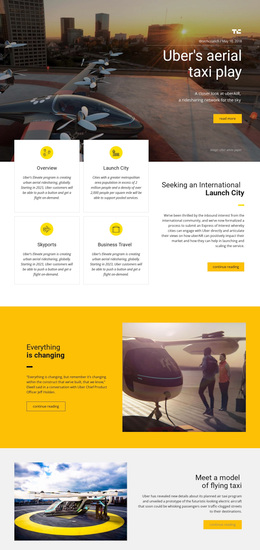
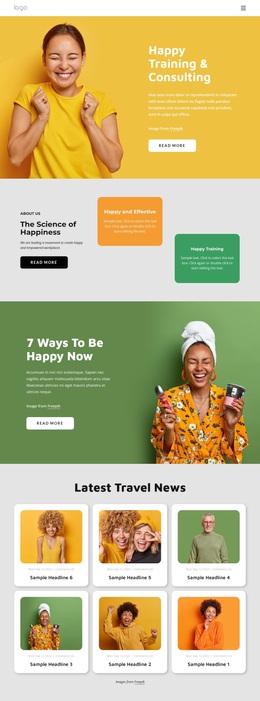
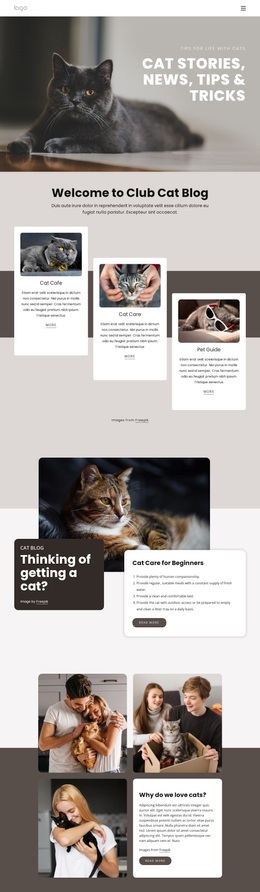
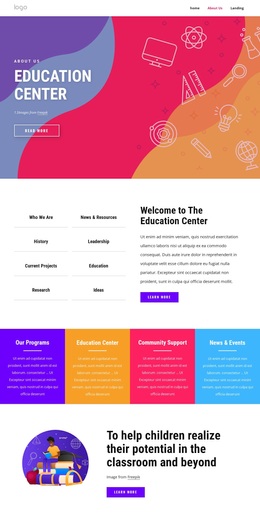

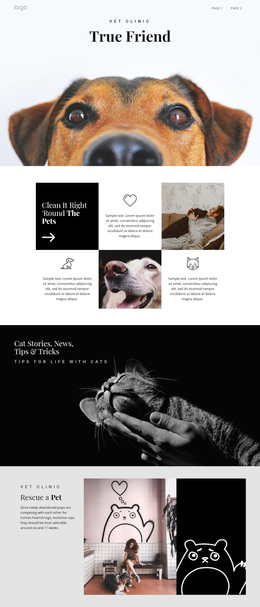
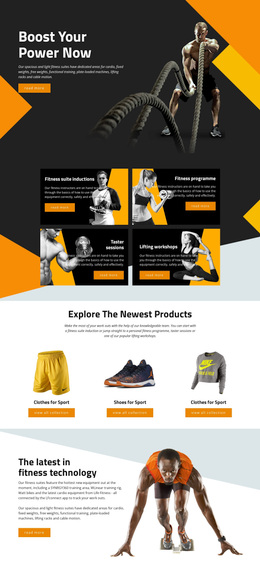
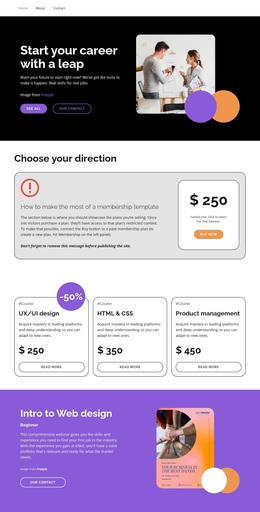
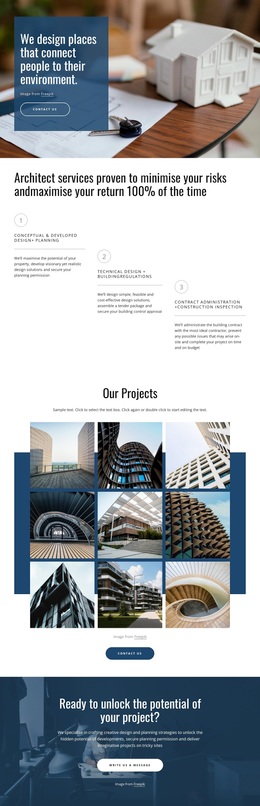

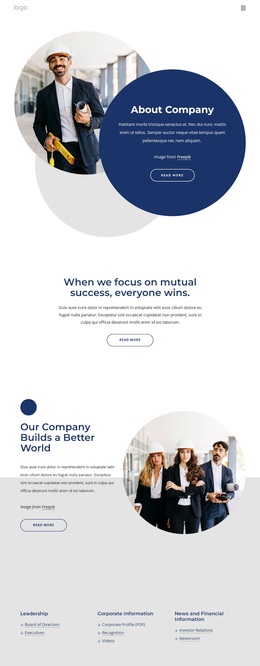
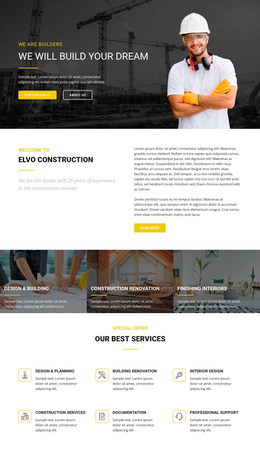
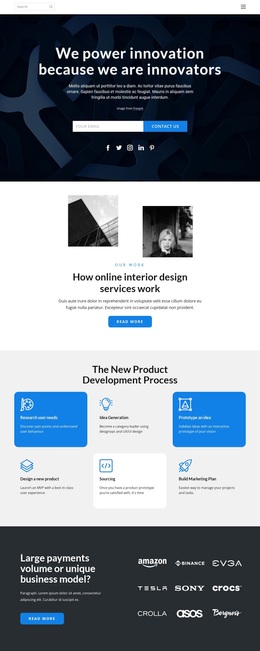
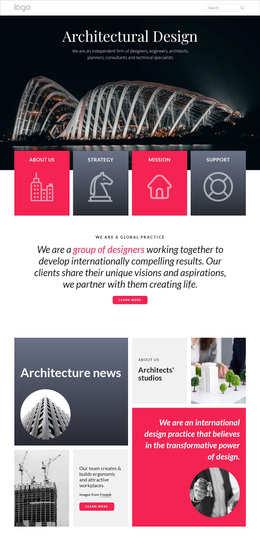
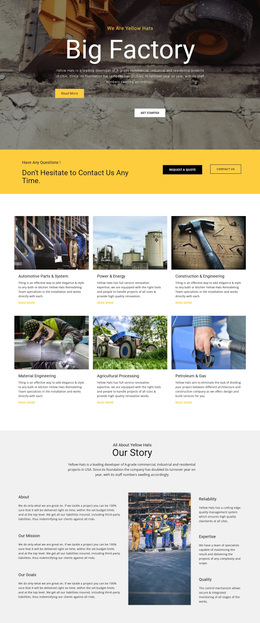
More Website & HTML Templates for News

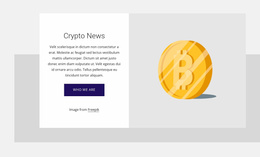

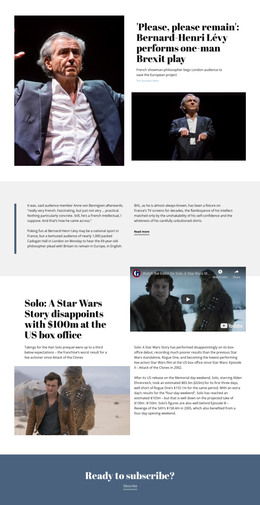










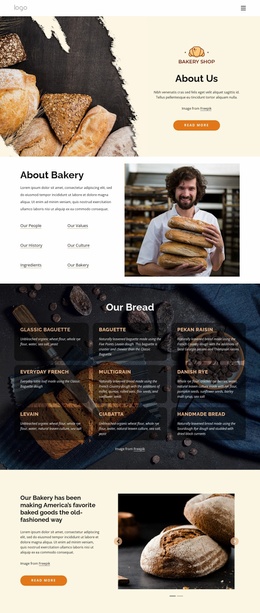
More Templates from Business & Law Category
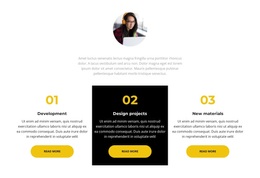
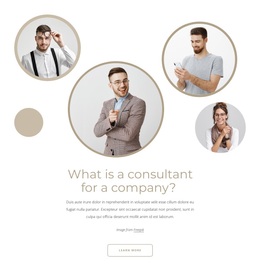


Other Business & Law Templates
Creative News Templates for Different Publishing Needs
News templates offer starting points for different publishing jobs and visual styles. Corporate news pages, editorial magazines, industry publications, and community bulletins have different content demands, from occasional announcements to frequent reporting. One layout may give a large photograph most of the opening screen; another might prioritize a tightly arranged set of text-first updates. Neither approach is automatically better. The right choice depends on what the publication covers, how much it posts, and how readers are likely to scan it.
Compare Visual Treatments Before Choosing a Layout
Start with the publication's purpose and usual content volume, then examine the composition. A corporate news page with monthly announcements may need a few spacious entries; an industry publication posting several daily briefs may need a denser arrangement. An image-led magazine design can make a feature stand out, while a compact, text-forward layout can display more headlines without a long initial scroll. Minimalist presentation can work when updates are infrequent.
Try applying the same sample material to contrasting designs. Use a short headline, a notably long one, and an update without a strong photograph. If a layout looks balanced only when every card has a large image and a two-word title, it may not match the real publication.
Look closely at where the eye lands first. Is there one clear focal point, or do all cards compete equally? Can the reader distinguish a feature from a brief item without relying on decoration? Also check whether the page can accommodate the intended publishing rhythm, such as occasional releases, recurring features, or a high volume of short updates. These questions connect visual choices to actual editorial use.
Test Page Designs and Page Presets with Real Content
Nicepage offers Page Designs and Page Presets as starting points for page composition. You can explore relevant layouts and add predesigned blocks where an existing option lacks space for a particular content format. The Add Pages, Blocks & Elements feature supports assembling pages from available designs and components; use the controls shown in the current editor rather than assuming a specific catalog filter exists.
For a practical comparison, place the same five headlines and two available images into two candidate layouts. Check how many items fit before scrolling, how card edges align, and what happens when a title wraps. Then view both at phone width. This exposes differences that polished demonstration content can conceal.
Select the news template that fits both the publication's purpose and its normal amount of content, not the one that looks best with a single ideal photograph. Real headline lengths, image availability, and realistic story counts are the final tests, whether the intended result is a simple announcement page or a broader editorial project.