

Services Website Templates
Service companies often need dedicated pages for their offerings, credentials, customer projects, and contact information. Ready-made website templates bring these sections together through organized page layouts and navigation, providing a practical foundation for a complete business website.
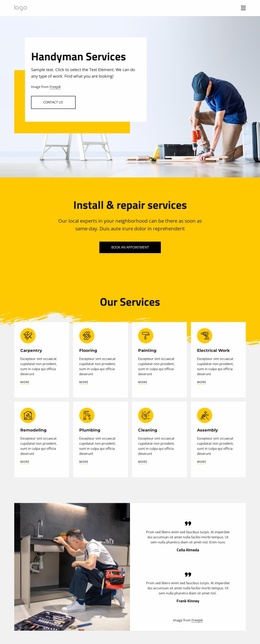



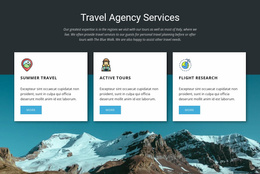
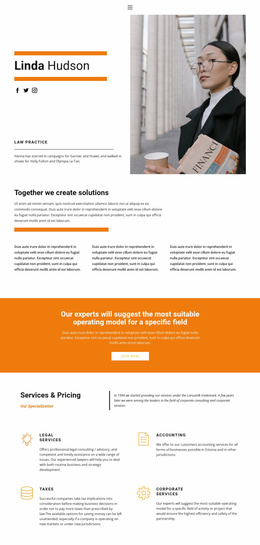










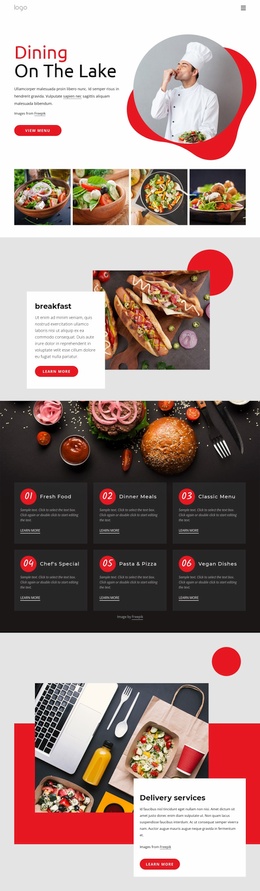



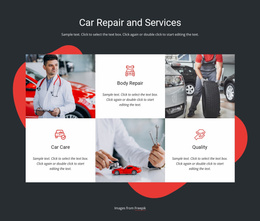

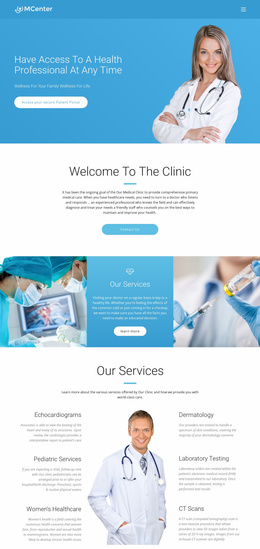










































Other Business & Law Website Templates
Professional Services Website Templates for Business Sites
Service providers with several offerings need a website that presents more than a brief company introduction. Service website templates give contractors, consulting firms, maintenance companies, and business agencies a starting point for building connected business pages. The pages included vary by template, and additional pages may be needed for a particular project. Instead of treating every service as an isolated page, these templates connect company information, specialized offerings, customer references, and contact details within one organized project. This structure helps visitors understand what the business provides and where to find relevant information.
Ready-to-Use Website Structure for Service Companies
The page structure should reflect how customers evaluate a service business. Some visitors want an overview of available services, while others need detailed qualifications, previous projects, or information about service locations.
Ready-made website templates help organize these different requirements into connected pages. The best page structure depends on the business model, the number of offerings, and what customers need before contacting you
A practical multi-page service website may include:
- Home Page — Introduces the company, summarizes its main services, and provides navigation to important sections.
- Services Page — Organizes available offerings into categories with links to individual service descriptions.
- About Page — Presents company experience, professional qualifications, team members, and relevant credentials.
- Projects or Testimonials Page — Shows completed work, customer experiences, or examples of previous assignments.
- Service Area Page — Clarifies the districts or regions covered and any location-specific service restrictions.
- Contact Page — Provides business hours, inquiry details, and communication methods.
This is one possible site structure, not a fixed package: a ready-made template may contain a single page or several pages, depending on the selected design.
These pages work together rather than competing for attention. For example, a property maintenance company can connect plumbing, electrical work, and seasonal inspections to relevant project examples. A consulting agency may connect its advisory services with team expertise and industry experience. A provider working across several cities might also add separate location pages with locally relevant coverage and contact details.
Flexible Navigation for Different Service Categories
A multi-page site becomes easier to use when visitors can move directly between related information. A cleaning company might organize residential, commercial, and specialized cleaning under one Services category. A technical support provider may require separate pages for installation, troubleshooting, and ongoing maintenance.
Nicepage provides a Menu Element that supports links to website pages, sections, and external destinations. Businesses can organize navigation items and create submenus when their service categories require additional levels.
The Nicepage Pages Panel is different: it is an editor workspace for adding, renaming, and managing the pages in the project. The Menu Element controls the links visitors use to navigate those pages; adding a page does not by itself determine how it appears in the menu.
Choose service website templates based on the company's actual scope. A small local provider may need only essential business pages, while a regional service organization may require multiple service categories, location information, and detailed project references. The page arrangement should accommodate these needs without making navigation unnecessarily complicated.