Book your perfect vacations Website Template


Edit Template Offline
2. Create new page and search for id 6000418
Edit Template Online
Create Awesome Websites


Free Nicepage Builder
Keywords
Trip Planning, Destination Discovery, and Contact Areas Establish a Site Foundation
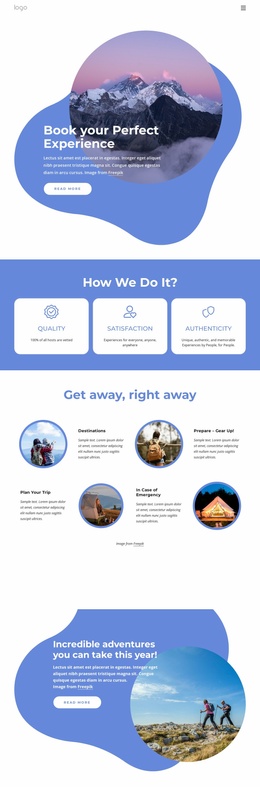
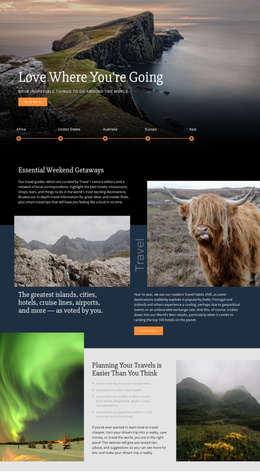
The design already separates several important content categories for a travel project. The opening experience feature introduces the subject with a mountain photograph, a short text card, and a “Read more” action, while the three principle cards explain quality, satisfaction, and authenticity as supporting ideas. These areas could anchor an overview page without requiring the visitor to interpret an undifferentiated collection of promotional sections.
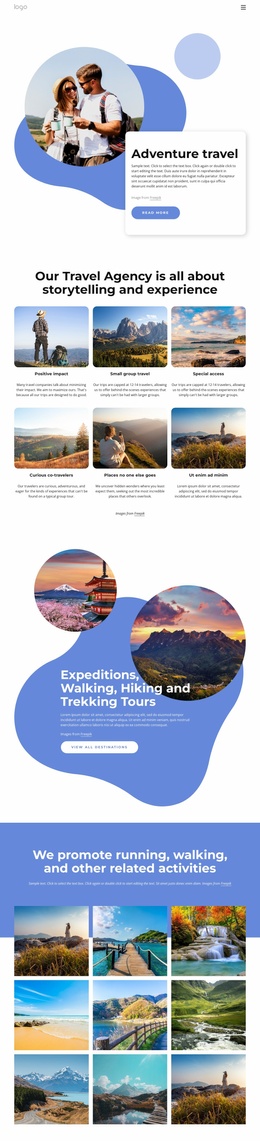
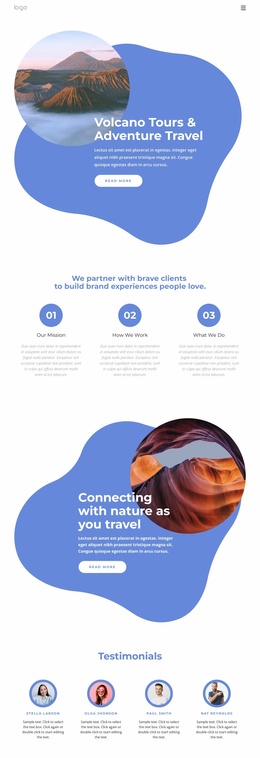
The four-part “Get away, right away” area adds a practical information structure. Destinations, preparation and gear, trip planning, and emergency information are presented as distinct topics with alternating images and text. That gives a broader website clear subject areas that could be expanded into more detailed travel content while retaining the same blue-and-white visual direction. The later adventure and next-trip features add further places for seasonal experiences or planning-focused information.
The six destination cards extend the foundation toward discovery content, covering New Zealand, Tanzania, Turkey, Namibia, Kenya, and Zambia. Below them, the newsletter signup and general inquiry form distinguish continuing updates from direct travel questions. Together with the compact navigation and dark footer, these sections define a useful information architecture for a travel website project. The page does not claim to include additional completed pages, but it gives future pages a clear starting relationship between experiences, destinations, preparation, and visitor contact.
Customize with Nicepage
Open this ready-made template in the Website Template Builder and customize it visually in the Nicepage editor. Replace demo content, edit page sections, and adapt the design to your project without rebuilding the template from scratch.
Build a Complete Website From This Template
Customize the Website Visually
Use this ready-made website template as a starting point for your project and adapt its pages visually in Nicepage. Change content, images, typography, navigation, sections, and other design elements while keeping the website together as a single editable project.
Manage Website Pages in One Project
Use the Pages panel to open, add, duplicate, and manage the pages of your website. Work on individual pages while keeping navigation and the overall site structure accessible from the same project, making it easier to develop a complete website instead of managing separate page files.
Expand the Website With Matching Designs
When you need additional pages or sections, use Page Design Sets to find Page and Block Designs created in the same visual style. Design Sets group matching designs together, making it easier to expand the website with new content while maintaining a consistent look across its pages and sections.
Organize Larger Multi-Page Websites
As the website grows, use Page Folders to organize related pages and keep larger multi-page projects easier to navigate in the editor. This is especially useful for websites with separate service pages, company information, contacts, landing pages, and other content areas.
This workflow makes the template a practical foundation for building and expanding a complete website while managing its pages, content, and visual design within one Nicepage project.