Family and education center Template

Edit Template Offline
2. Create new page and search for id 6086855
Edit Template Online
Create Awesome Websites


Free Nicepage Builder
Keywords
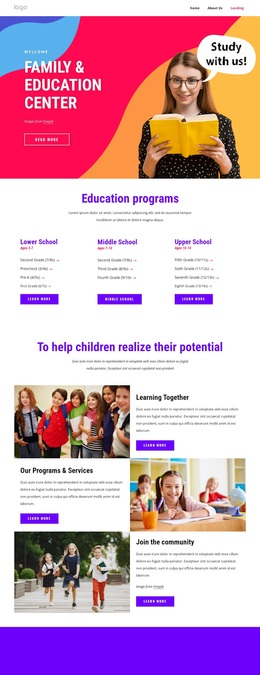
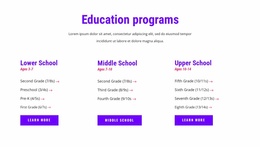
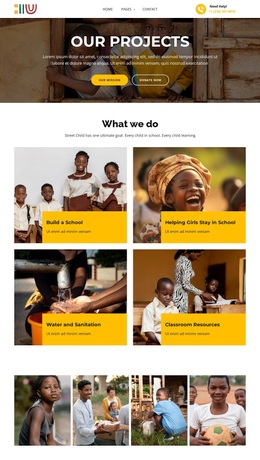
Four bright program cards turn a broad education story into a clear design choice
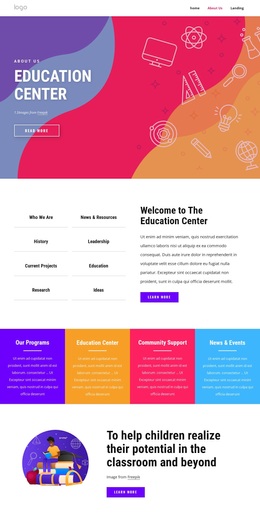
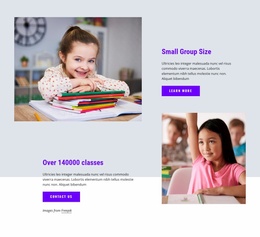
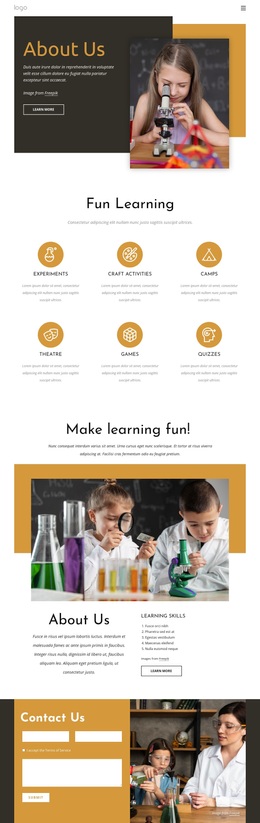
The strongest reason to choose this design is the way it combines organizational depth with quick visual orientation. The opening overview does not rely on one long block of copy; it separates eight subjects, including Who We Are, News & Resources, History, Leadership, Research, and Current Projects, beside a welcome panel. That makes the center’s identity and areas of activity visible as a set of related choices rather than as an undifferentiated introduction.
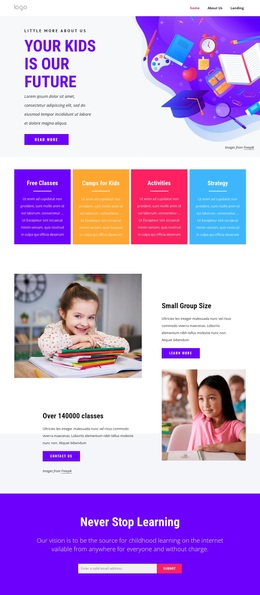
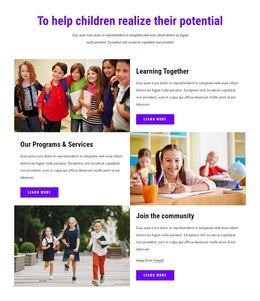
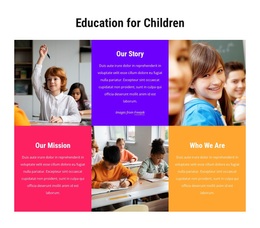
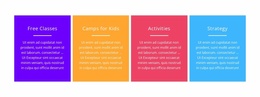
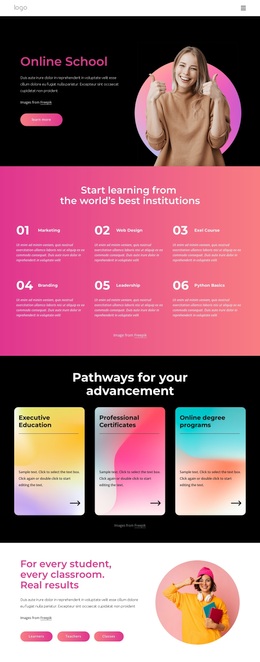
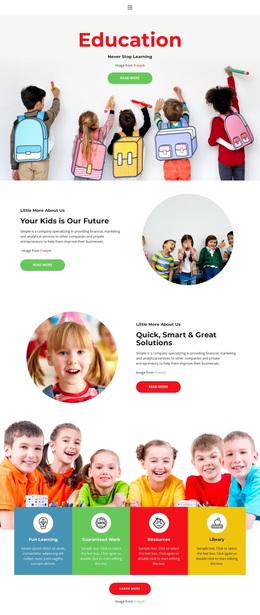
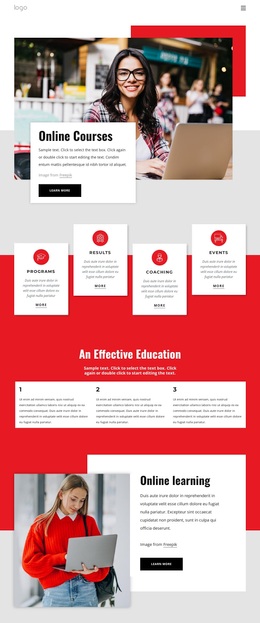
The four brightly colored program and support cards provide the page’s most distinctive organizing device. They make educational programs, community support, and news or events readable at a glance while giving the design a lively visual rhythm. The mission section then supplies a clear human purpose—helping children realize their potential in the classroom and beyond—so the cards are connected to an educational point of view rather than presented as unrelated features.
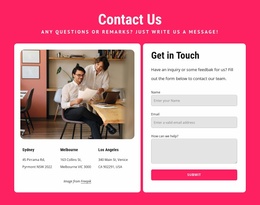
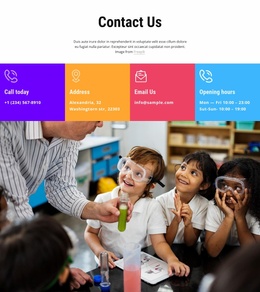
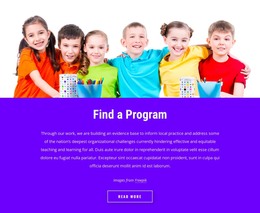
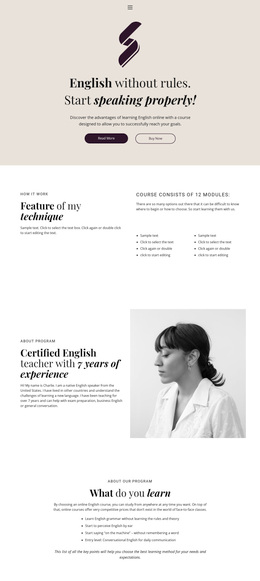
The template also covers the content range expected from an About page. A Find a Program promotion supports discovery, six alternating tiles explain story, mission, and identity, and the closing contact area groups phone, email, address, and opening-hours labels. This combination suits projects that need to explain an education center, show its program categories, and provide direct contact context in one visually expressive page. It stands apart from designs centered only on classroom imagery or only on administrative information.
Customize with Nicepage
Open this ready-made template in the Template Builder and customize it visually in the Nicepage editor. Replace demo content, edit page sections, and adapt the design to your project without rebuilding the template from scratch.
Start With a Ready-Made Template
Choose a Design for a New Page
Use a ready-made template as a starting point instead of creating every page from a blank canvas. When adding a new page in Nicepage, browse available designs, compare different layouts, and choose an option that already fits the general purpose and visual direction of your project.
Browse Different Page Designs
Explore Page Designs using search, thematic categories, Design Sets, and full-page previews. The collection includes layouts for different subjects and page purposes, making it easier to compare alternatives before selecting a design to customize.
Customize the Selected Template
After choosing a design, create the page and continue editing it visually in Nicepage. Replace the demo content, adjust images, typography, colors, sections, and other elements, and adapt the ready-made layout to your own content instead of rebuilding the design from the beginning.
Explore More Design Directions
If the first option does not match your project closely enough, return to the design collection and compare other templates before committing to a layout. This makes the template library useful not only for faster page creation, but also for exploring different visual approaches and finding a suitable starting point for a new project.
This workflow gives you access to a broad collection of ready-made designs that can be selected, compared, and customized according to the needs of each new page or project.